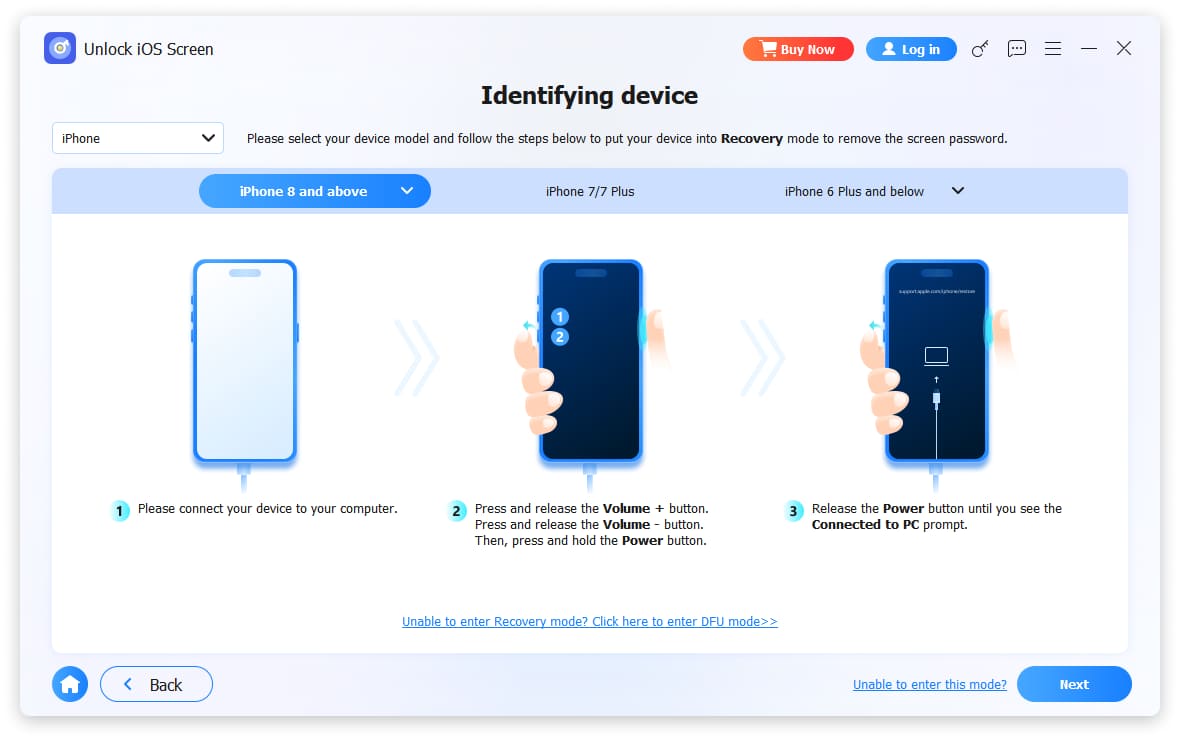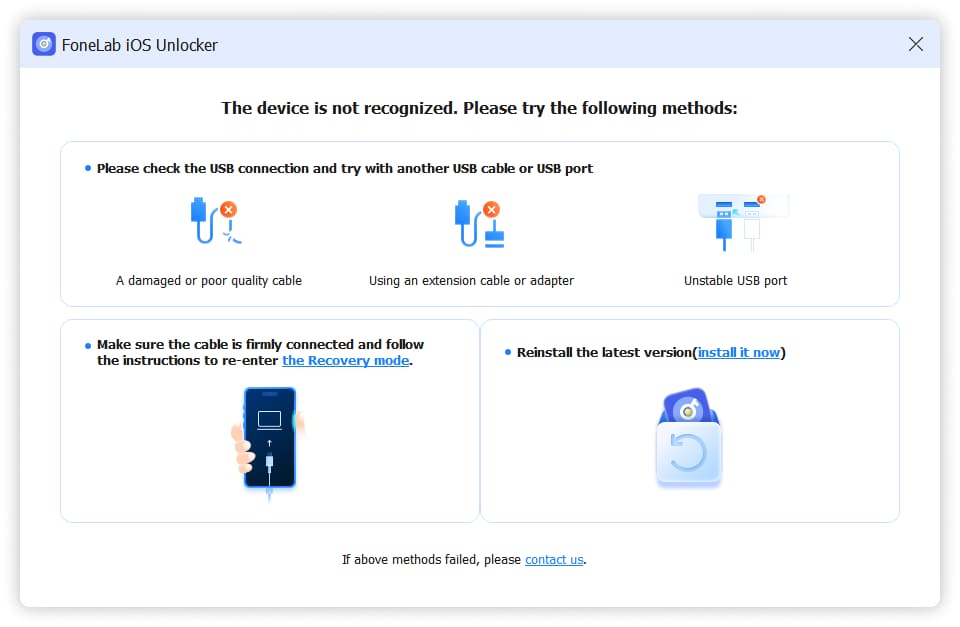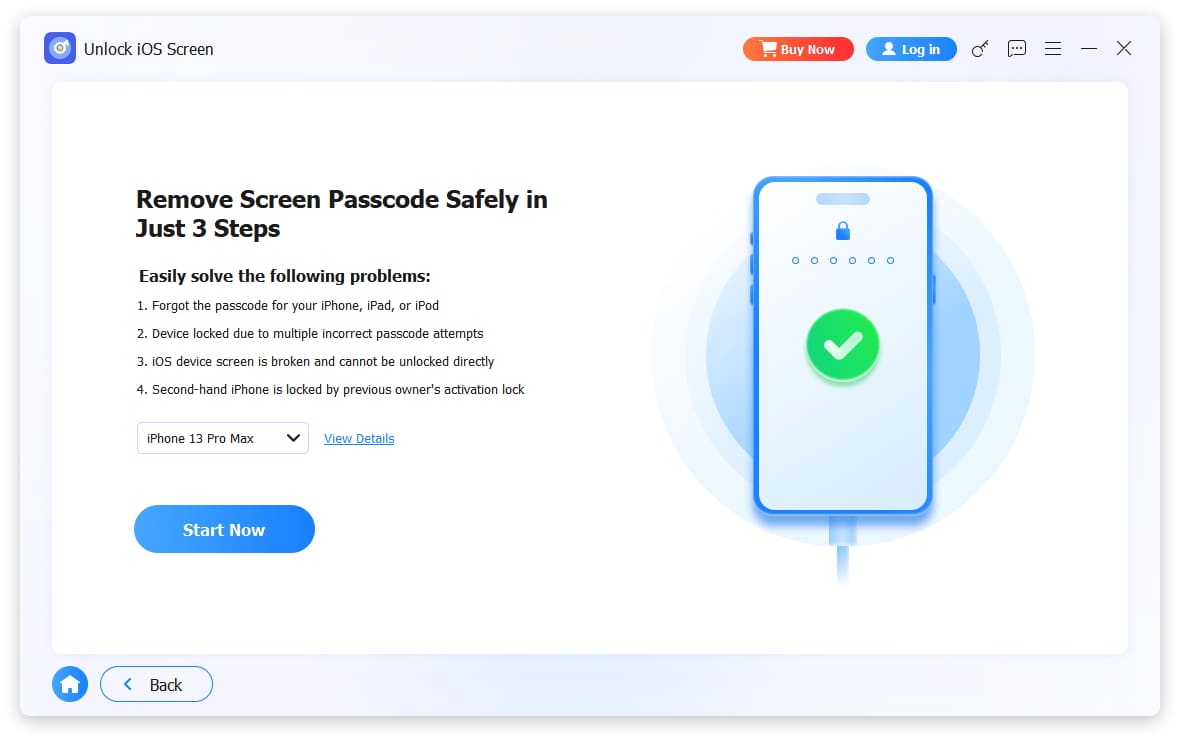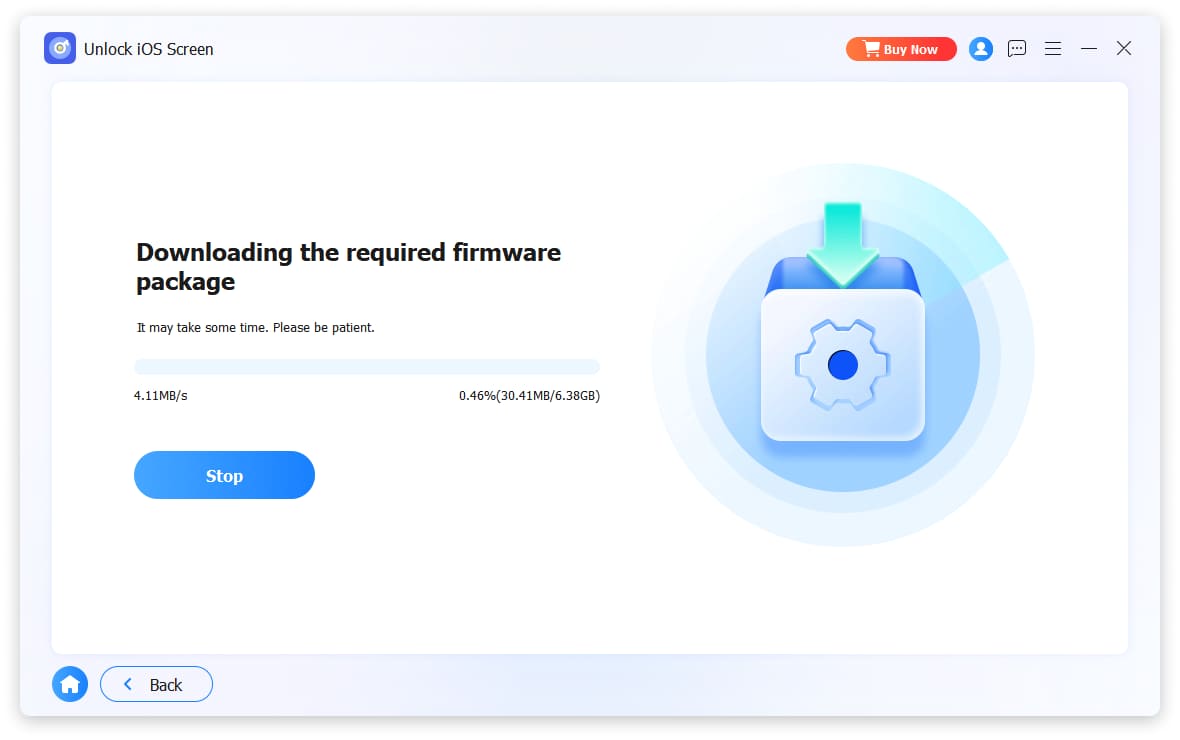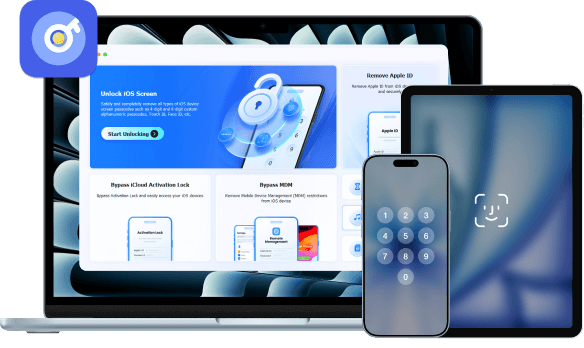
Unlock iOS Screen
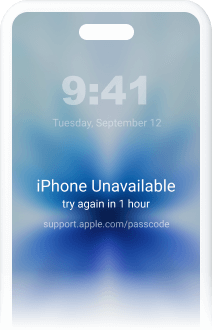
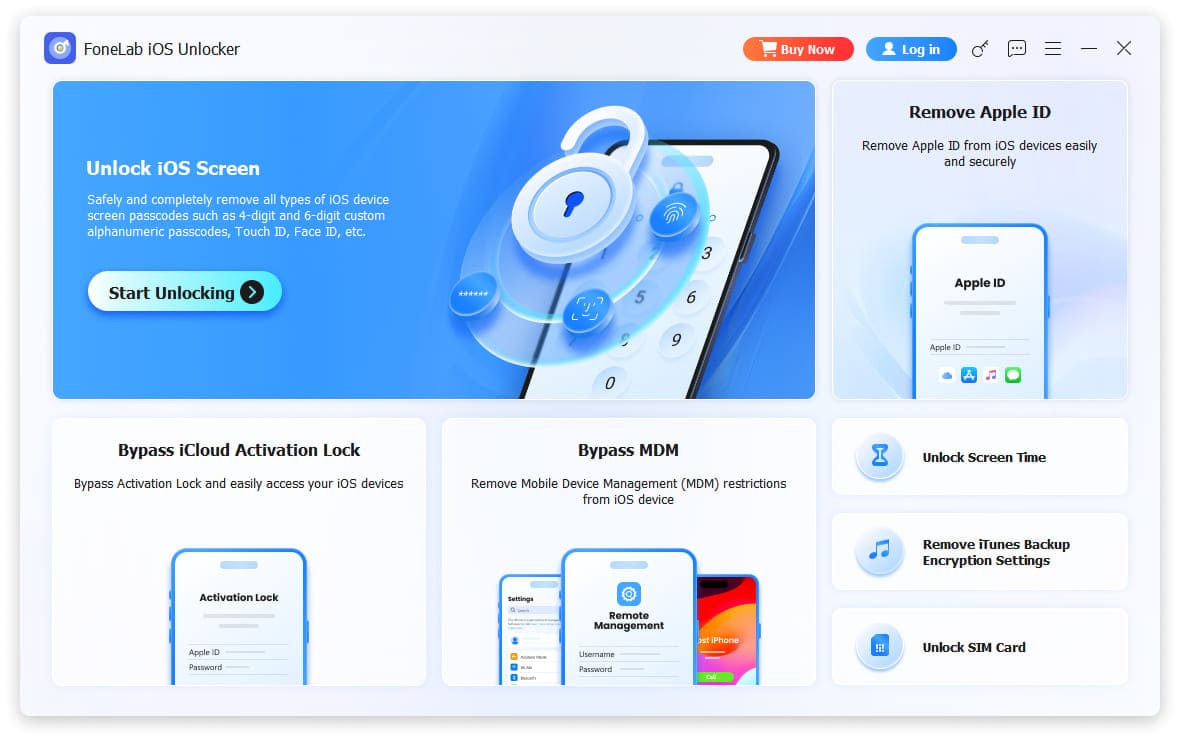
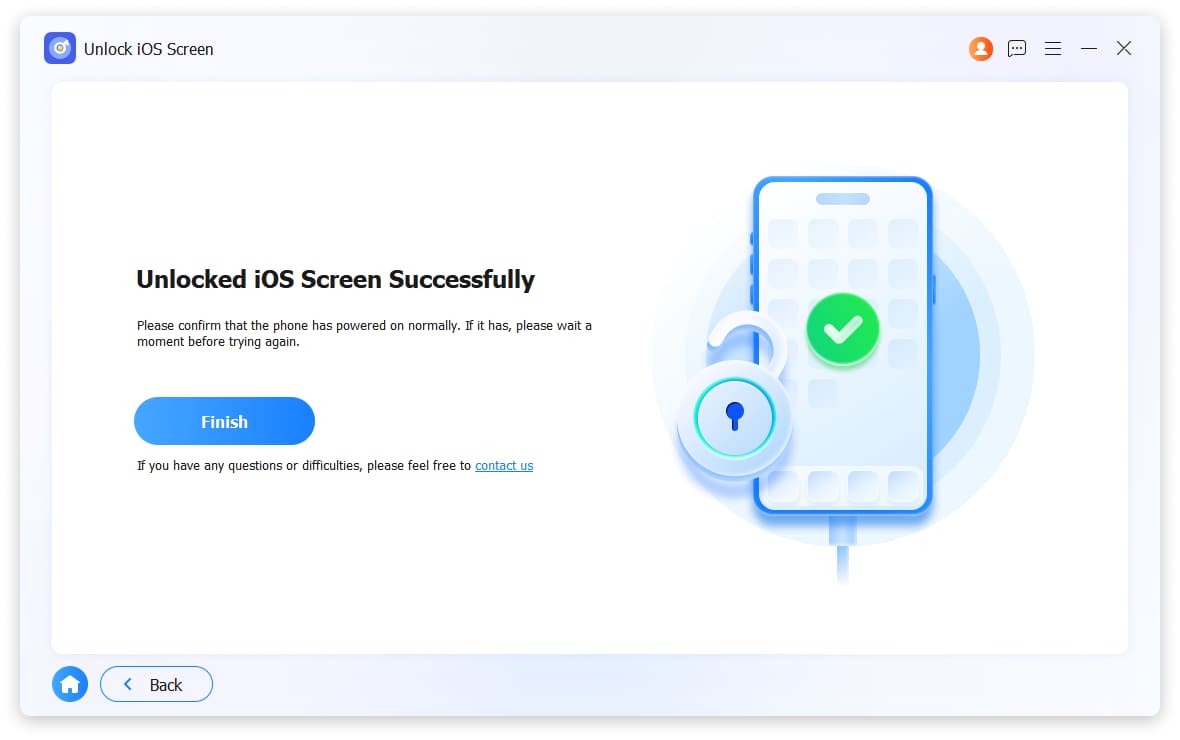
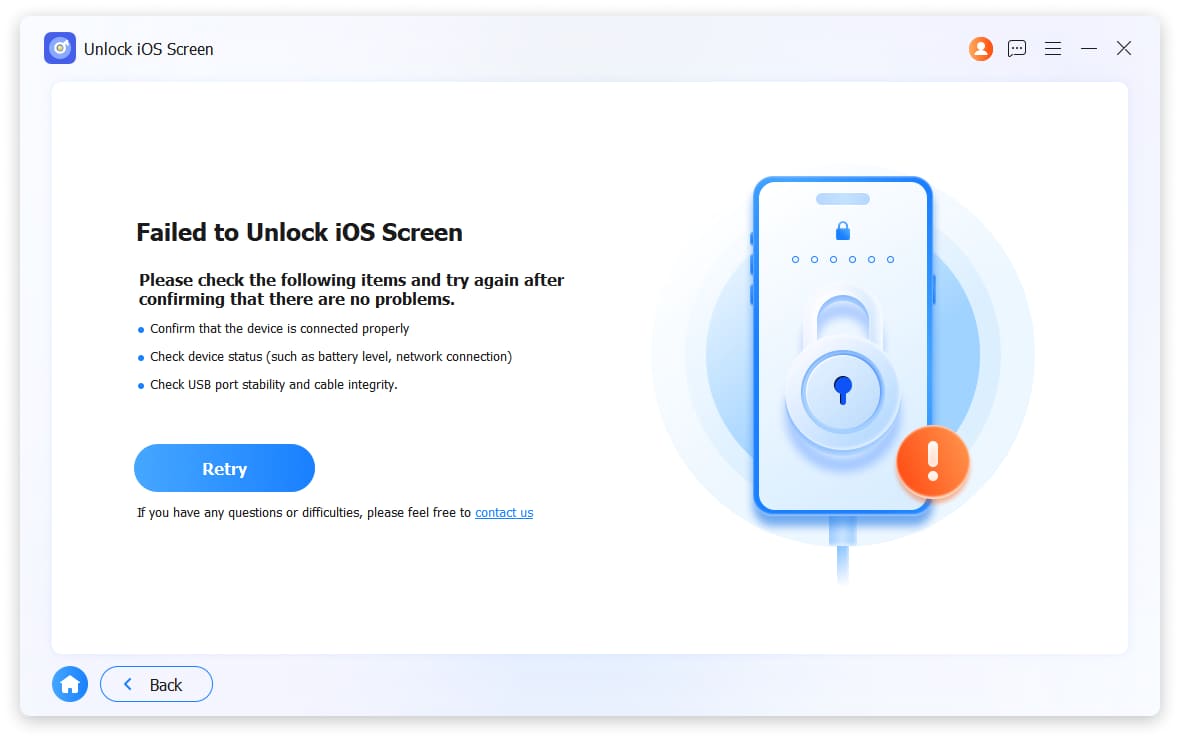
FoneLab iOS Unlocker will remove all types of lock screen from iPhone/iPad/iPod Touch like 4-digit/6-digit passcode, Touch ID, Face ID, etc.
Get it NowRemove Apple ID
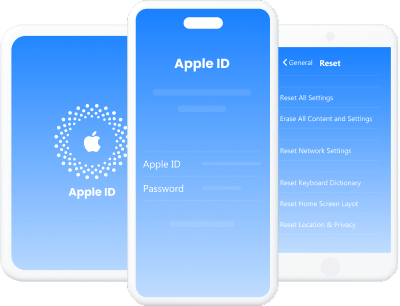
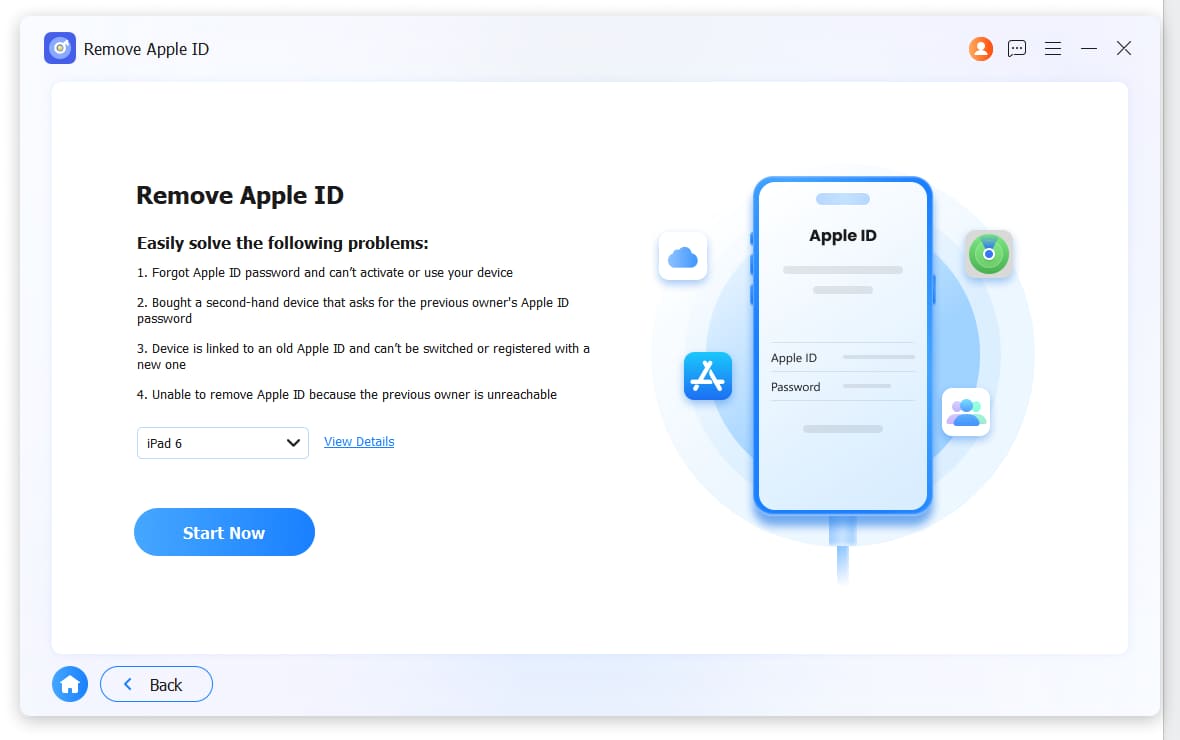
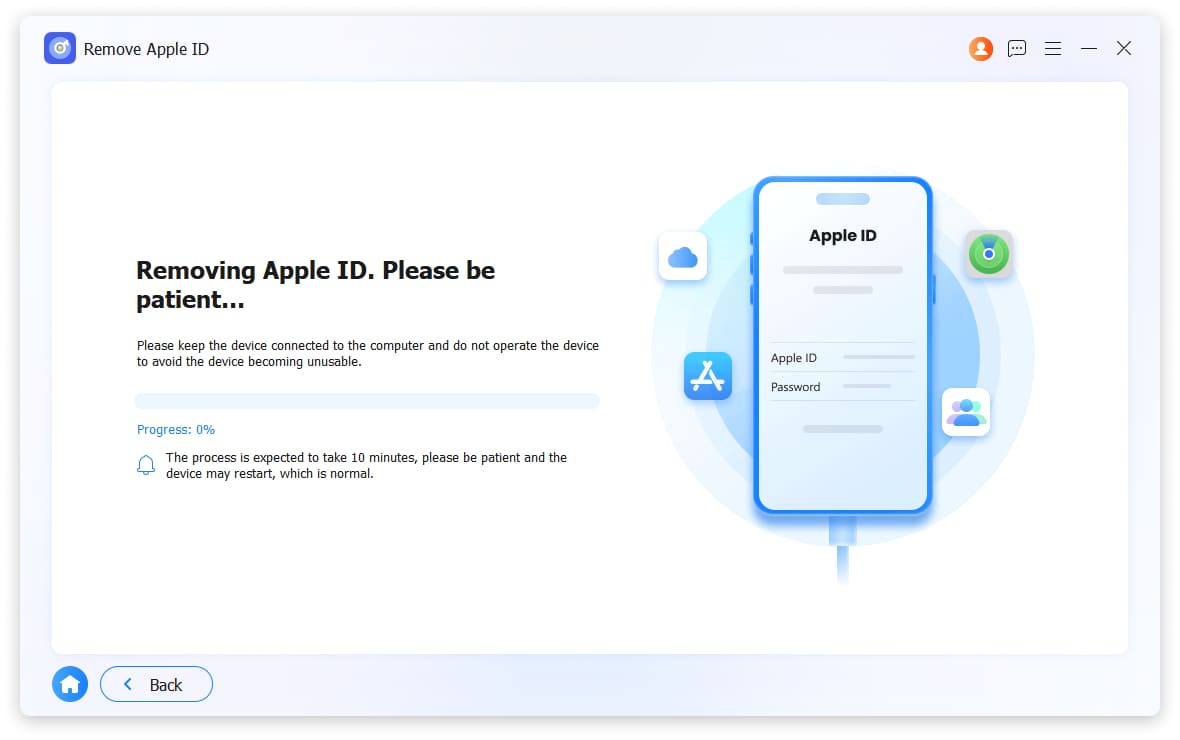
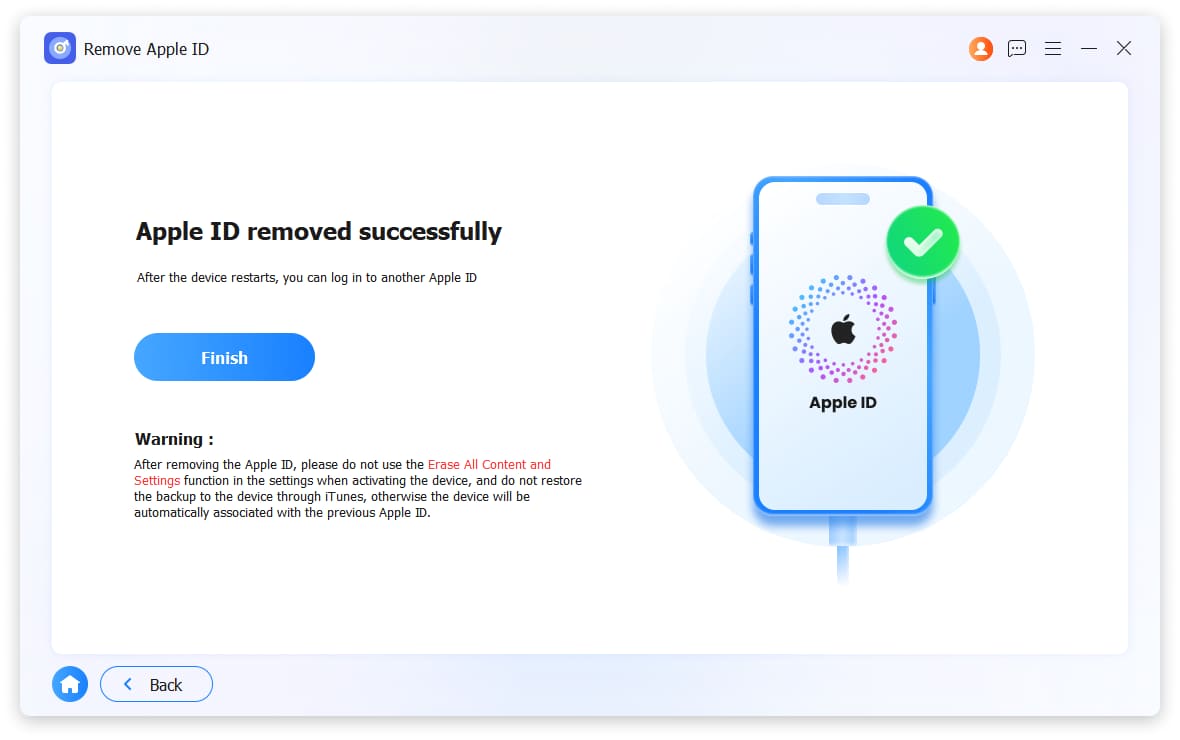
FoneLab iOS Unlocker can remove the Apple ID associated with your iPhone, iPad, or iPod Touch, including accounts linked to Find My iPhone, iCloud activation locks, and forgotten credentials.
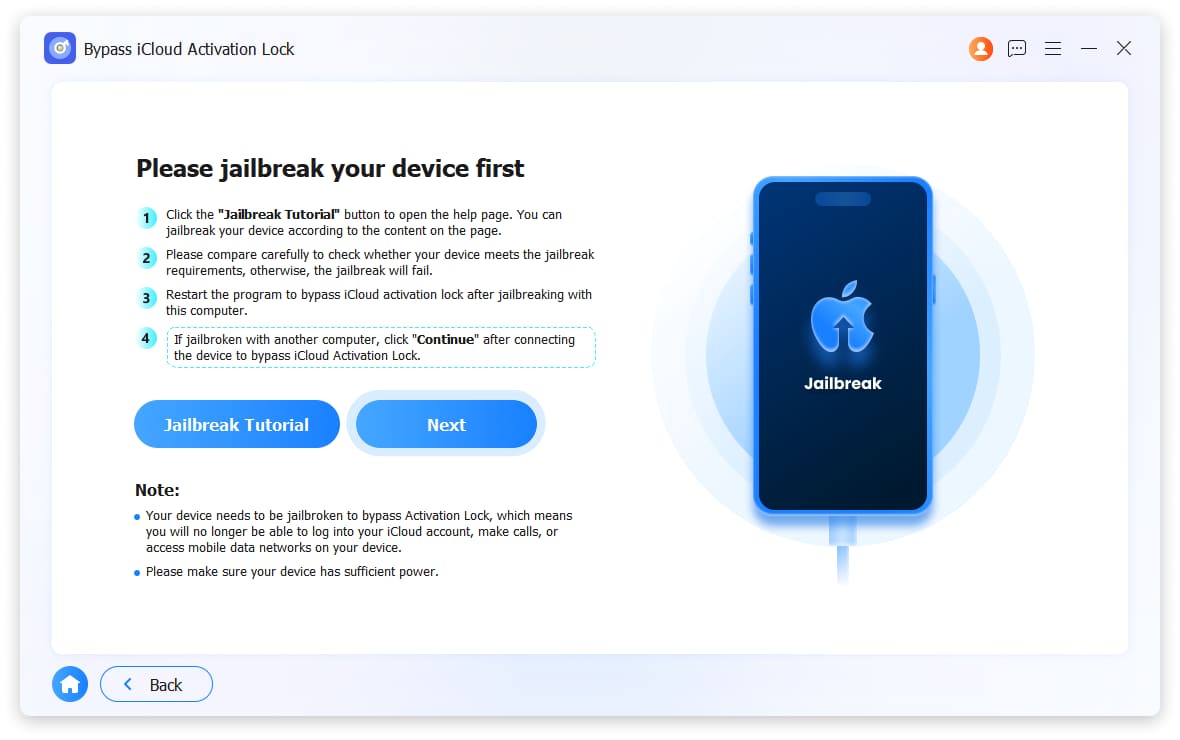
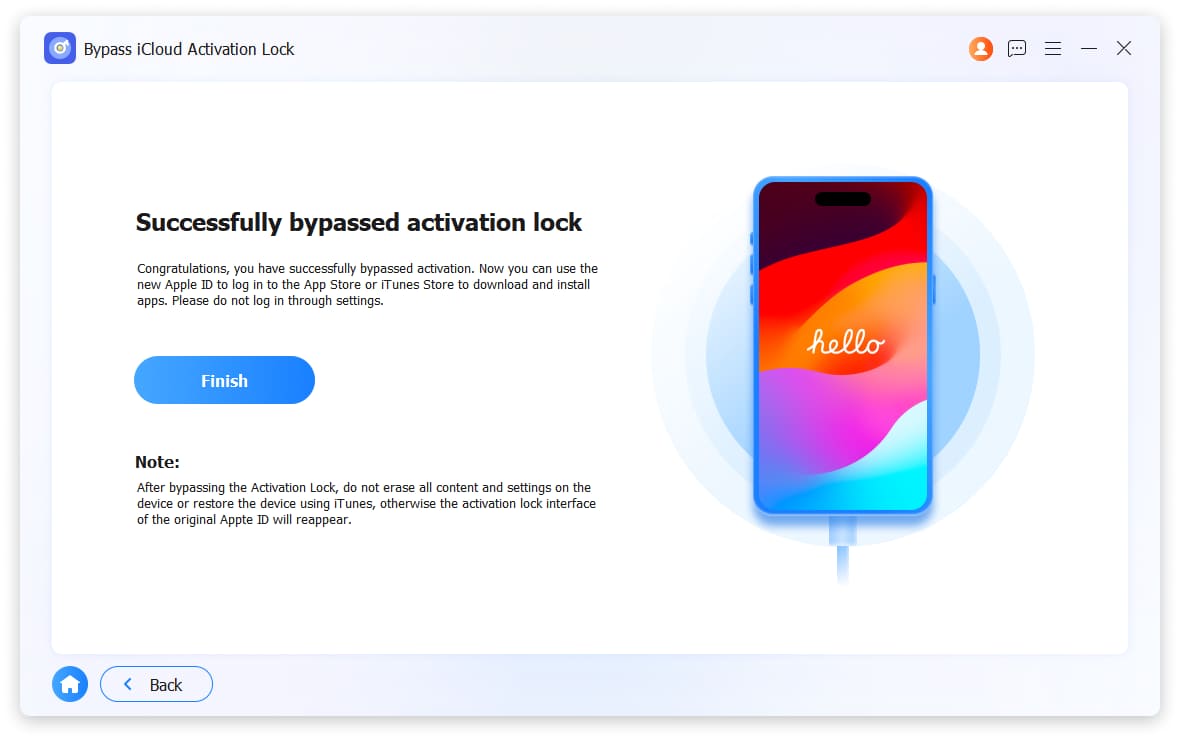
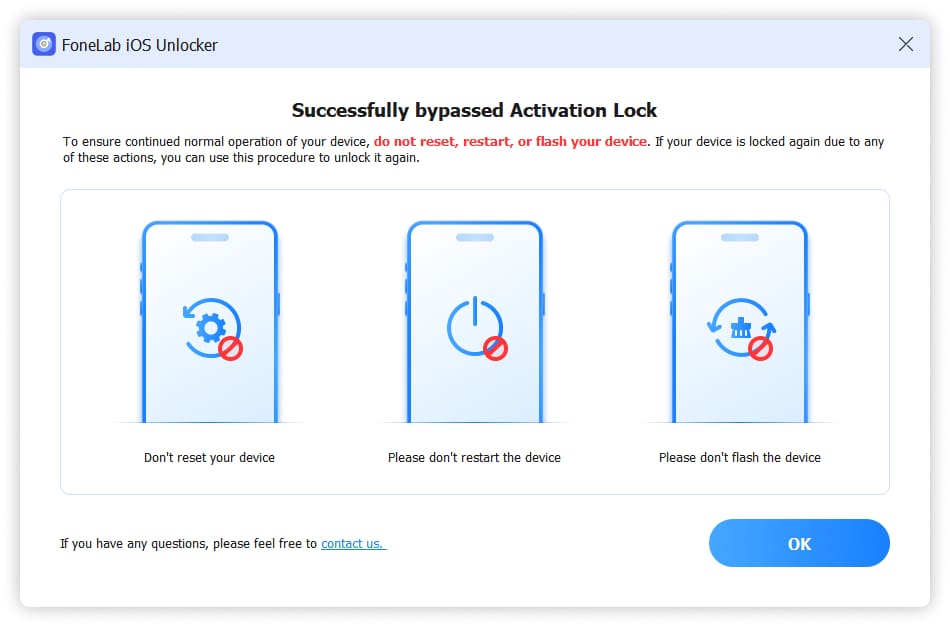
Get it NowBypass iCloud Activation Lock
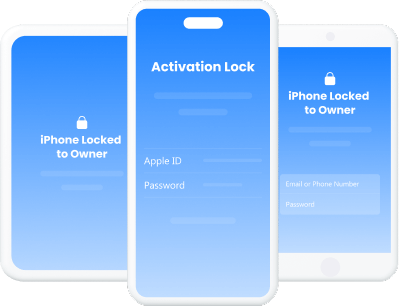
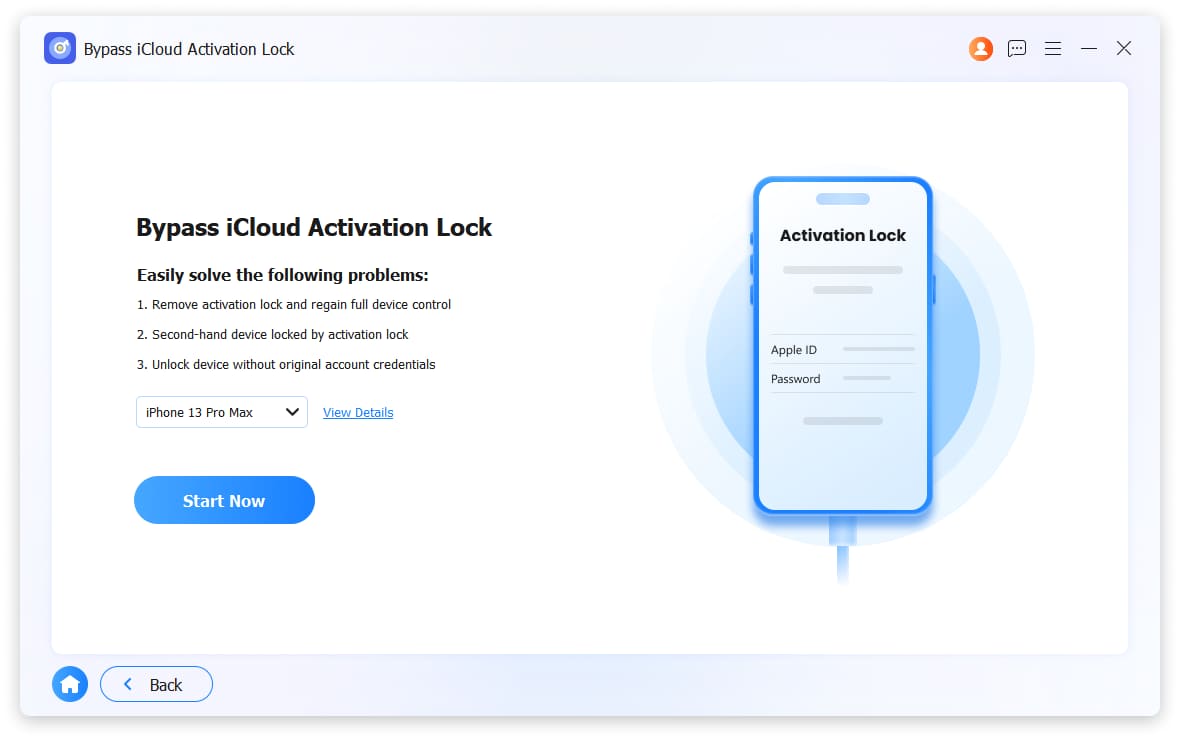
FoneLab iOS Unlocker can bypass the iCloud Activation Lock on your iPhone/iPad/iPod Touch, effectively removing it from the device to allow a fresh setup and full use.
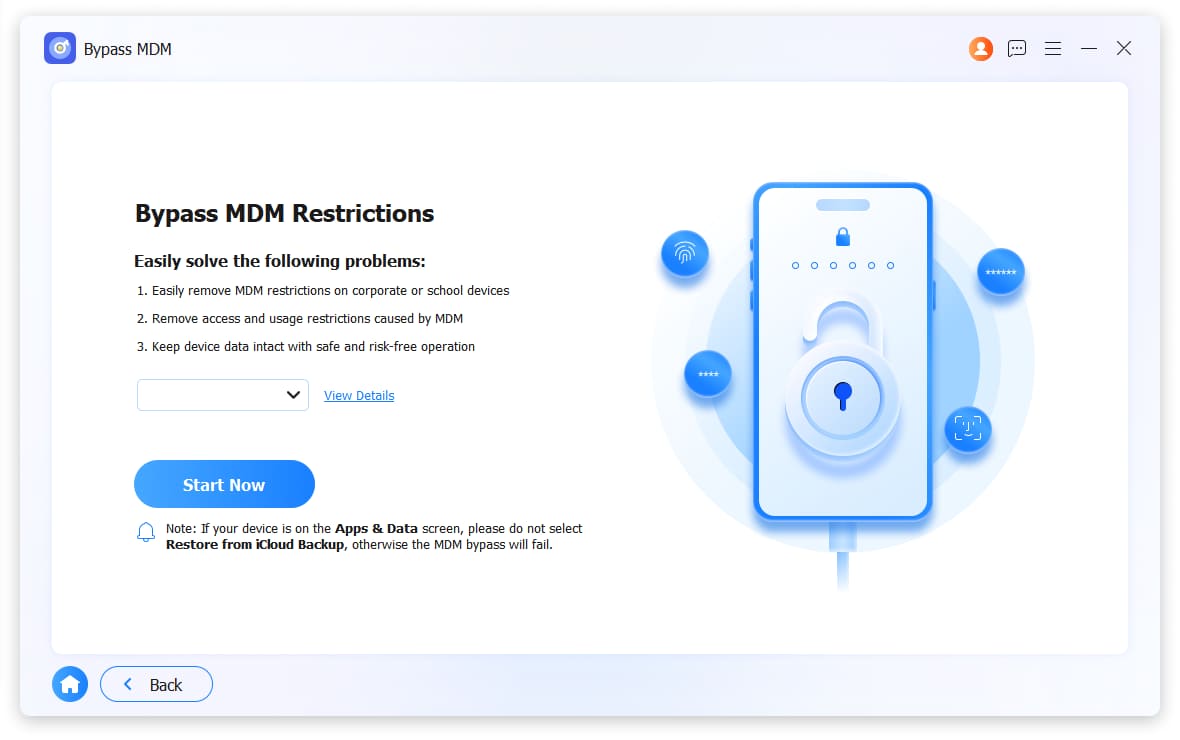
Get it NowBypass MDM
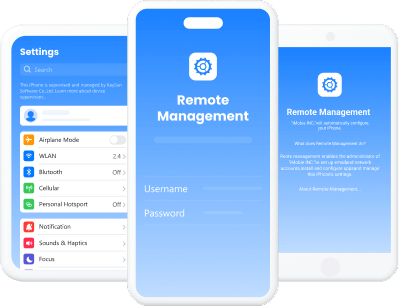
FoneLab iOS Unlocker can bypass various Mobile Device Management (MDM) restrictions on iPhone, iPad, and iPod Touch, including activation locks, profile locks, and corporate enrollment.
Get it NowUnlock Screen Time
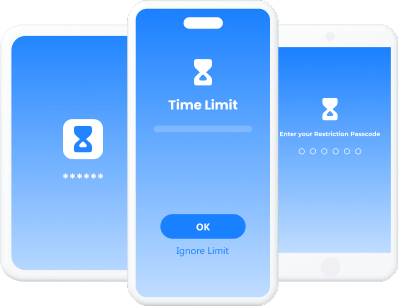
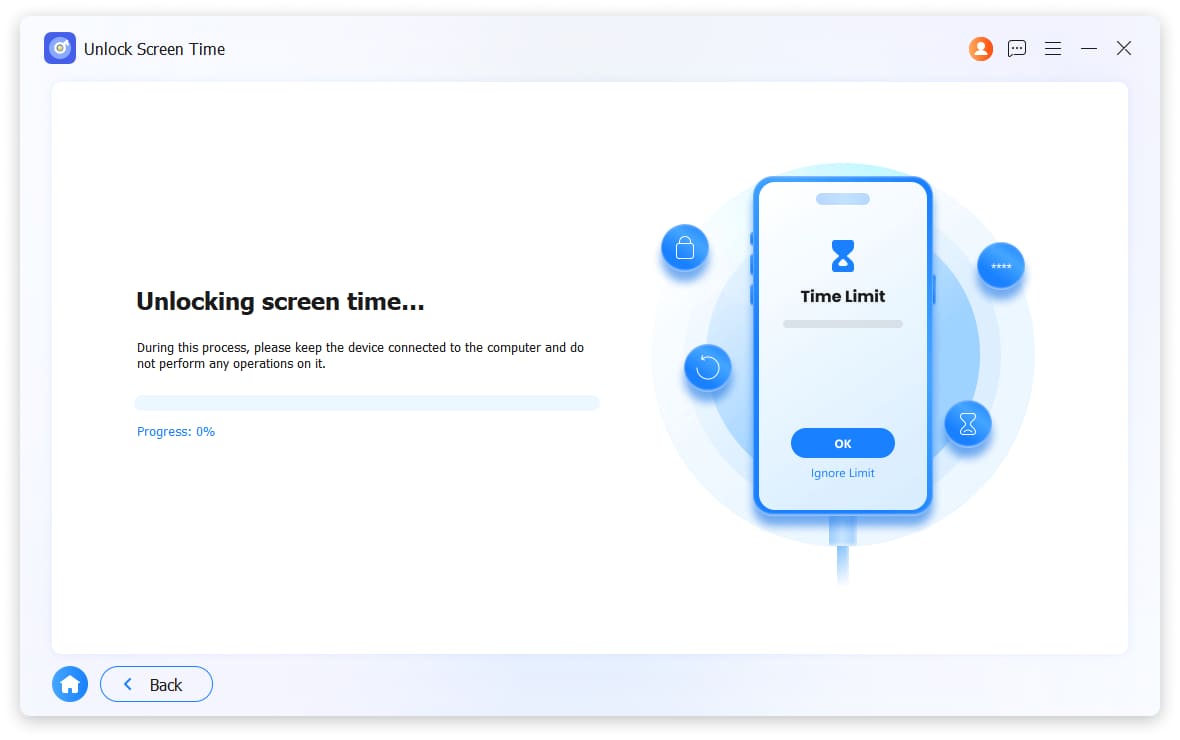
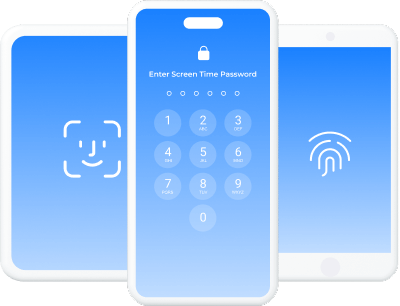
FoneLab iOS Unlocker will remove the Screen Time passcode from your iPhone or iPad, allowing you to regain full control over app limits and restrictions.
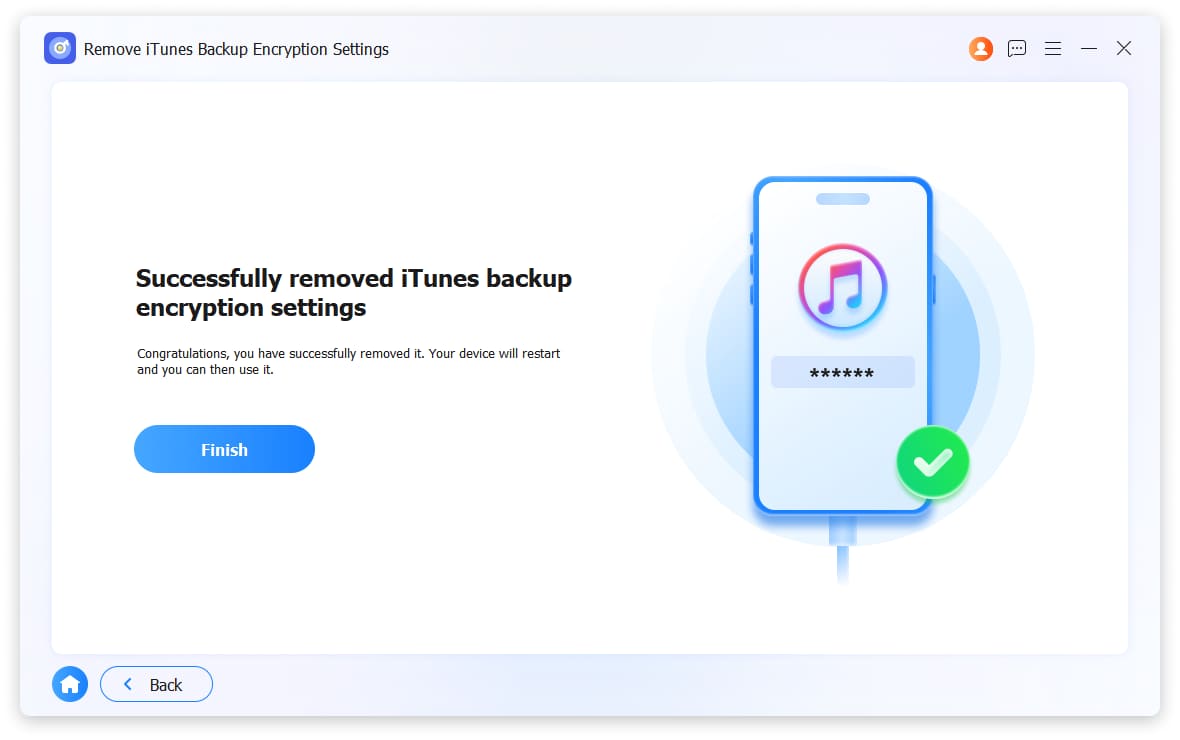
Get it NowRemove iTunes Bakcup Encryption Settings
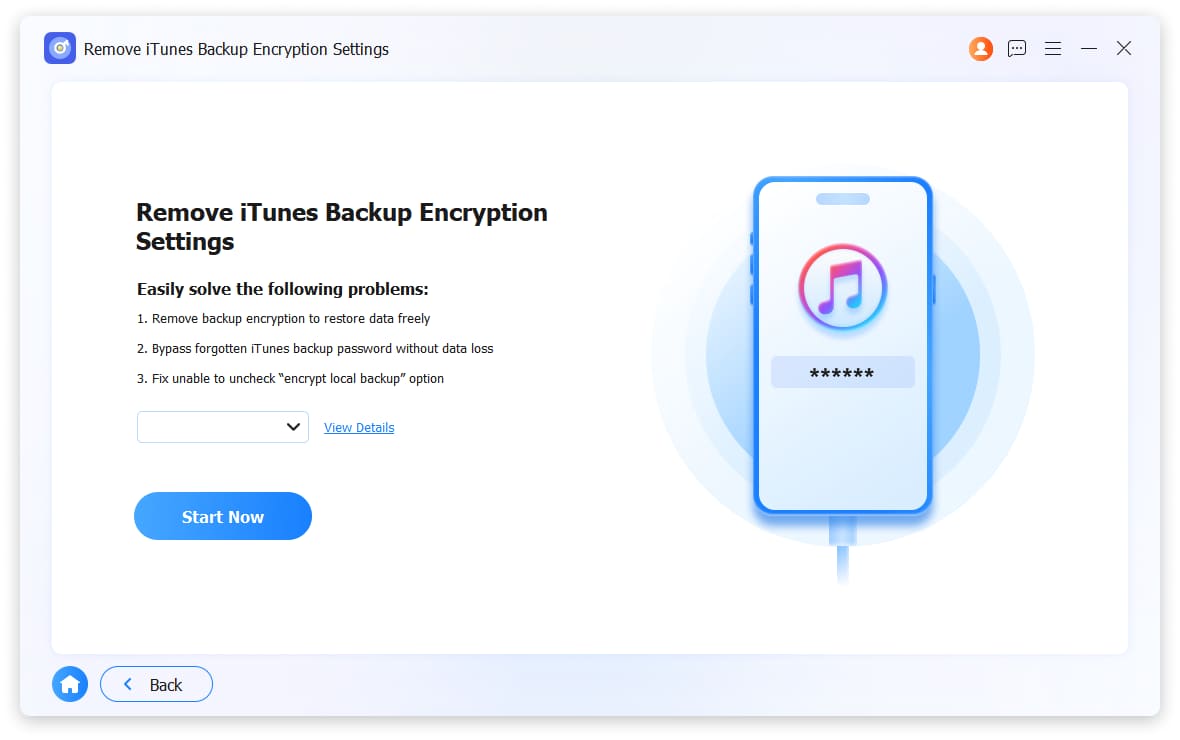
FoneLab iOS Unlocker will remove the iTunes backup encryption settings from your device, allowing you to create and access unencrypted backups freely.
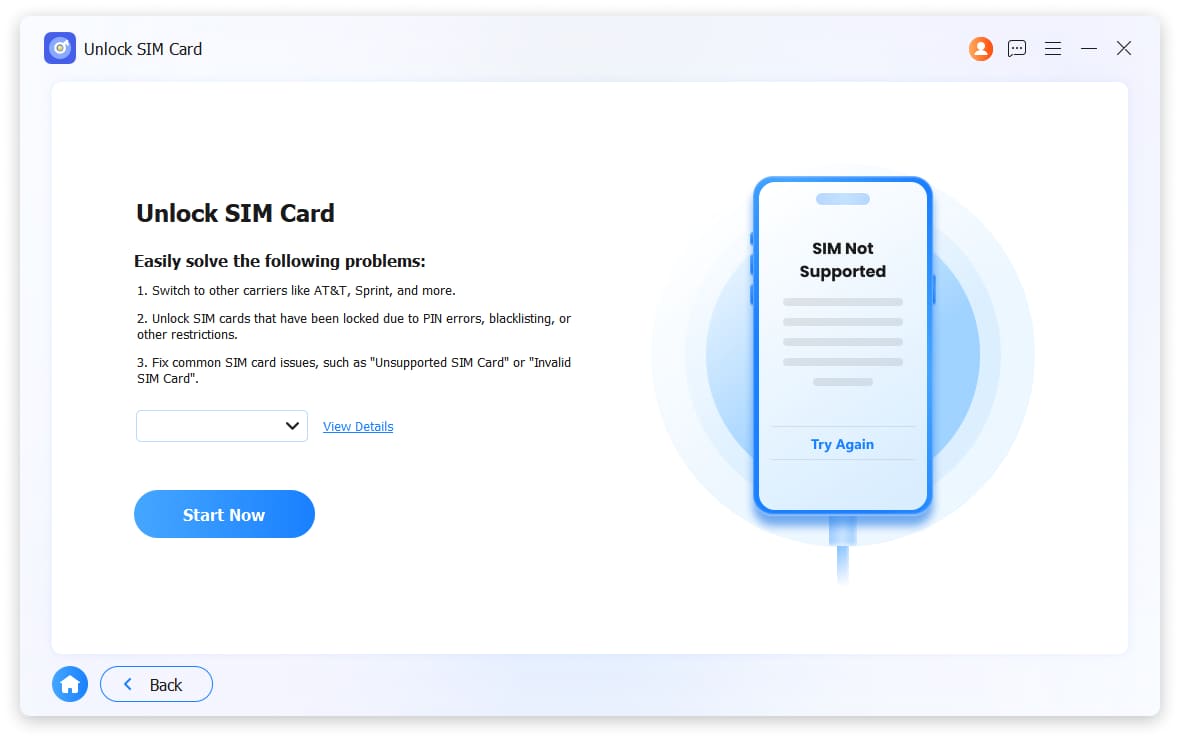
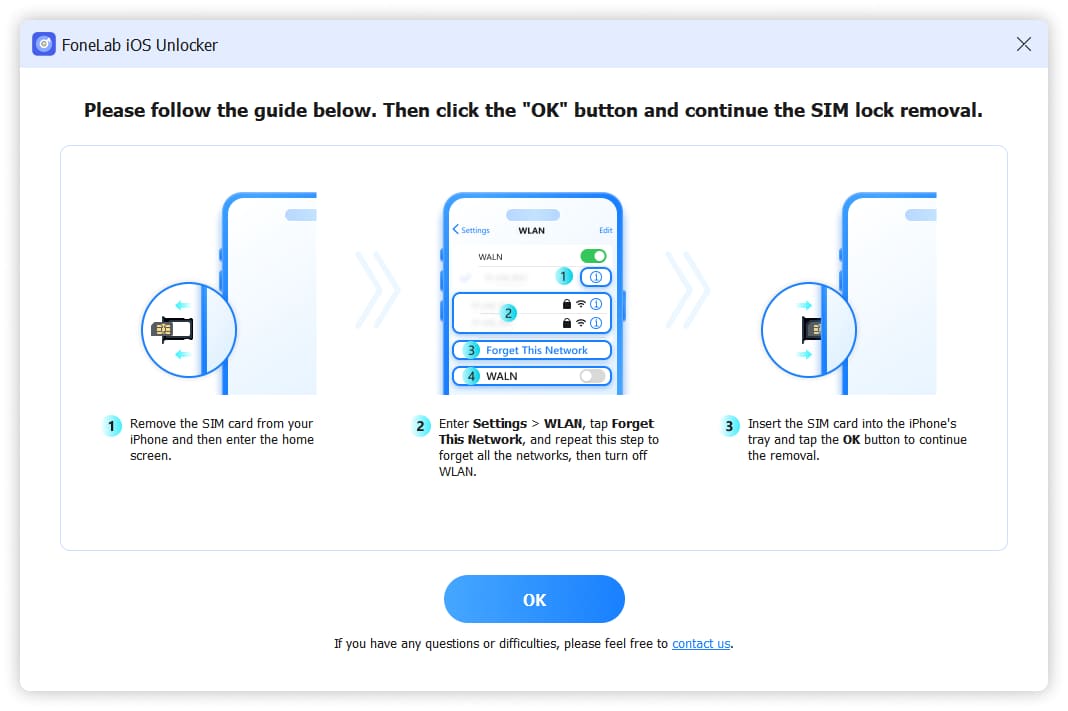
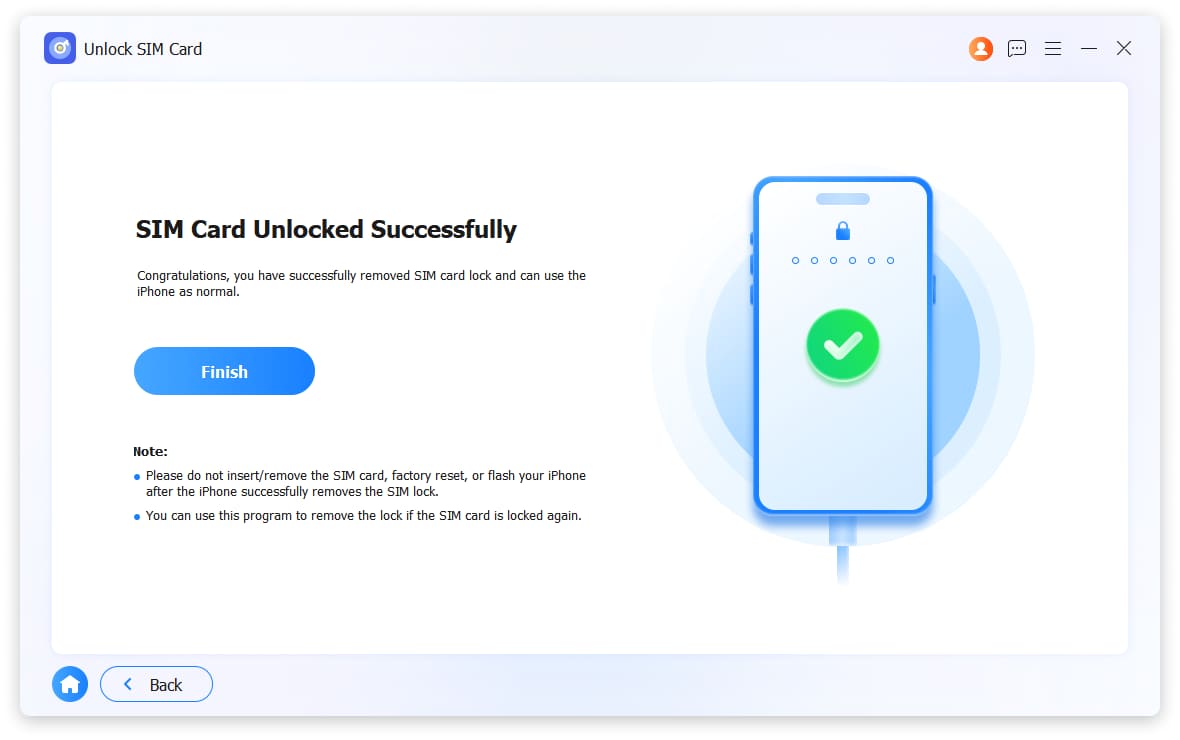
Get it NowUnlock SIM Card
FoneLab iOS Unlocker can unlock the SIM card on your iPhone or iPad, enabling you to use any supported mobile network and regain full device freedom.
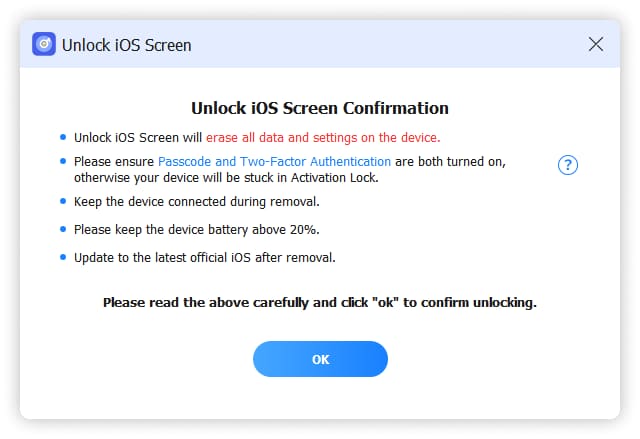
Get it NowFor people who forgot iPhone passcode might lose control of your iPhone, iPad or iPod touch, you will need FoneLab iOS Unlocker to remove 4-digit passcode, 6-digit passcode, Touch ID or Face ID in a proven easy way with the highest success rate effectively. (Attention: Removing iPhone Passcode will erase all data on your device.)
Broken/Unresponsive iPhone Screen
It is unlucky that if you drop iPhone on the floor so that you are unavailable to unlock iPhone screen. Don't worry, FoneLab iOS Unlocker can help you get into iPhone without passcode.
Second Hand iPhone without Passcode
Got a second-hand iPhone but can not access it without passcode? FoneLab iOS Unlocker can help you remove screen lock within 3 steps.
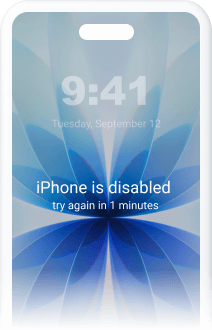
iPhone Disabled after several Attempts
Your iPhone has been disabled after too many attempts? You can try FoneLab iOS Unlocker to remove screen lock from 4-digit passcode, 6-digit passcode, Touch ID or Face ID.
Forgot iPhone Screen Passcode
It is frustrating if you forgot iPhone screen passcode as you have too many different passcode. It is fortunate that FoneLab iOS Unlocker allows you to remove screen lock without passcode.
Face/Touch ID not Working
Face ID or Touch ID enables you to unlock iPhone quickly. What if they are not working anymore? FoneLab iOS Unlocker can solve this problem with ease.
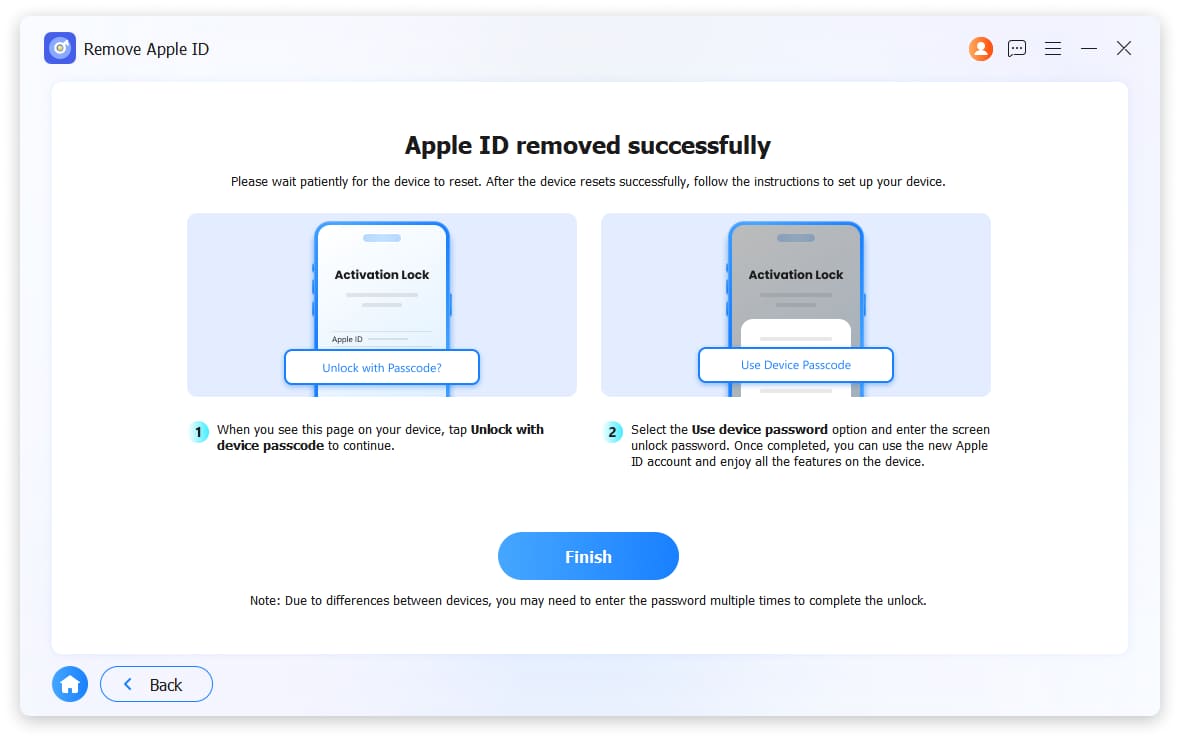
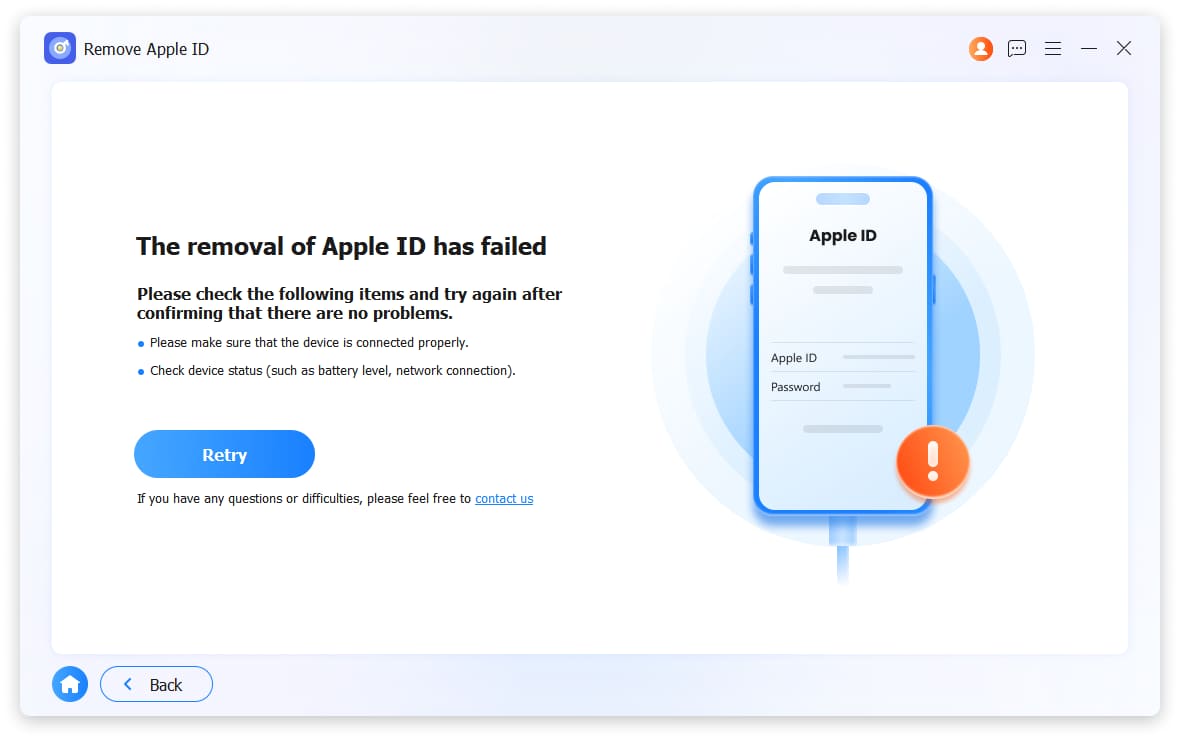
Your Apple ID is the key to accessing services like the App Store, iCloud, iMessage, and FaceTime. If you forget your Apple ID or password, you may lose access to many Apple features. Even after trying security questions and rescue emails through iForgot, if you’re still unable to recover your password, consider using FoneLab iOS Unlocker. This tool can help remove the forgotten Apple ID and allow you to set up a new account to reactivate your iPhone.
Attention:
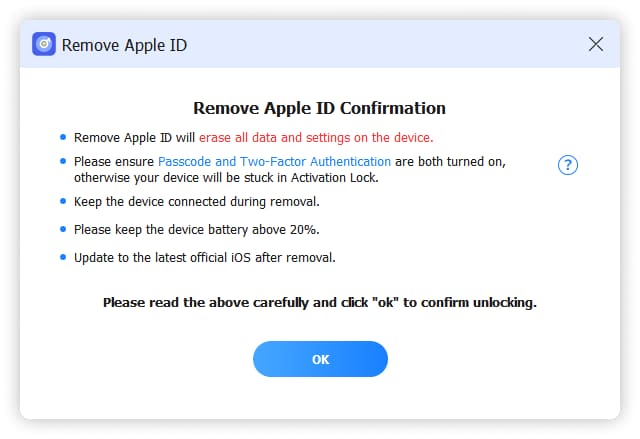
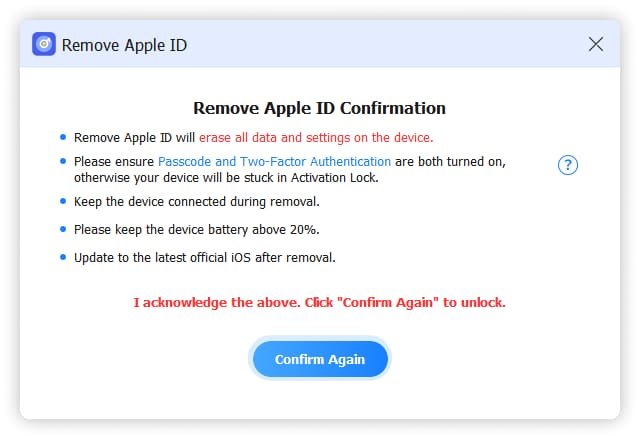
Removing Apple ID will erase all data on your device.
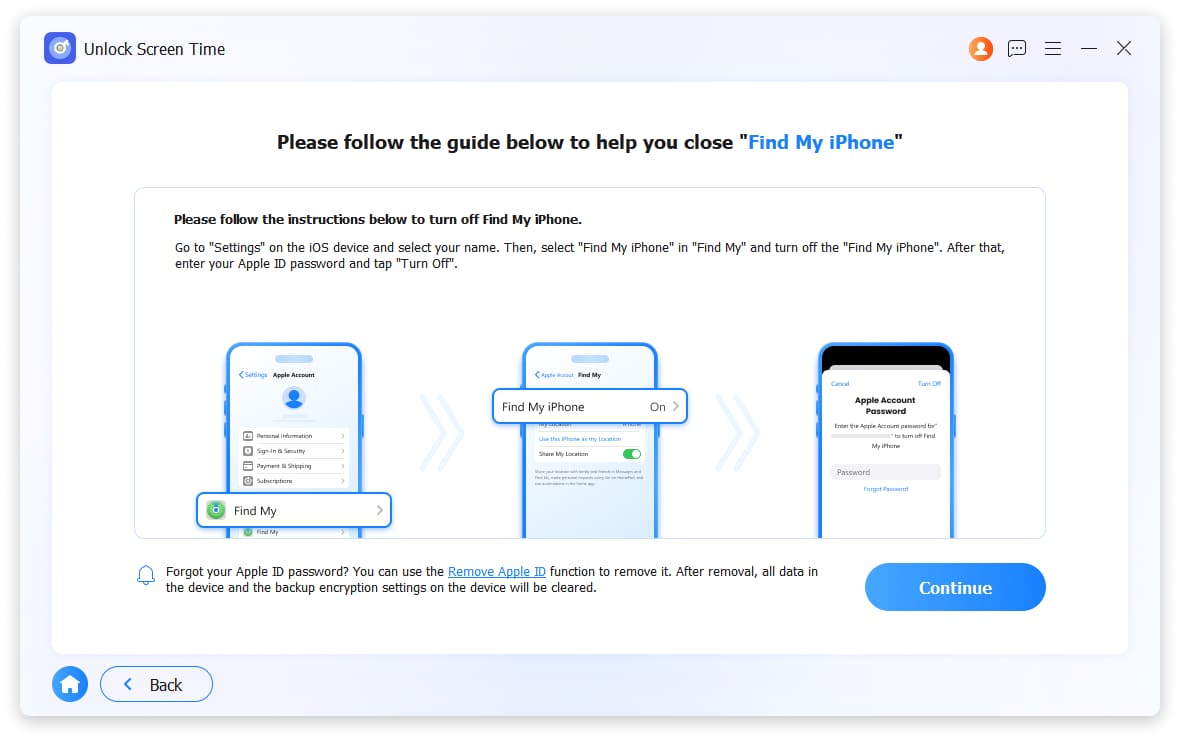
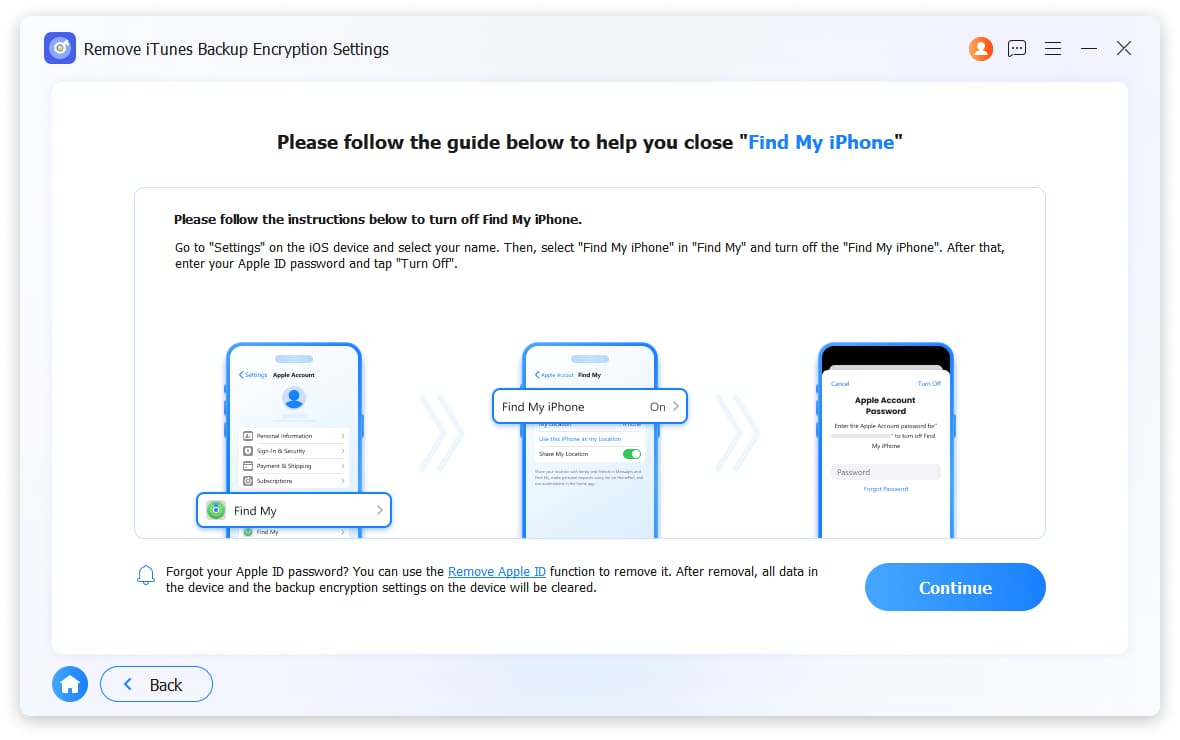
If your can turn off Find My iPhone/iPad feature, any Apple device can be unlocked without erasing data.
Erase All Content and Settings feature or update/restore Apple devices with iTunes will link them to your original Apple ID and get stuck in iCloud activation. Please do not use them when you are removing Apple ID.
Forgot your Apple ID and password? Cannot contact the previous owner? FoneLab iOS Unlocker helps you bypass iCloud Activation Lock from iPhone, iPad or iPod Touch after factory resetting without providing further information.
Attention:
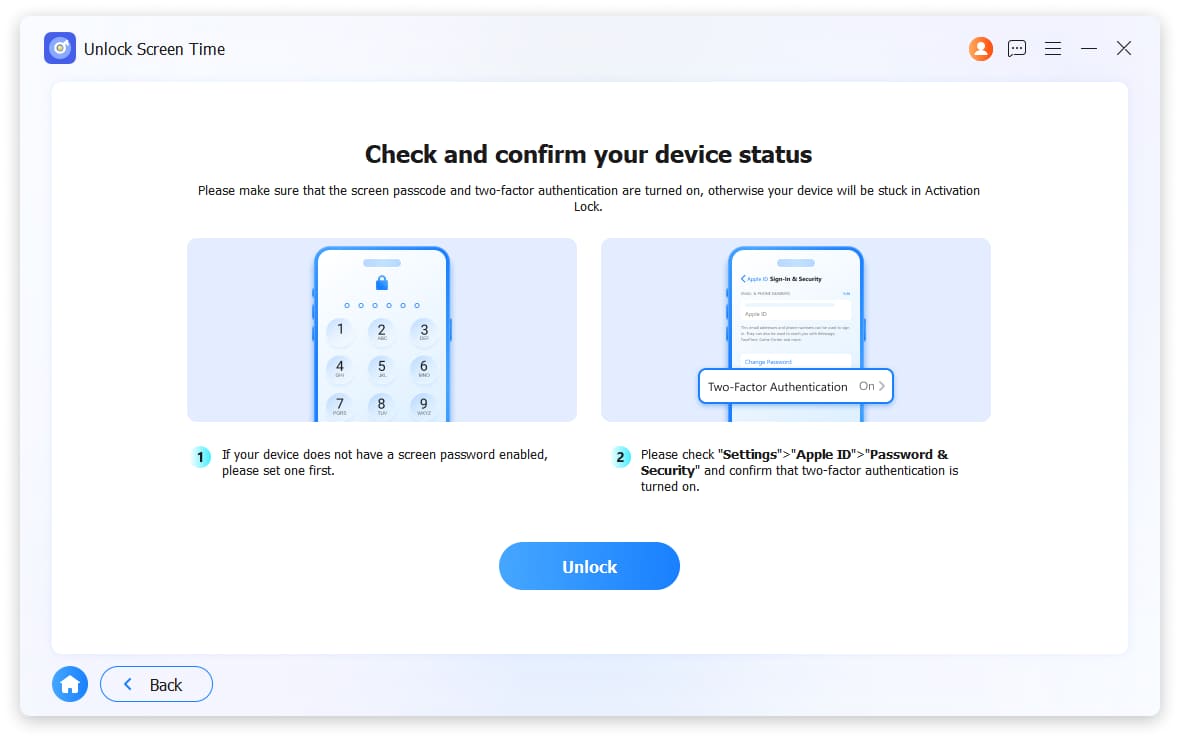
Activation Lock is only supported on iPhone 6 to iPhone X, iPad mini4 to iPad Air 2, iPod Touch (7th generation) running version 12.0 to 17.7.10.
If your device runs normally, try Remove Apple ID feature instead.
You need to jailbreak your device to process it.
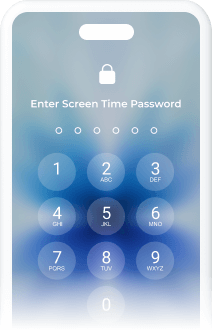
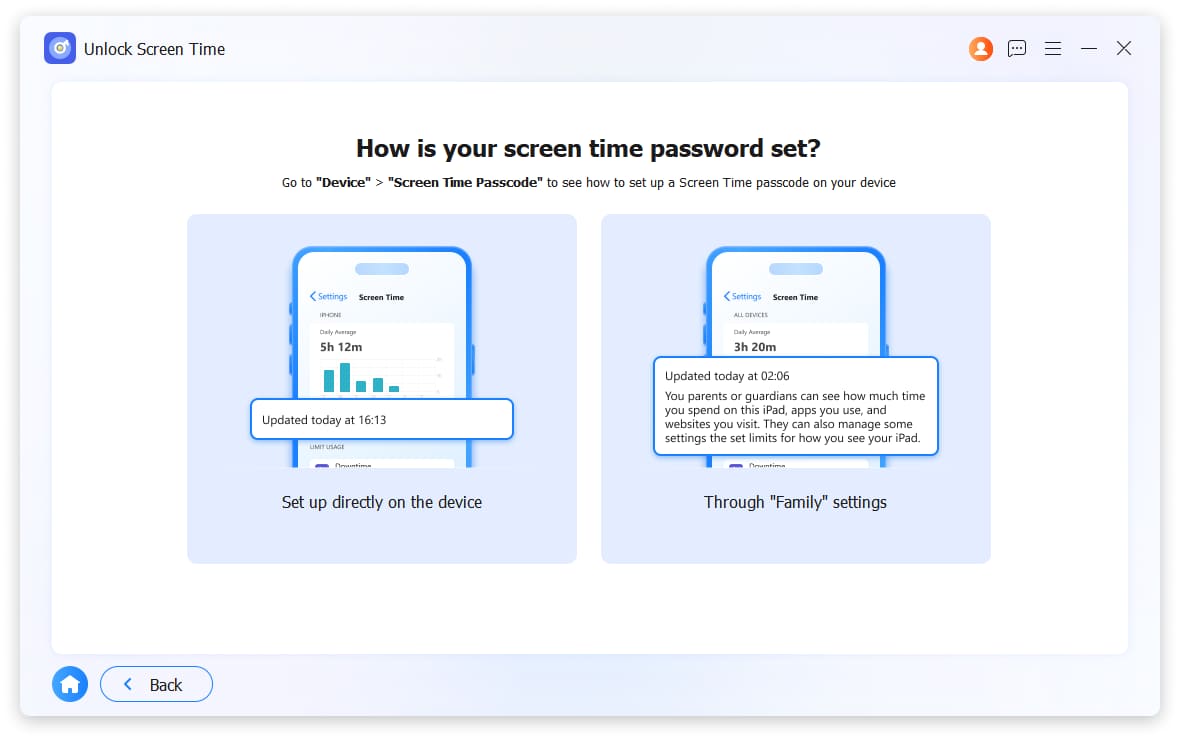
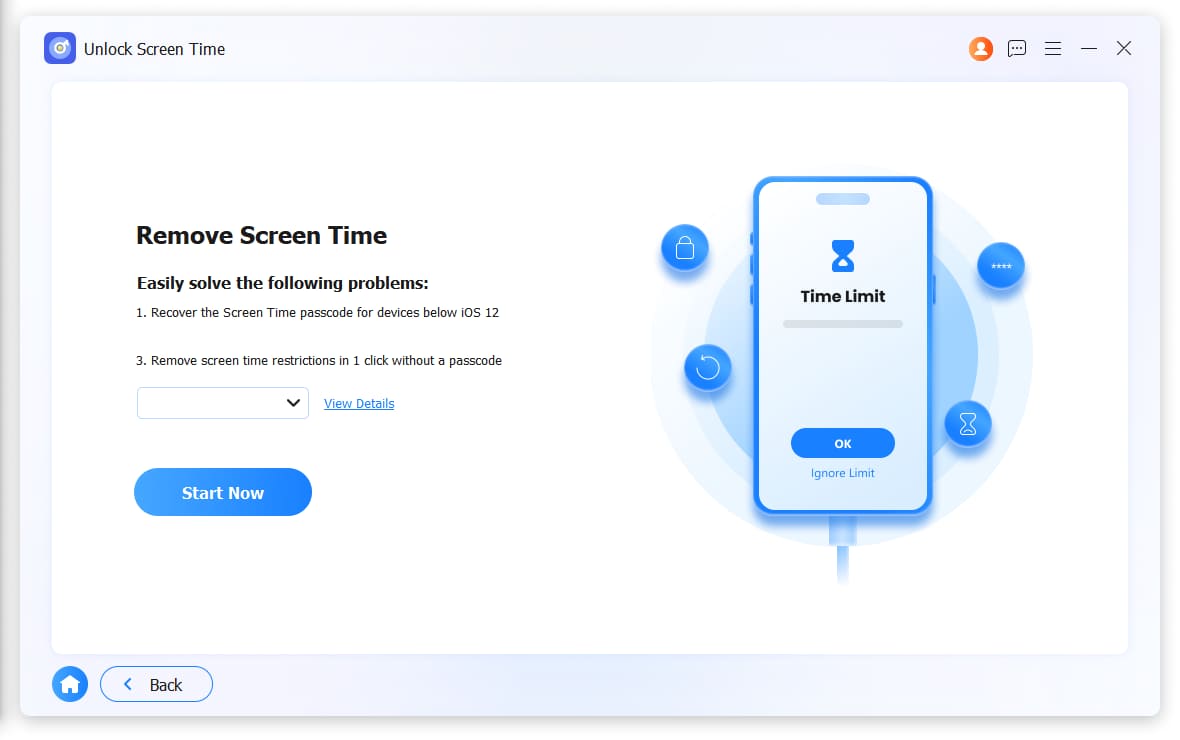
Restriction passcode is one of the new iPhone features to set the time limit to use specialized applications on iPhone or iPad. FoneLab iOS Unlocker can help you bypass this limitation in seconds without losing data on your device if you want to remove the unwanted or forgotten passcode.
Attention:
Remove Screen Time Passcode/Restriction Passcode will not wipe device data if you set it on your device.
Removing Screen Time passcode will erase your device data if it was set by Family Sharing.
Disable Find My iPhone/iPad on your device to recover or remove the restriction passcode on device with iOS 12 and earlier.
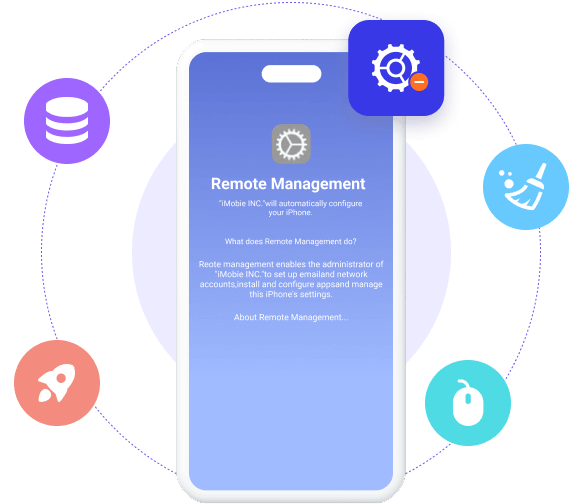
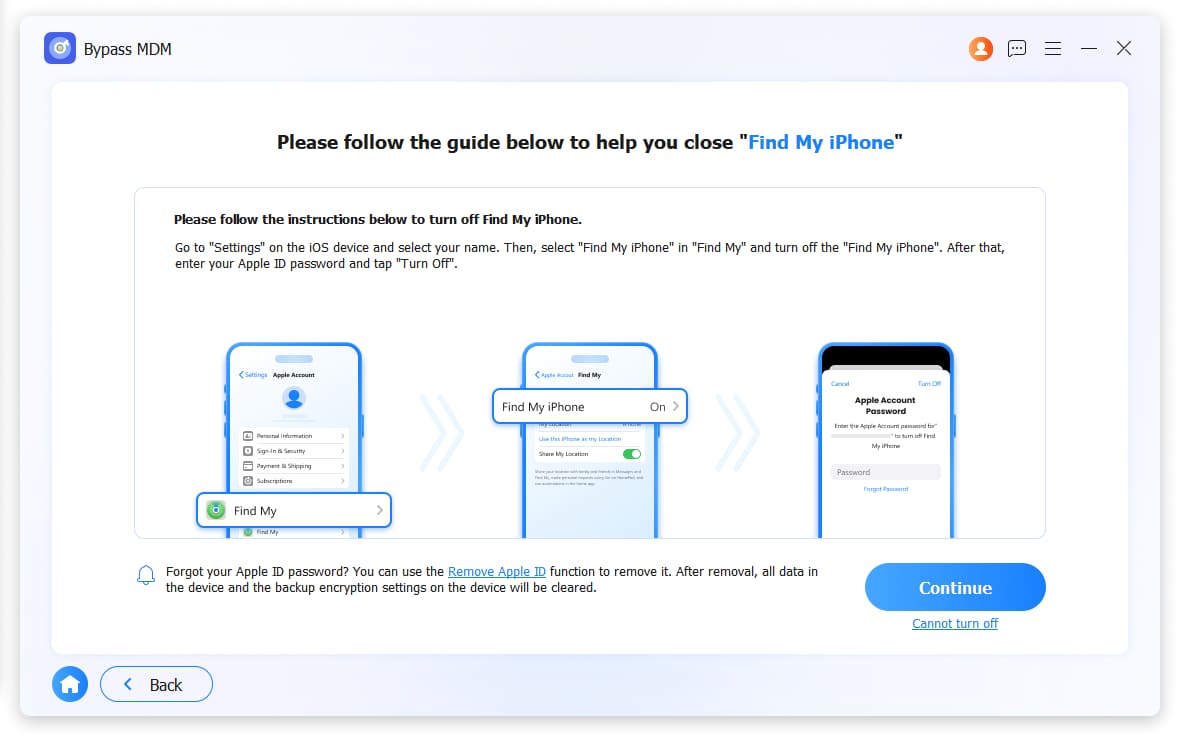
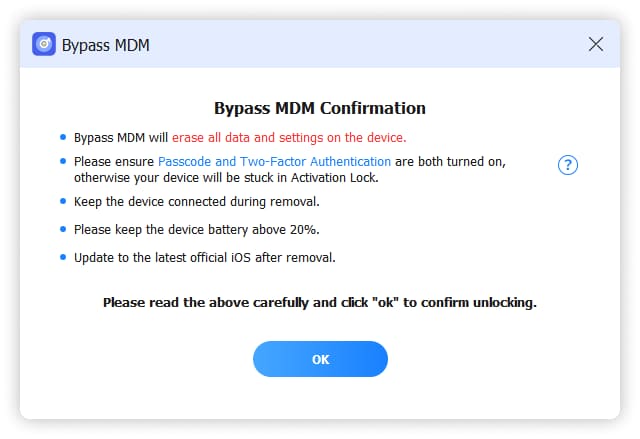
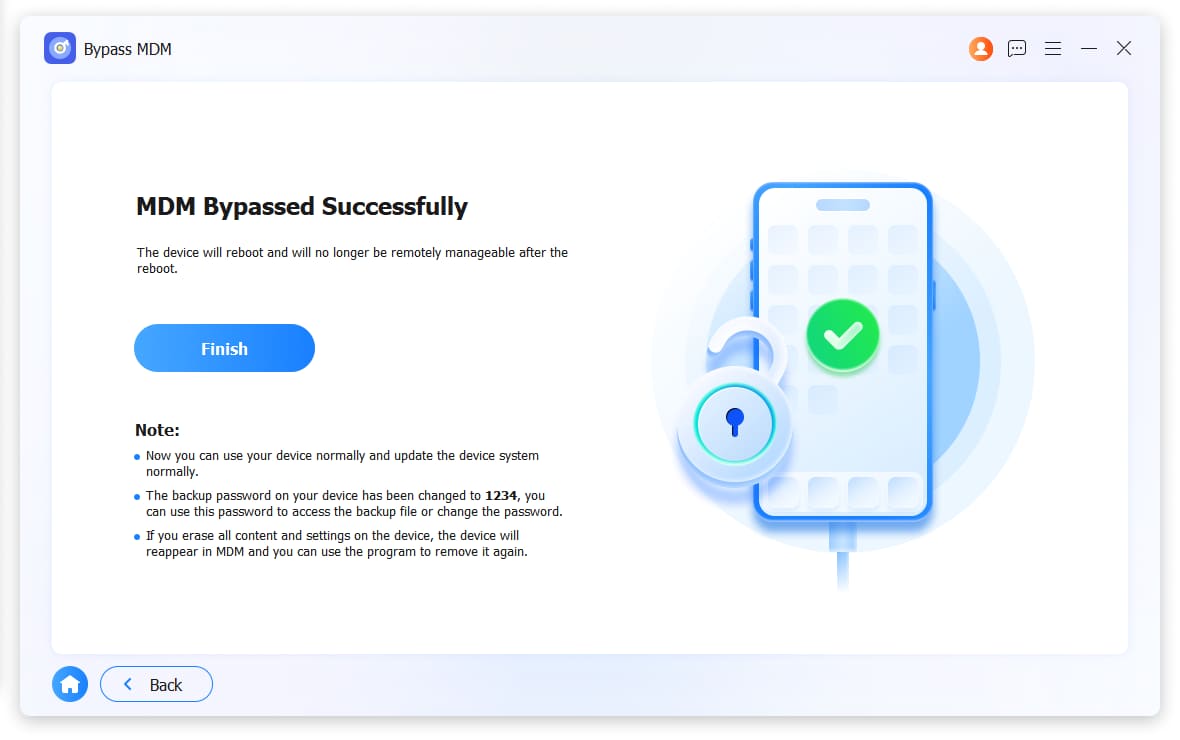
Mobile Device Management (MDM) is commonly employed by companies or colleagues to remotely monitor and control devices, as well as track their operations. However, once MDM imposes restrictions on your iPhone, you face limitations and cannot fully access your device. To alleviate your frustration, FoneLab iOS Unlocker offers a convenient solution known as the Remove MDM feature. With its user-friendly interface, removing MDM profiles becomes a quick and effortless process.
Attention:
Remove MDM from iPhone or iPad with earlier iOS 17.3 and iPadOS 17.3 versions without losing data.
Your data will be removed if the devices are unactivated or under DFU or Recovery mode.
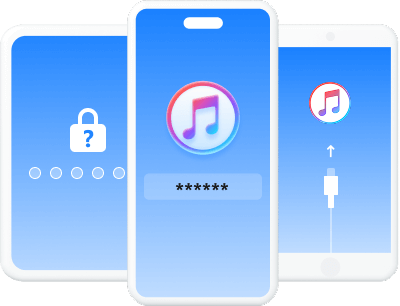
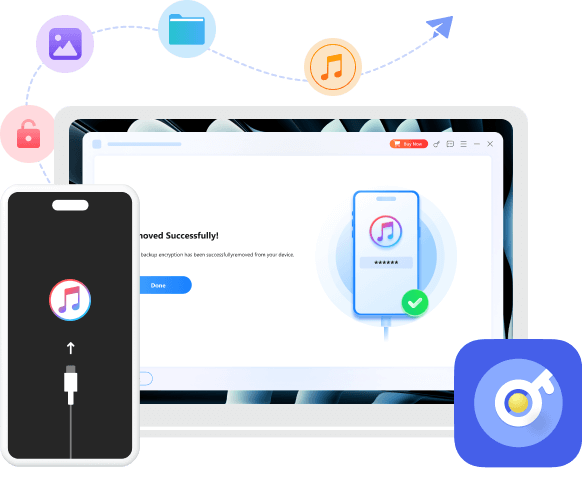
iTunes backup serves as a valuable tool for Apple users to efficiently manage device storage, handle various applications, and store important data. With the option to set an iTunes backup password, users can encrypt their local backups, ensuring the security of their personal and sensitive information. However, if the password is forgotten, accessing the backup and synchronizing new data through iTunes becomes impossible.
Fortunately, FoneLab iOS Unlocker comes to the rescue, resolving this significant issue. With this feature, you can effortlessly and seamlessly erase the forgotten password, granting you the ability to create new backups via iTunes once again.
Attention:
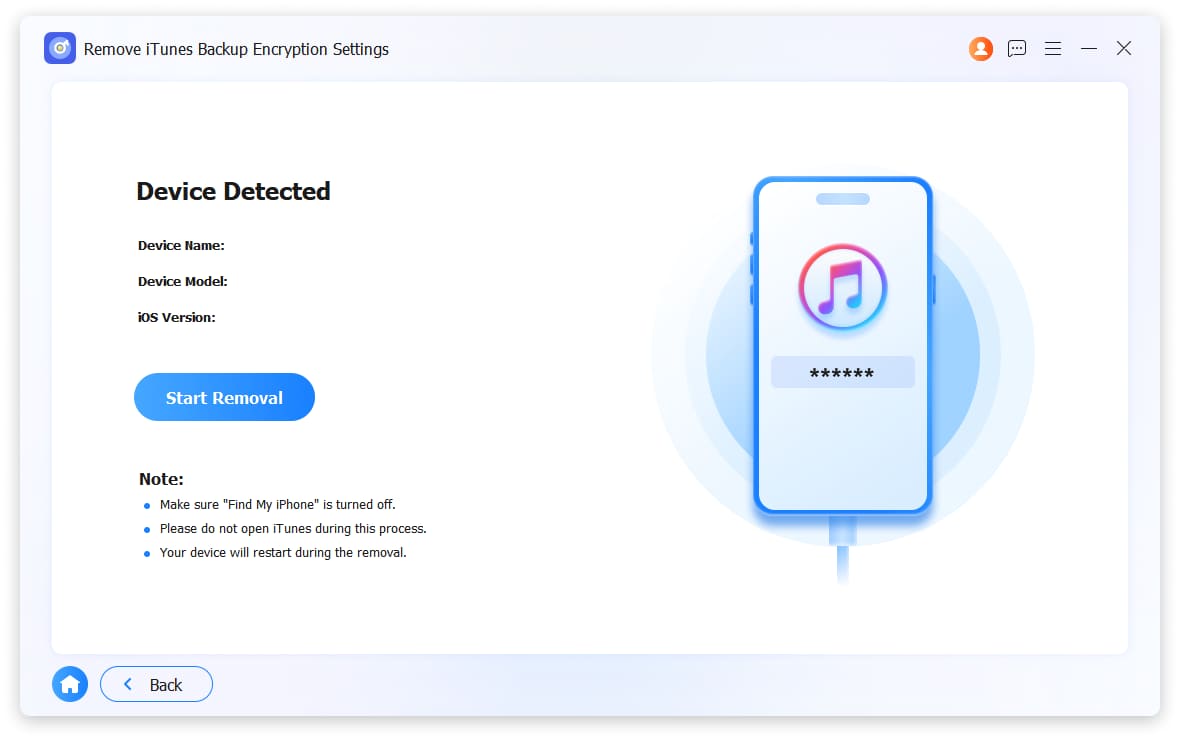
To avoid potential errors, please refrain from opening or using iTunes throughout the entire process.
Make sure your iOS device is unlocked and connected to the computer to adjust all necessary settings.
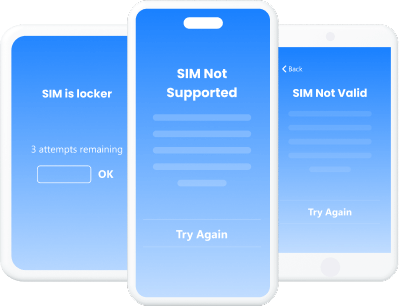
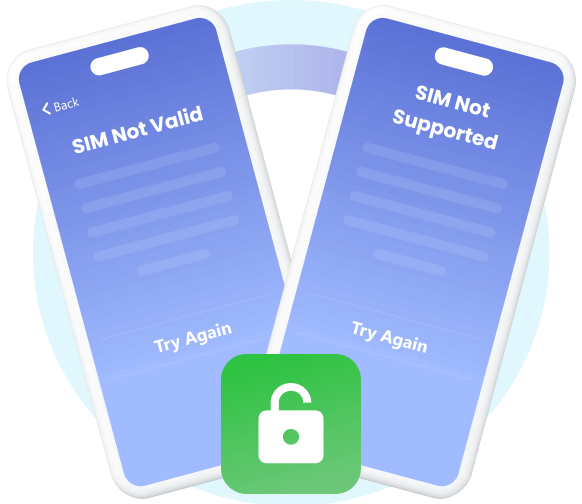
Say goobye to carrier restritions. Easily overcome "SIM
Not Supported," "Invalid SIM," and "No Network" errors
by unlocking your iPhone or iPad for global use with networks
such as AT&T, T-Mobile, Verizon, and Sprint——completely data-safe.
Windows
Windows 11/10/8.1/8/7
Mac
Mac OS X 10.10 or higher
Hard Disk Space
200 MB and above free space
RAM
1GB RAM or more
CPU
1GHz Intel/AMD CPU or above and Apple M-series chips (including M5)
OS Version
iOS 26, iPadOS 26, and former
Unlock iOS Screen
FoneLab will remove all types of lock screen from iPhone/iPad/iPod Touchlike 4-digit/6-digit passcode, Touch ID.Face ID.etc.
Remove Apple ID
FoneLab iOS Unlocker can remove the Apple ID associated with your iPhone, iPad, or iPod Touch, including accounts linked to Find My iPhone, iCloud activation locks, and forgotten credentials.
Bypass iCloud Activation Lock
FoneLab iOS Unlocker can bypass the iCloud Activation Lock on your iPhone/iPad/iPod Touch, effectively removing it from the device to allow a fresh setup and full use.
Bypass MDM
FoneLab iOS Unlocker can bypass various Mobile Device Management (MDM) restrictions on iPhone, iPad, and iPod Touch, including activation locks, profile locks, and corporate enrollment.
Unlock Screen Time
FoneLab iOS Unlocker will remove the Screen Time passcode from your iPhone or iPad, allowing you to regain full control over app limits and restrictions.
Remove iTunes Bakcup Encryption Settings
FoneLab iOS Unlocker will remove the iTunes backup encryption settings from your device, allowing you to create and access unencrypted backups freely.
Unlock SIM Card
FoneLab iOS Unlocker can unlock the SIM card on your iPhone or iPad, enabling you to use any supported mobile network and regain full device freedom.
Can I unlock my iPhone if I forgot the passcode?
Yes, you can. You can restore iPhone password with iTunes on computer if you have synced it before. Put iPhone into recovery mode, then click iPhone icon in the interface and click Restore in the pop-up window. Finally, follow the instructions to activate iPhone.
How can I recover iPhone passcode with/without passcode?
Unfortunately, it is not available to restore iPhone lock screen passcode. You can follow the above-mentioned methods to remove iPhone passcode and create a new one.
How can I disable iPhone lock screen on iPhone?
If you want to turn off iPhone passcode, you can go to Settings > Face ID & Passcode/Touch ID & Passcode, then toggle it off. You should pay attention that iPhone passcode is a workable feature to protect your private information, you should keep your iPhone safe if you turn it off.
Can I remove Apple ID if I forgot lock screen passcode on iPhone?
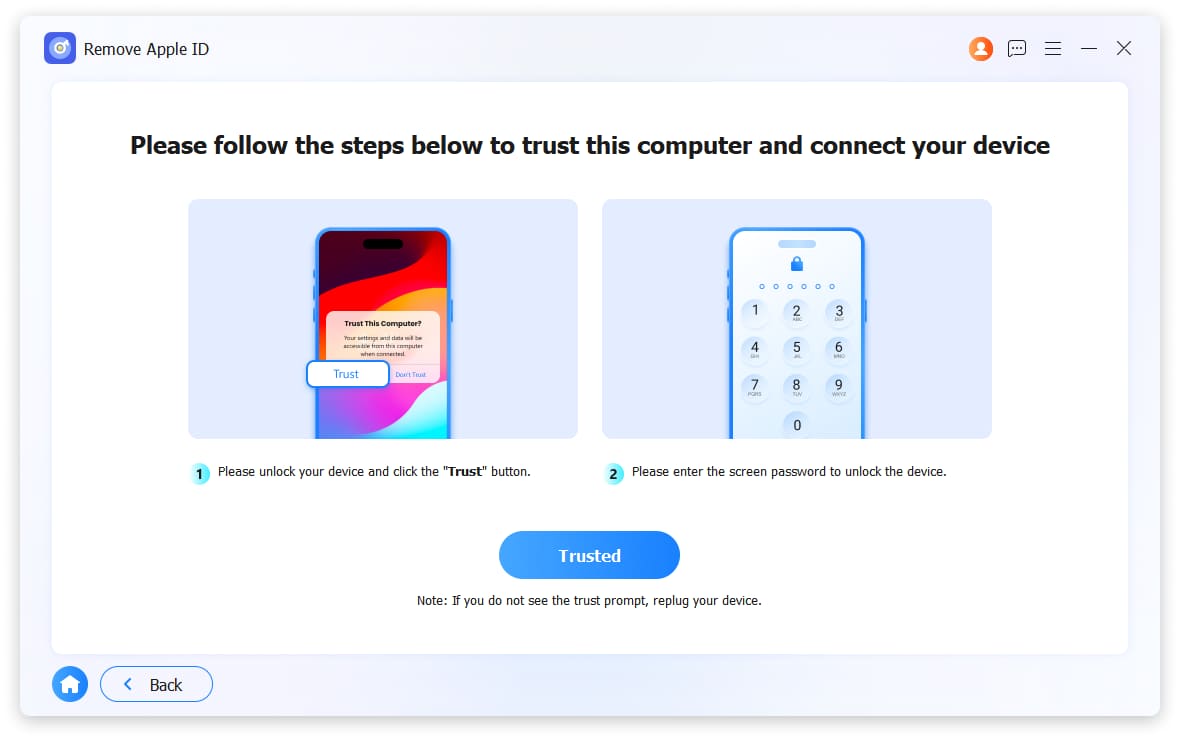
Actually not. FoneLab iOS Unlocker can help you wipe iPhone passcode unless you know the correct Apple ID and passcode. While removing Apple ID on iPhone, you will be required to tap Trust on iPhone screen and unlock iPhone screen before doing that. So, you are not allowed to remove Apple ID without iPhone lock screen passcode.
I need some help to remove the screen passcode before taking it to the Apple store to repair. And FoneLab helps me within a few clicks. Thanks!
- Lee Erickson
I need some help to remove data on my iPad. I tried FoneLab iOS Unlocker to do this without knowing the correct Apple ID and its passcode. It is easy to use.
- Toby Joseph
Only see preview on iPhone app! I don't know how to fix it as I forgot the restriction passcode on iPhone. FoneLab is a good tool to remove it. Good Job!
- Kendra Jensen
Unlock iOS Screen
Remove Apple ID
Bypass iCloud Activation Lock
Bypass MDM
Unlock Screen Time
Remove iTunes Backup Password
Unlock SIM Card
High Success Rate
User-friendly Interface
Ordering Online is 100% Secure
All Privacy Information Protected