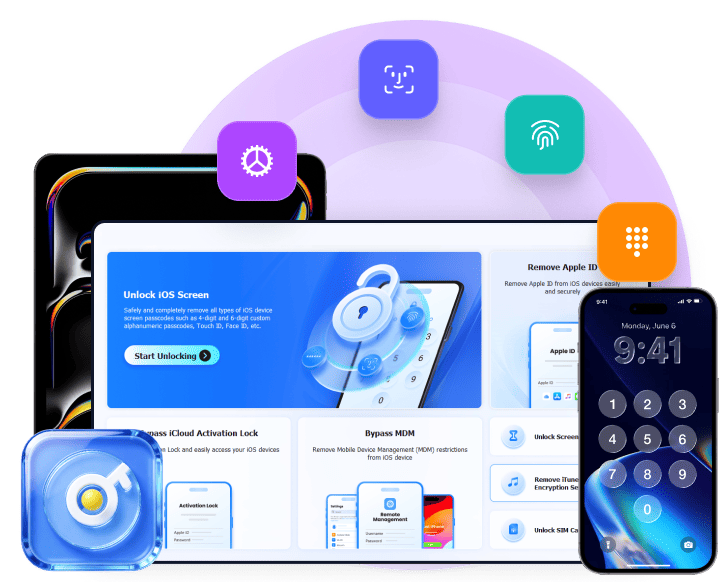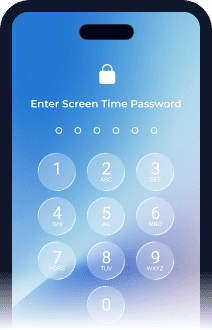
Which Lock Situation Do You Have?

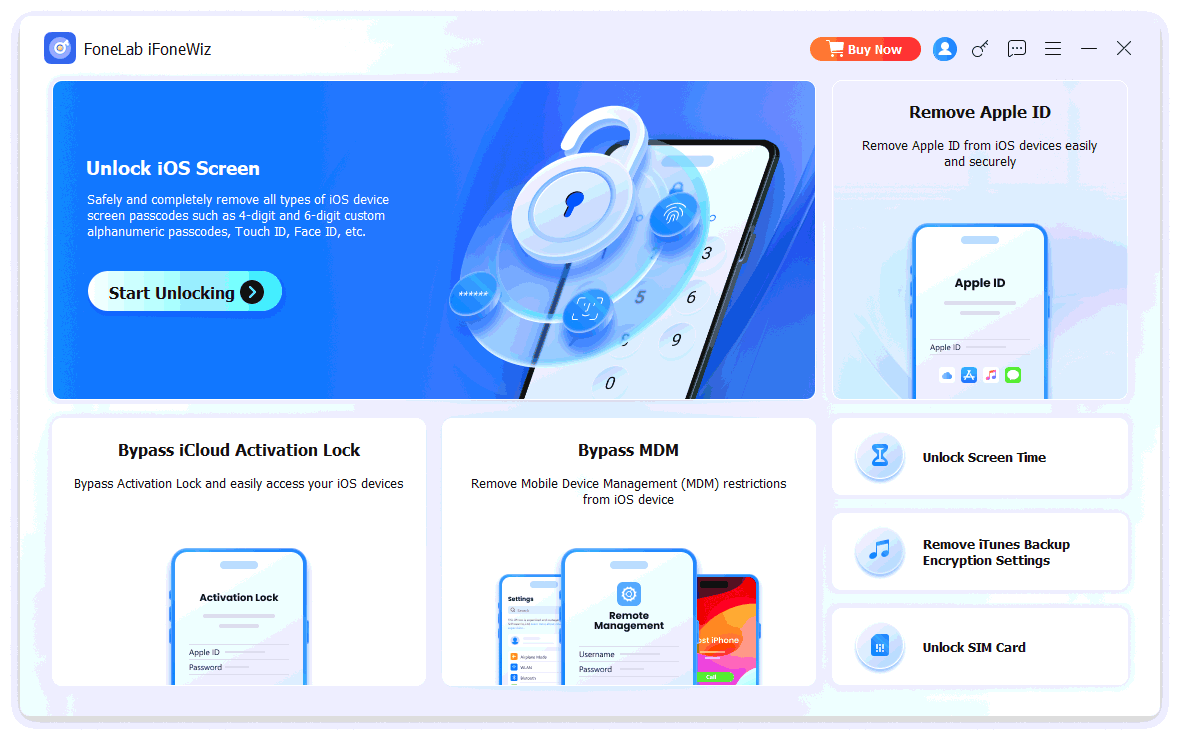
Unlock iOS Screen Remove Apple ID Bypass iCloud Activation Lock Bypass MDM Unlock Screen Time Remove iTunes Backup Encryption Settings Unlock SIM Card
Unlock IOS Screen Icon

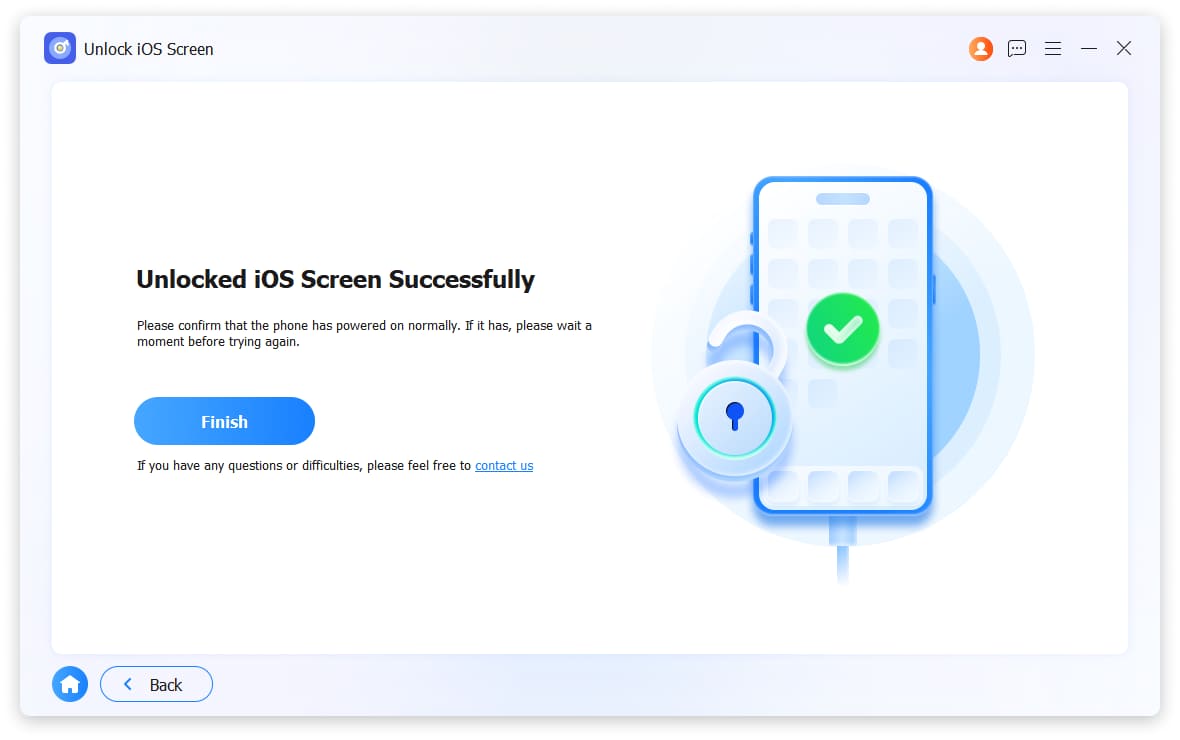
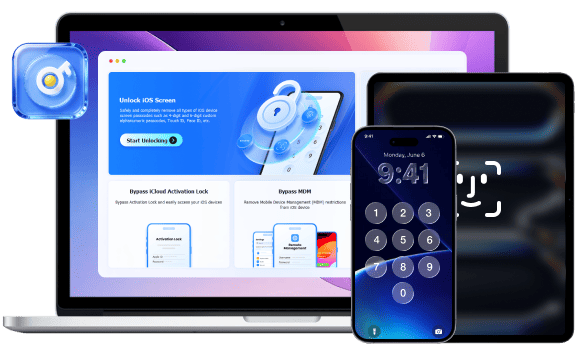
Unlock iOS Screen

Removes 4-digit codes, 6-digit codes, Touch ID, and Face ID from any iOS device.

Get it Now
Remove Apple ID Icon

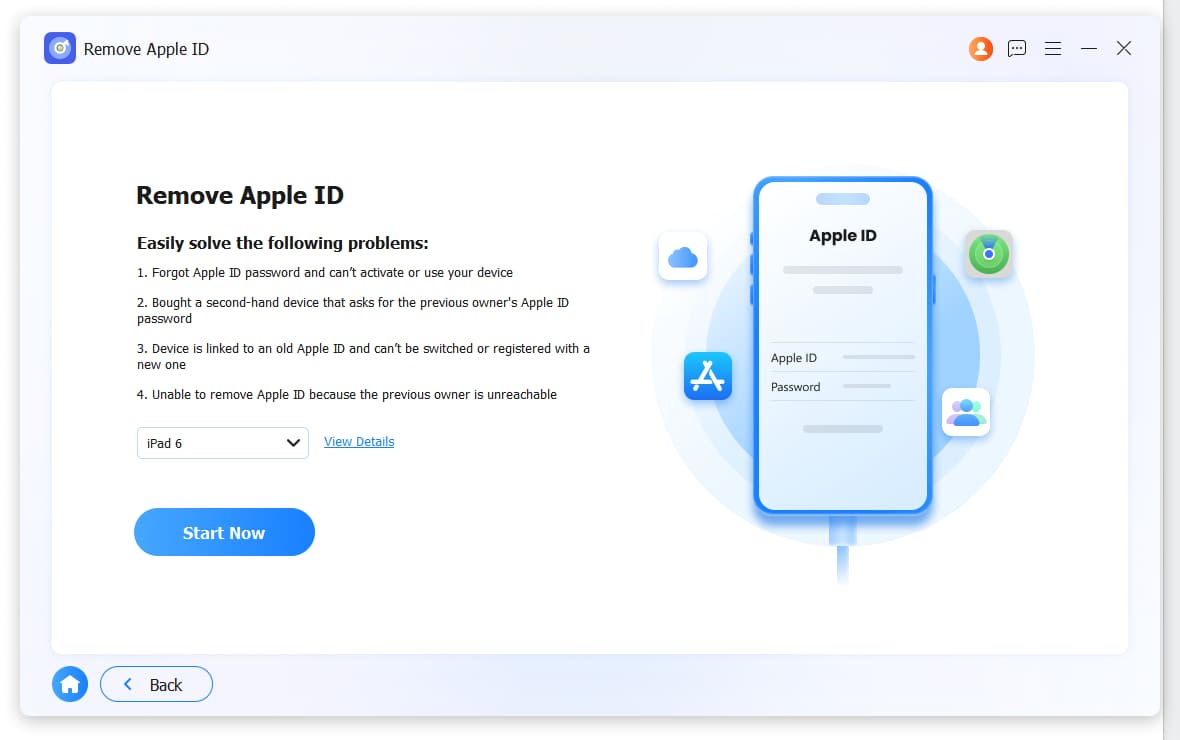
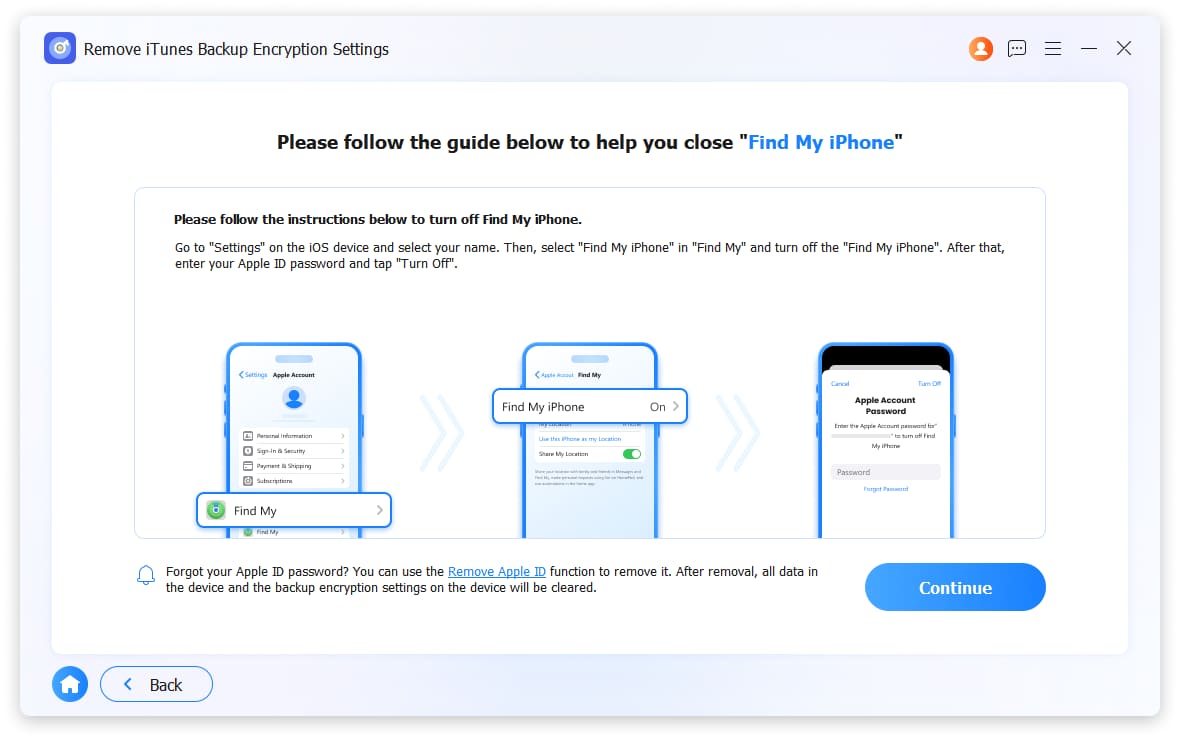
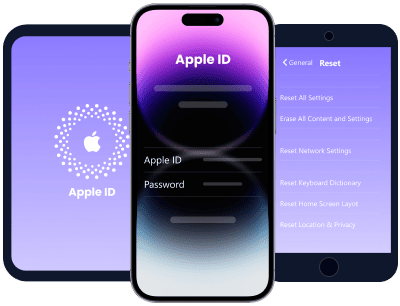
Remove Apple ID

Deletes Apple ID including Find My iPhone and iCloud activation locks.

Get it Now
Bypass iCloud Activation Lock Icon

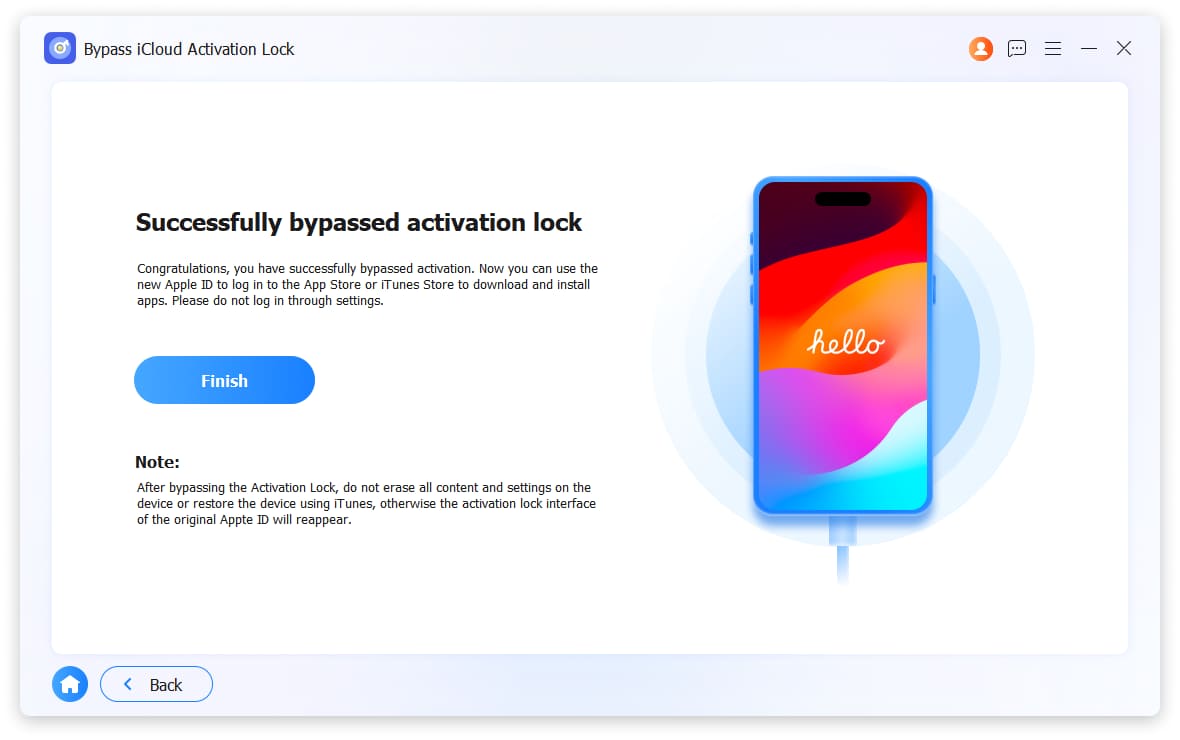
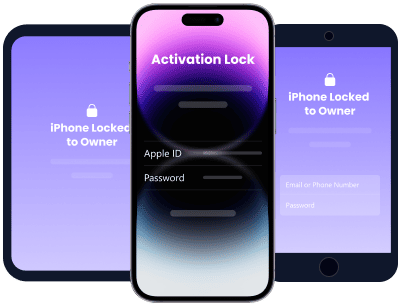
Bypass iCloud Activation Lock

Skips activation lock after factory reset. Fresh setup in minutes.

Get it Now
Bypass MDM Icon

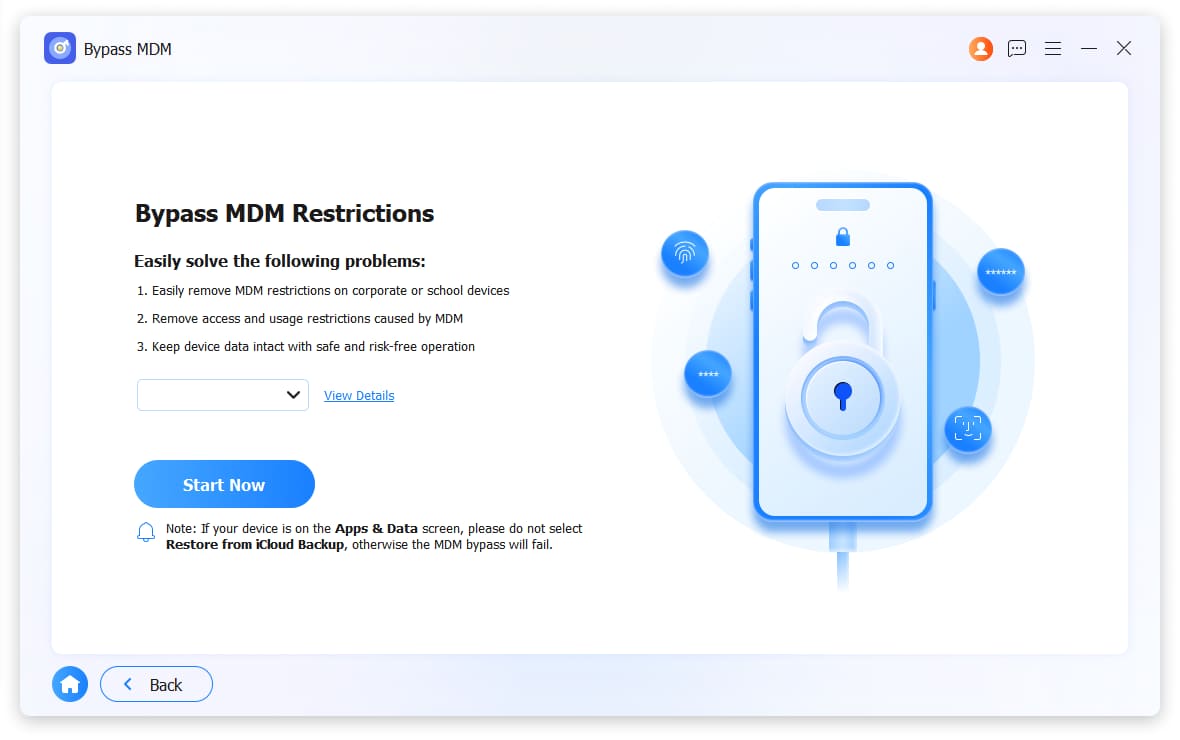
Bypass MDM

Removes company or school management profiles and restrictions.

Get it Now
Unlock Screen Time Icon

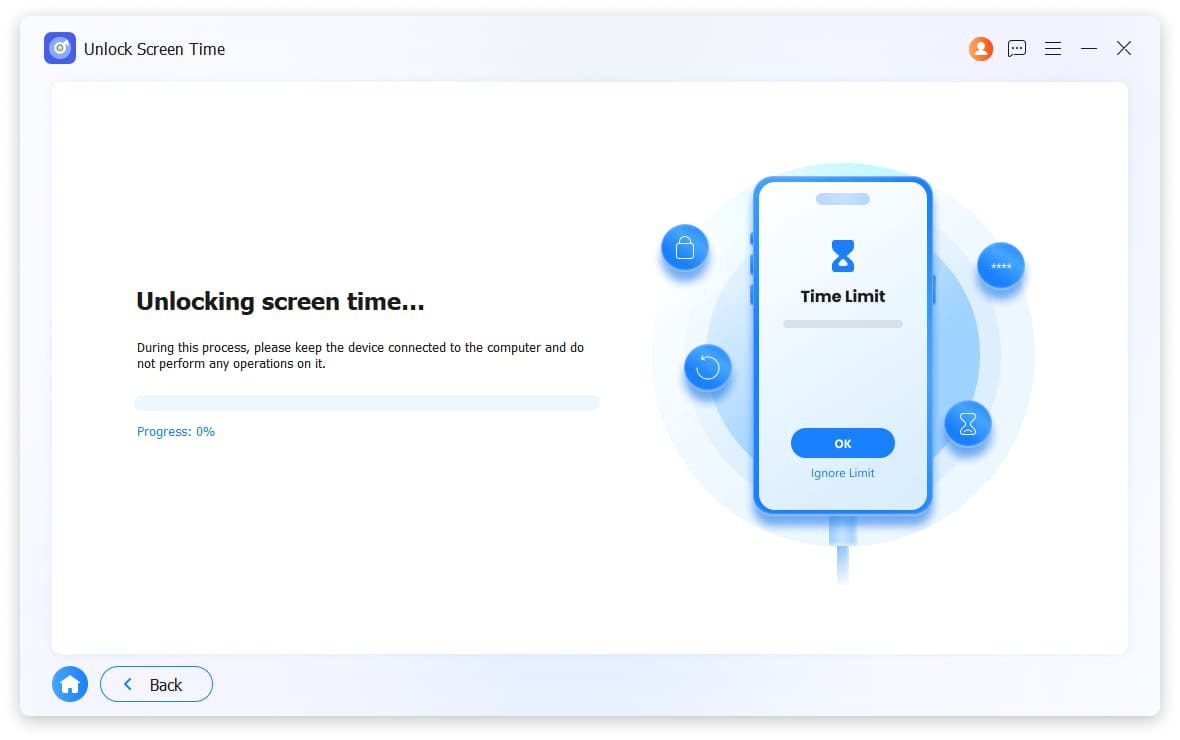
Unlock Screen Time

Deletes forgotten Screen Time passcode without losing your data.

Get it Now
Remove iTunes Backup Encryption Settings Icon

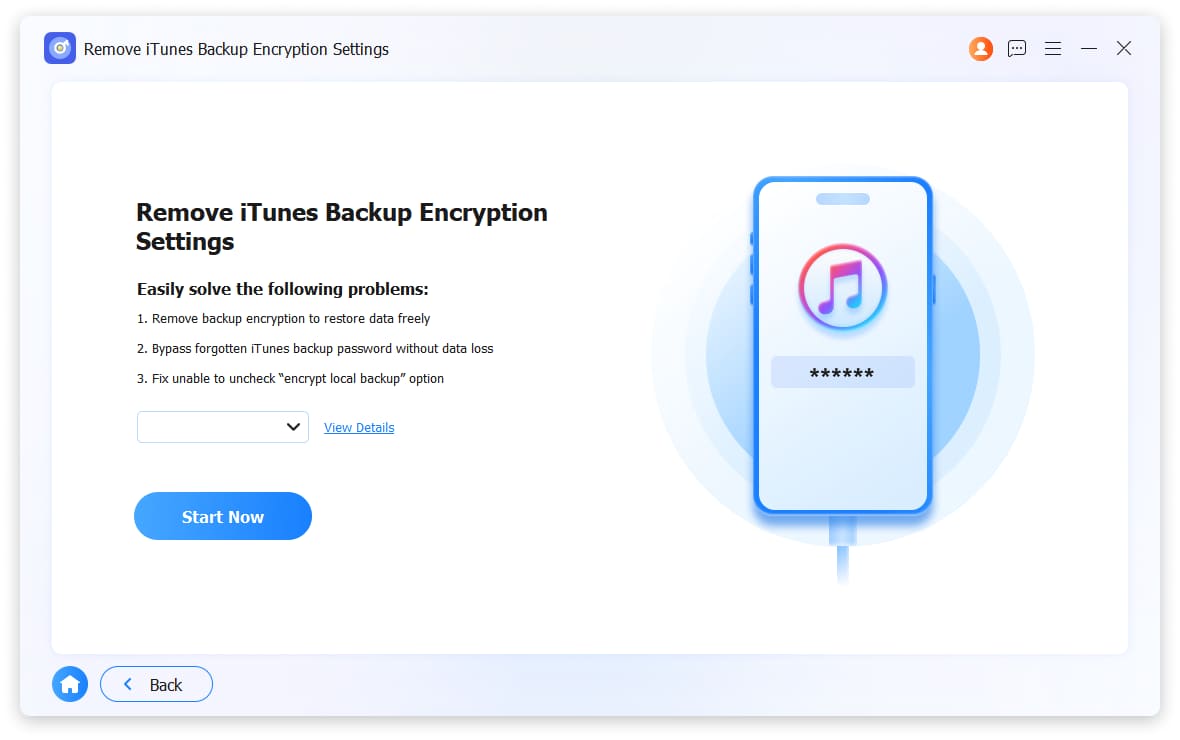
Remove iTunes Bakcup Encryption Settings

Clears forgotten backup password to create unencrypted backups.

Get it Now
Unlock Sim Card Icon

Unlock SIM Card

Use any network – AT&T, T-Mobile, Verizon, or international carriers.

Get it Now

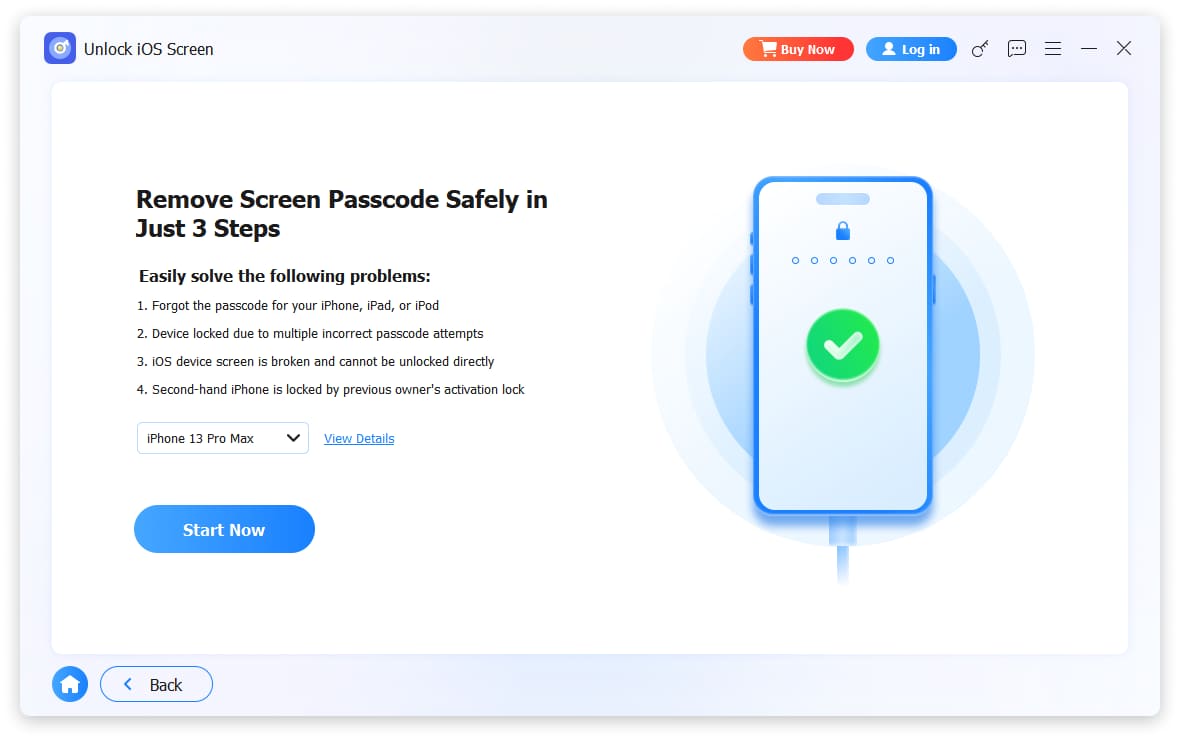
Locked Out? Wipe Your iPhone Passcode Now!

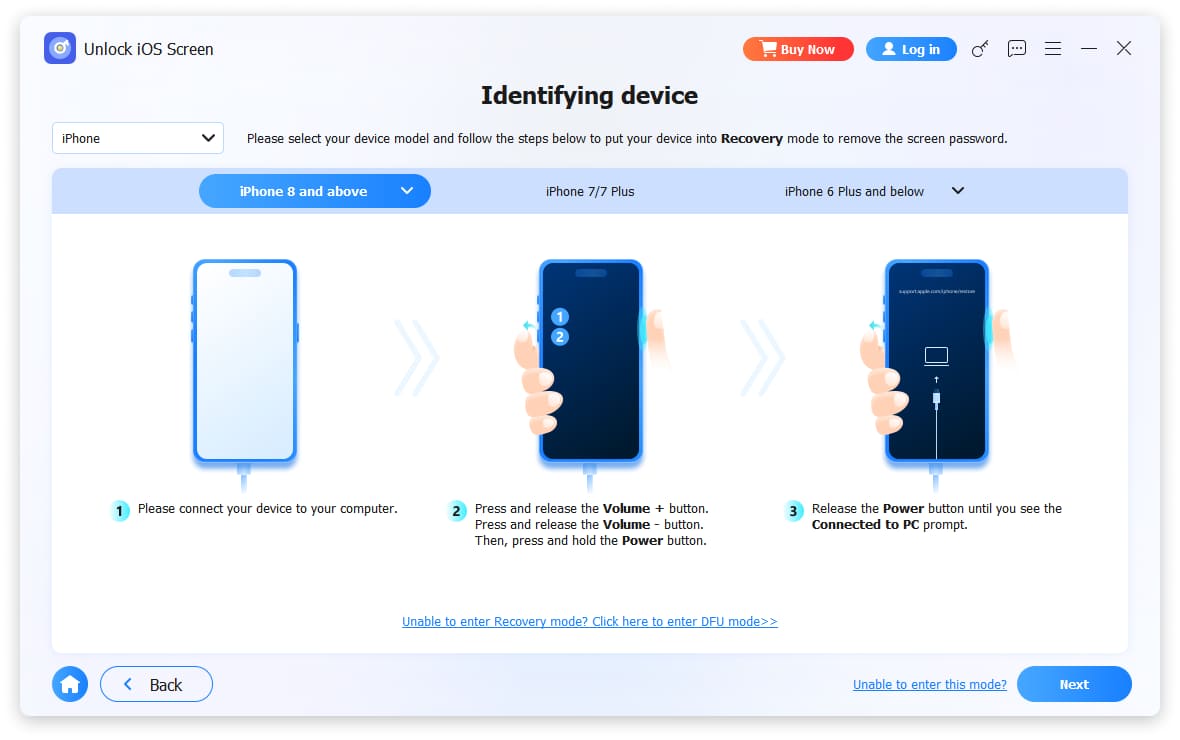
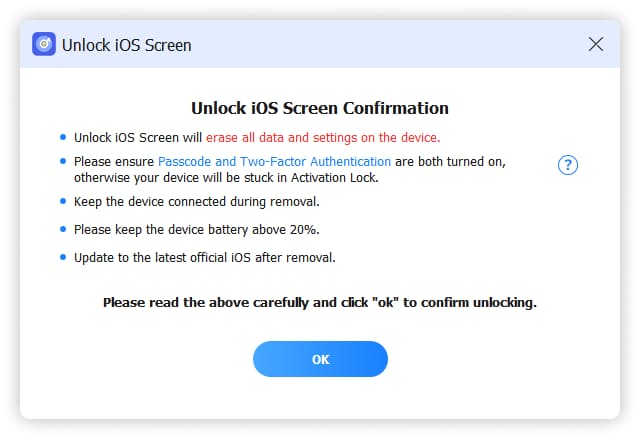
Forgot your passcode? Can't remember your 4-digit or 6-digit code? Face ID broken? FoneLab iFoneWiz removes any screen lock quickly and reliably. (Note: Removing screen passcode will erase all data on your device.)
Broken Screen

Broken or unresponsive screen

Can't tap or swipe? No problem. The tool unlocks your iPhone without needing screen input.

Second Hand

Second-hand iPhone with no passcode

Bought a used iPhone but can't get in? Three simple steps remove the lock.

Disabled iPhone

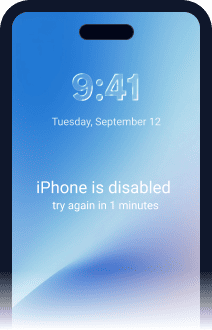
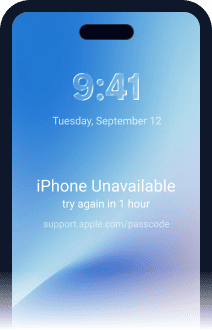
iPhone disabled after too many attempts

Tried too many wrong codes? The tool still works. Remove the lock regardless of attempt count.

Forgot Passcode

Completely forgot your screen passcode

Too many passwords to remember? No need to recall it. The tool removes it directly.

Face ID Pic

Face ID or Touch ID not working

Biometrics failed? Bypass them and unlock your device with ease.

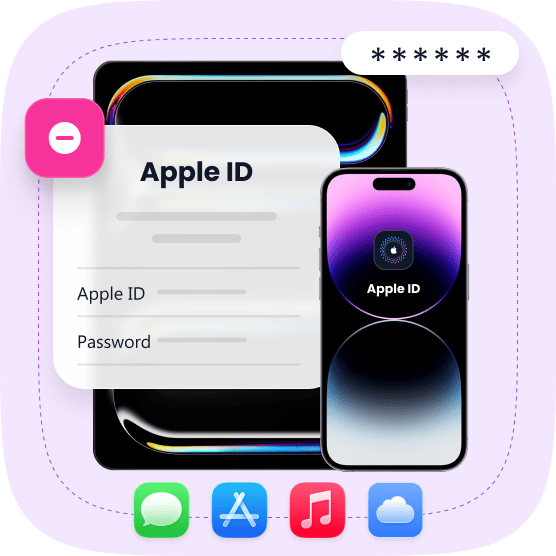
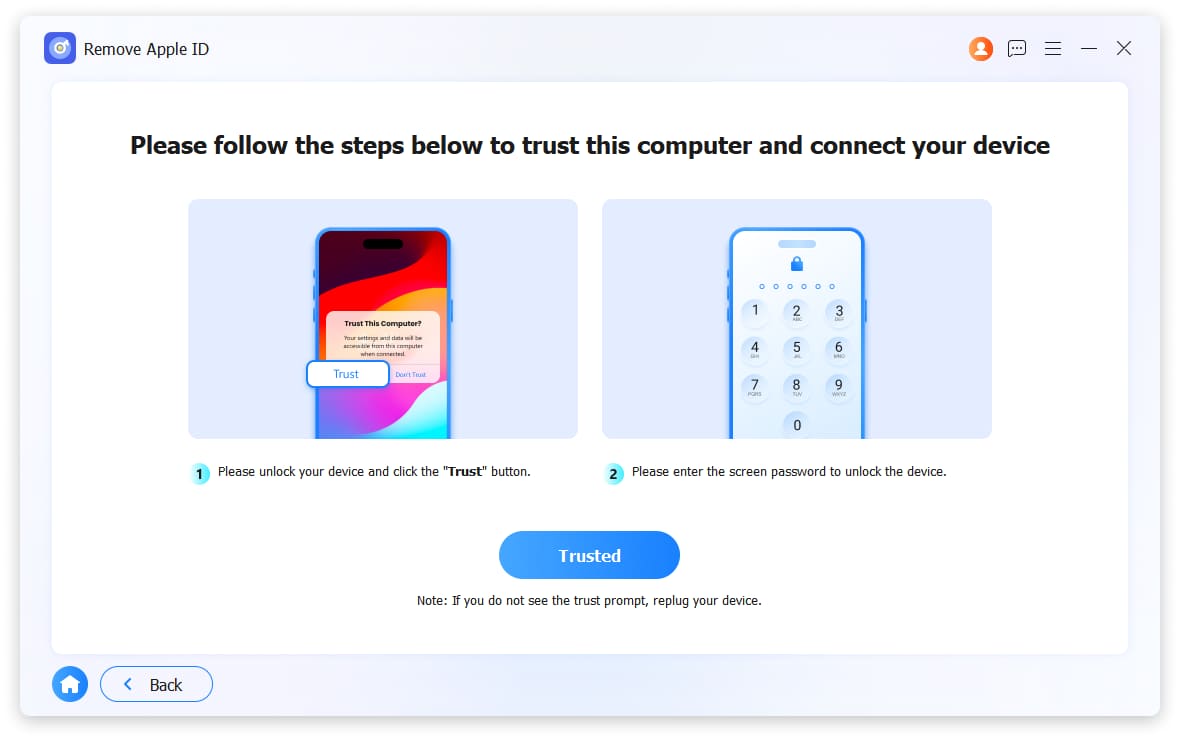
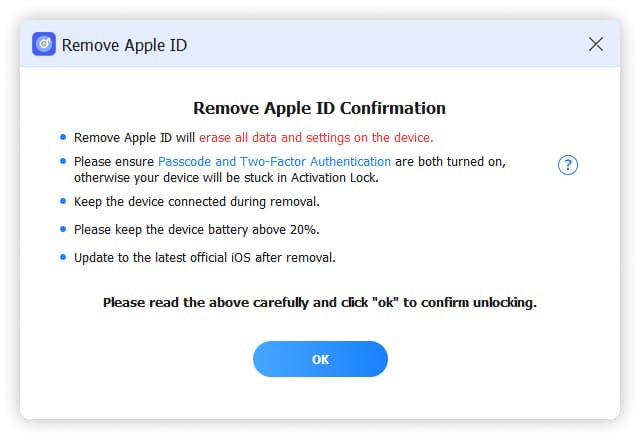
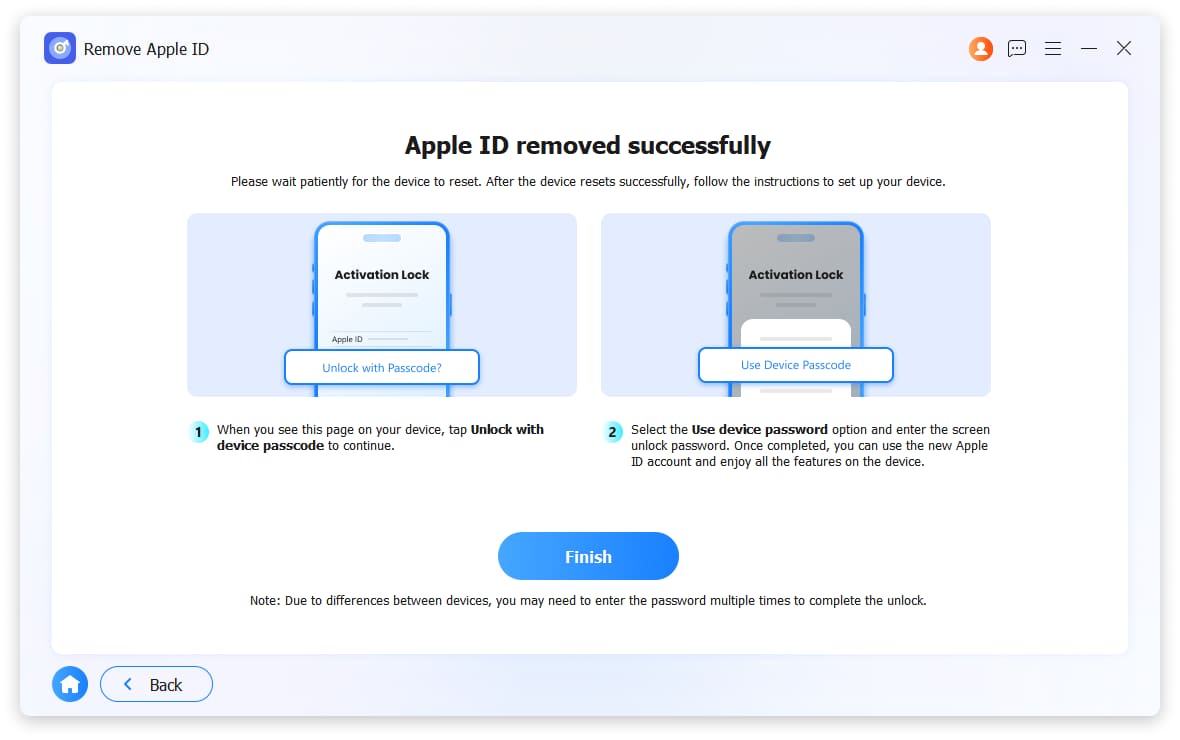
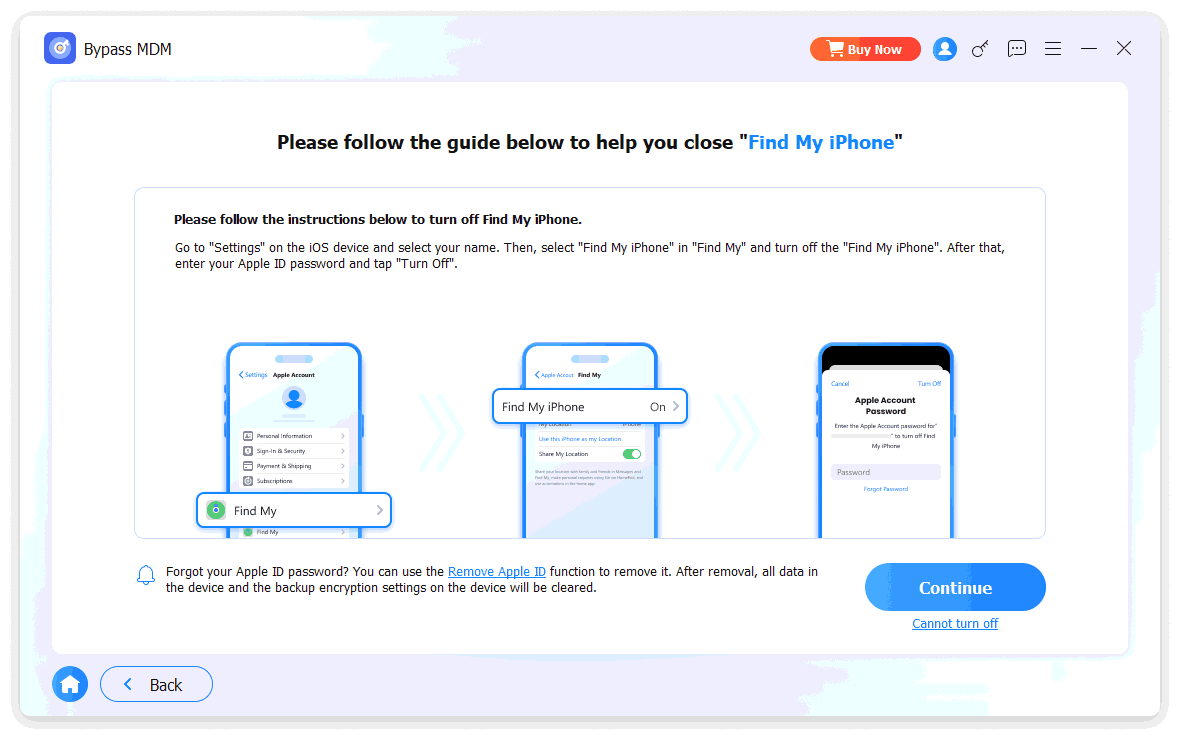
Remove Apple ID

Remove Apple ID Without Password

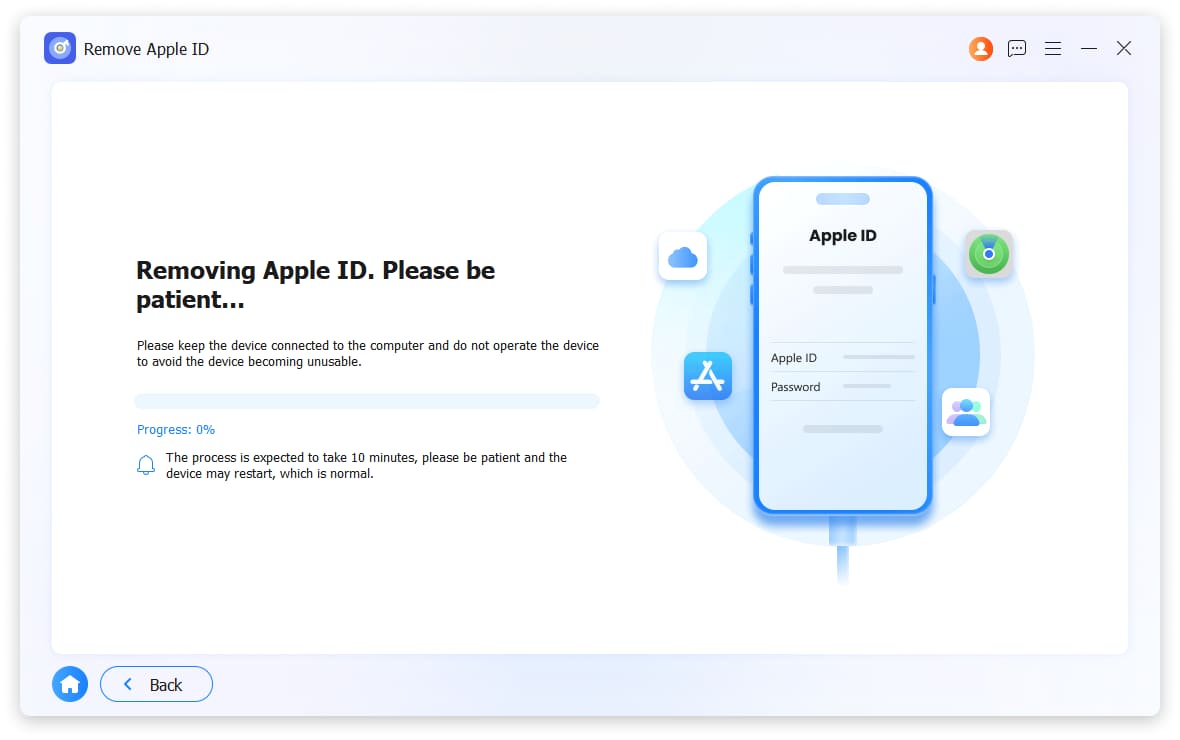
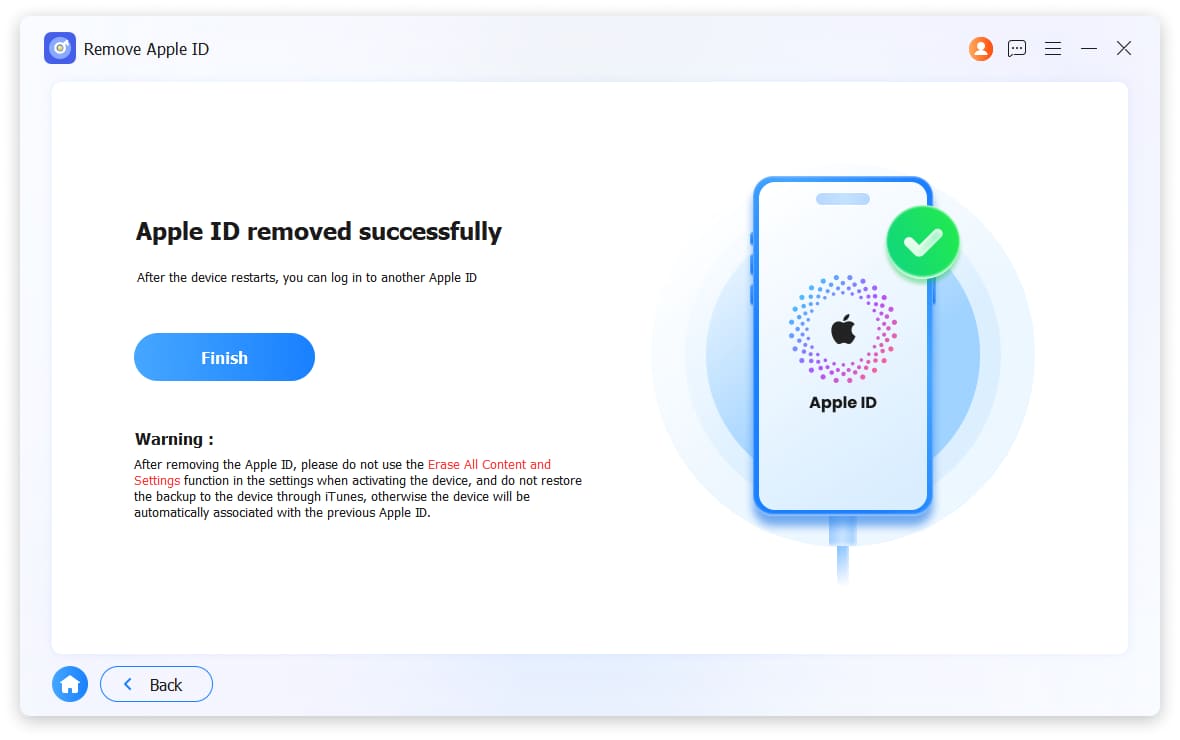
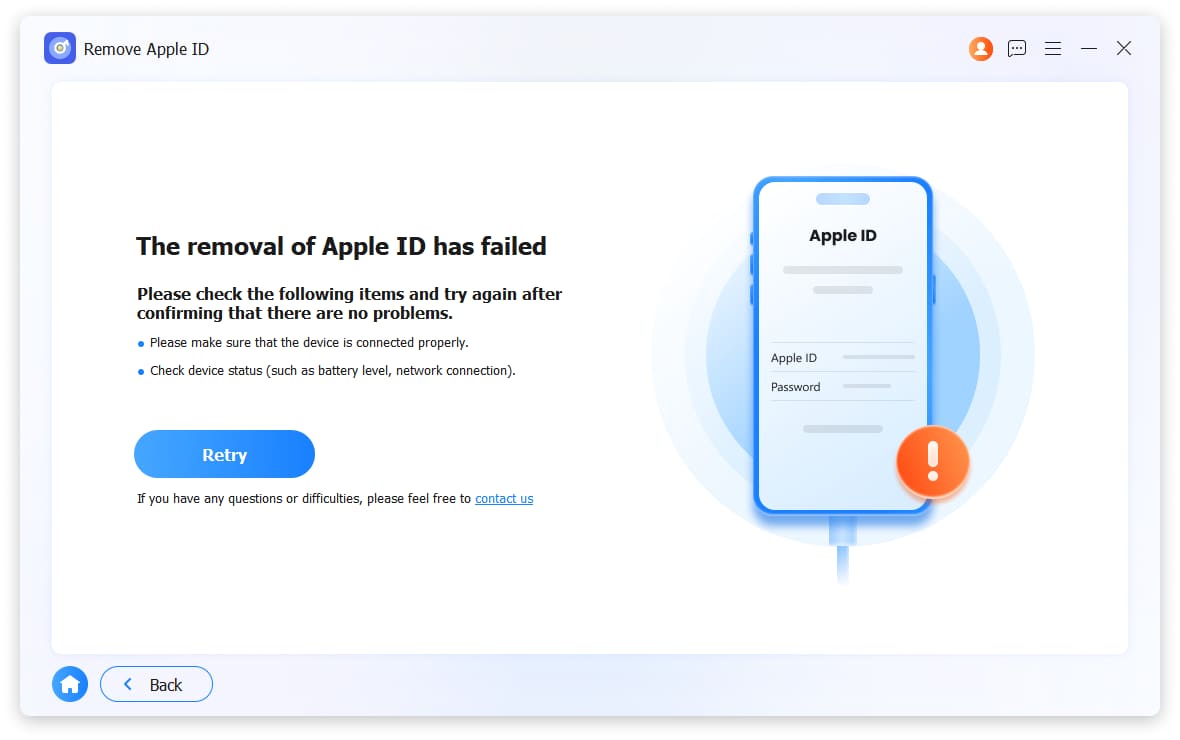
Your Apple ID controls App Store, iCloud, iMessage, and FaceTime. Lose access to it, and you lose many services. Even if security questions and rescue emails don't help, FoneLab iFoneWiz can remove the forgotten Apple ID and let you start with a new account.

Attention:

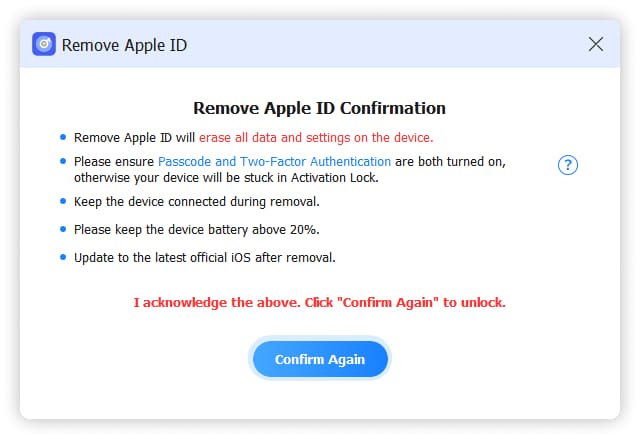
Removing Apple ID erases all data on your device.

If Find My iPhone/iPad is already off, no data loss occurs.

Never use Erase All Content and Settings or iTunes restore during removal – that will permanently lock your device to the original Apple ID.

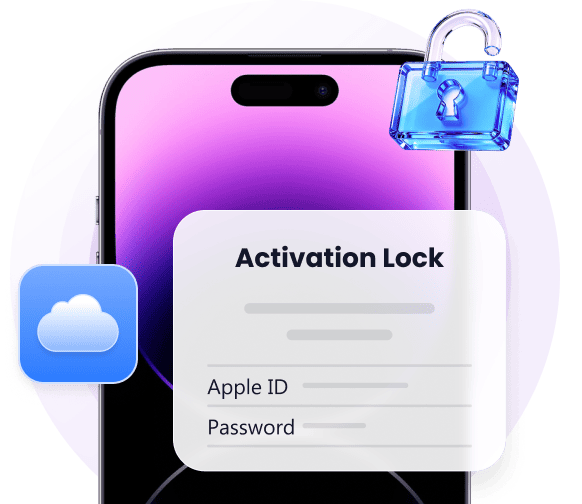
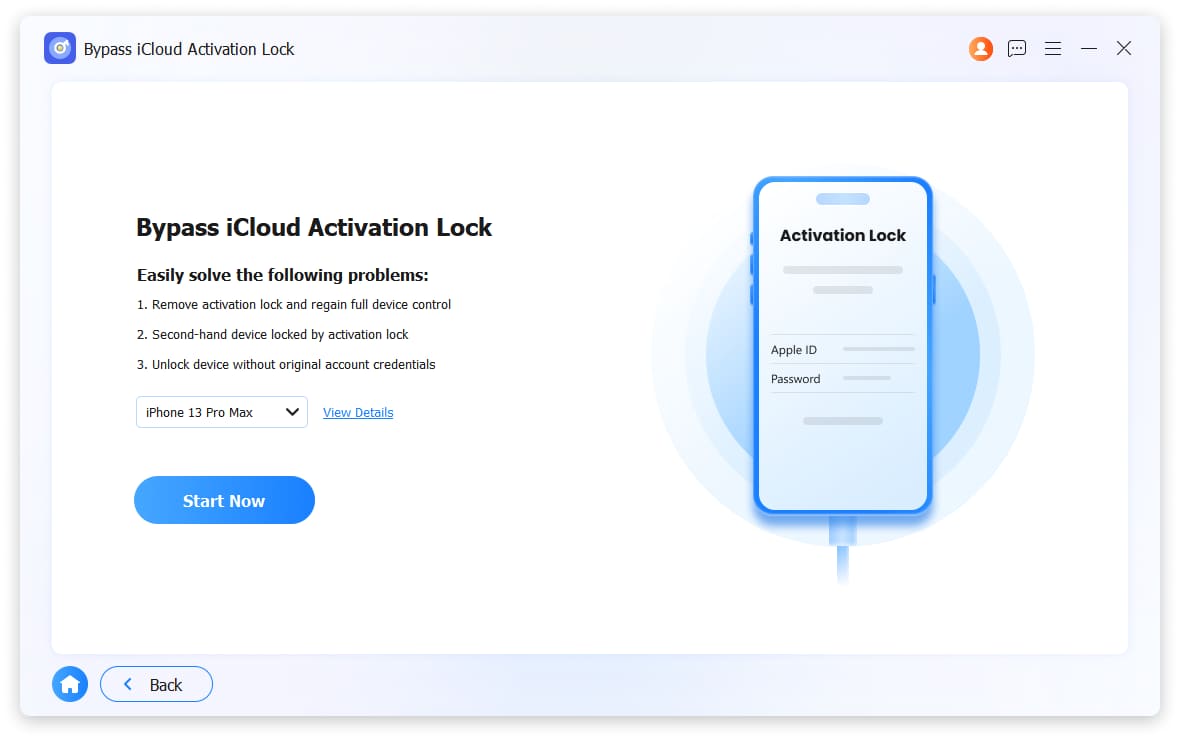
Unlock Device Linked to iCloud Activation Lock

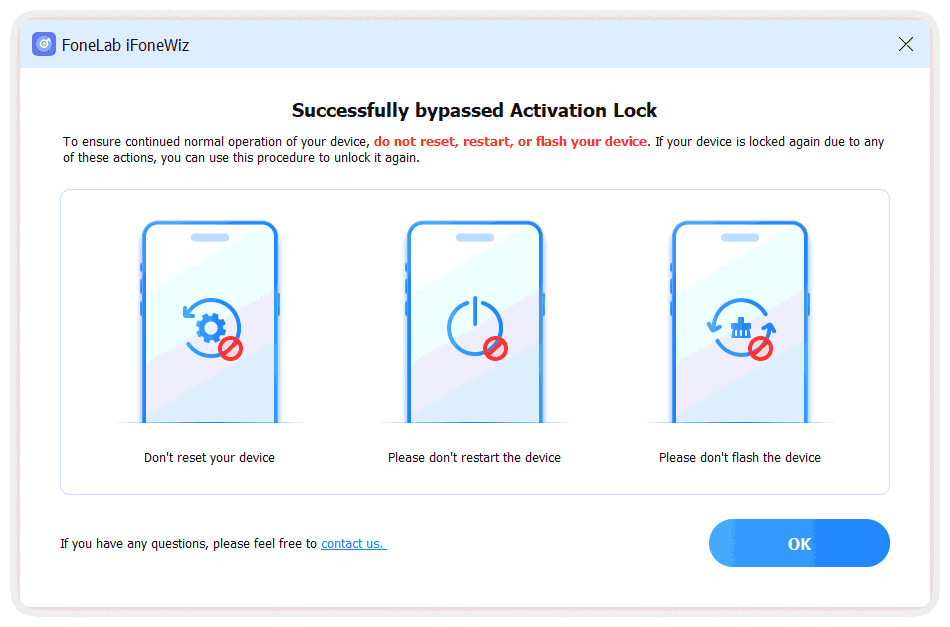
Forgot your Apple ID password? Can't contact the previous owner? FoneLab iFoneWiz bypasses activation lock after factory reset. No extra information needed.

Attention:

Works only on iPhone 6 through iPhone X, iPad mini 4 through iPad Air 2, and iPod Touch 7th gen.

Requires iOS 12.0 to 17.7.10.

If your device is working normally, use Remove Apple ID instead.

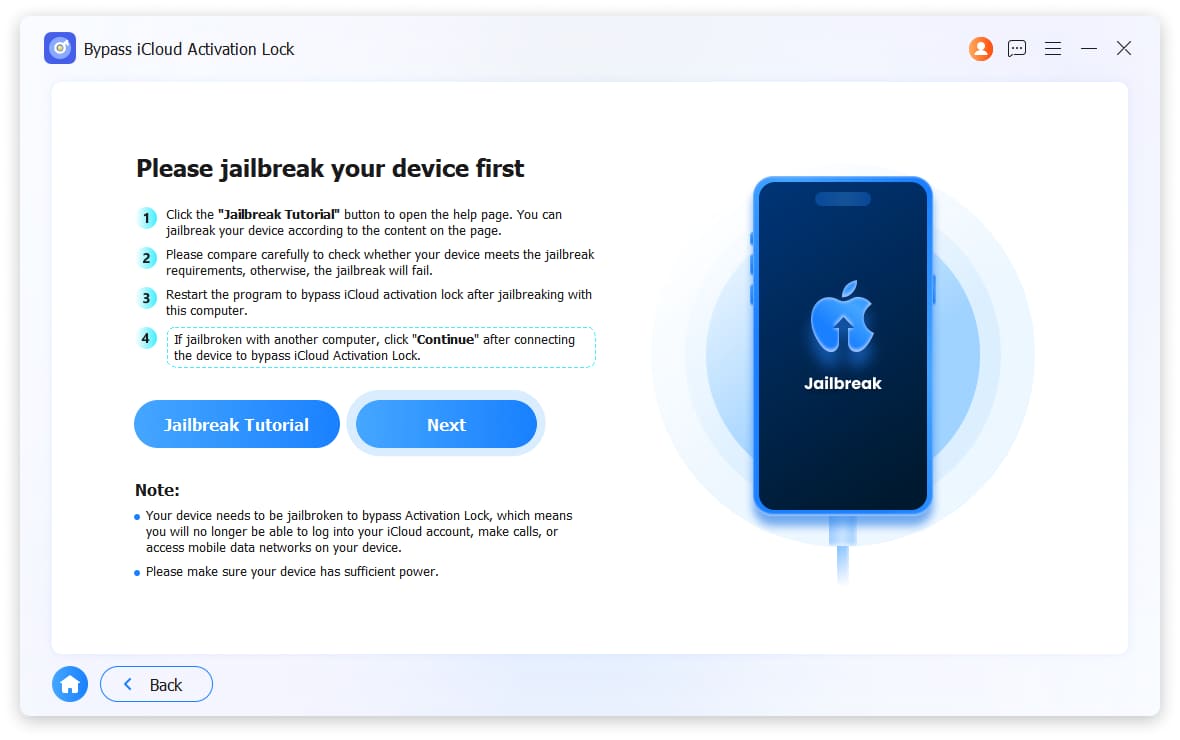
You must jailbreak your device first.

Bypass iCloud Activation Lock Des
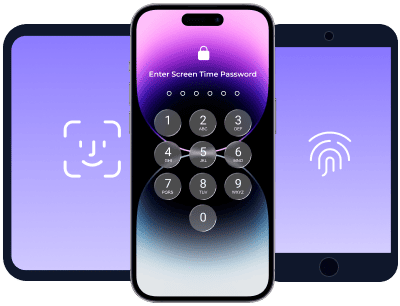
Unlock Screen Time Des

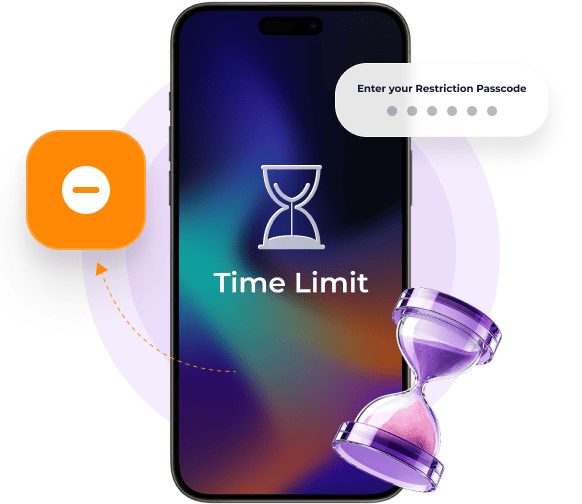
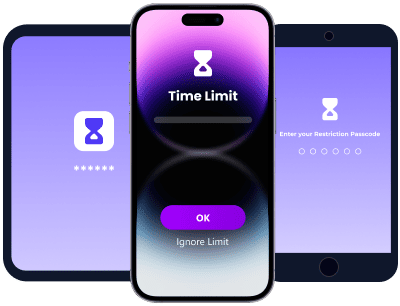
Recover Screen Time When You Forgot Passcode

Screen Time passcodes limit app usage. FoneLab iFoneWiz removes the restriction quickly.

Attention:

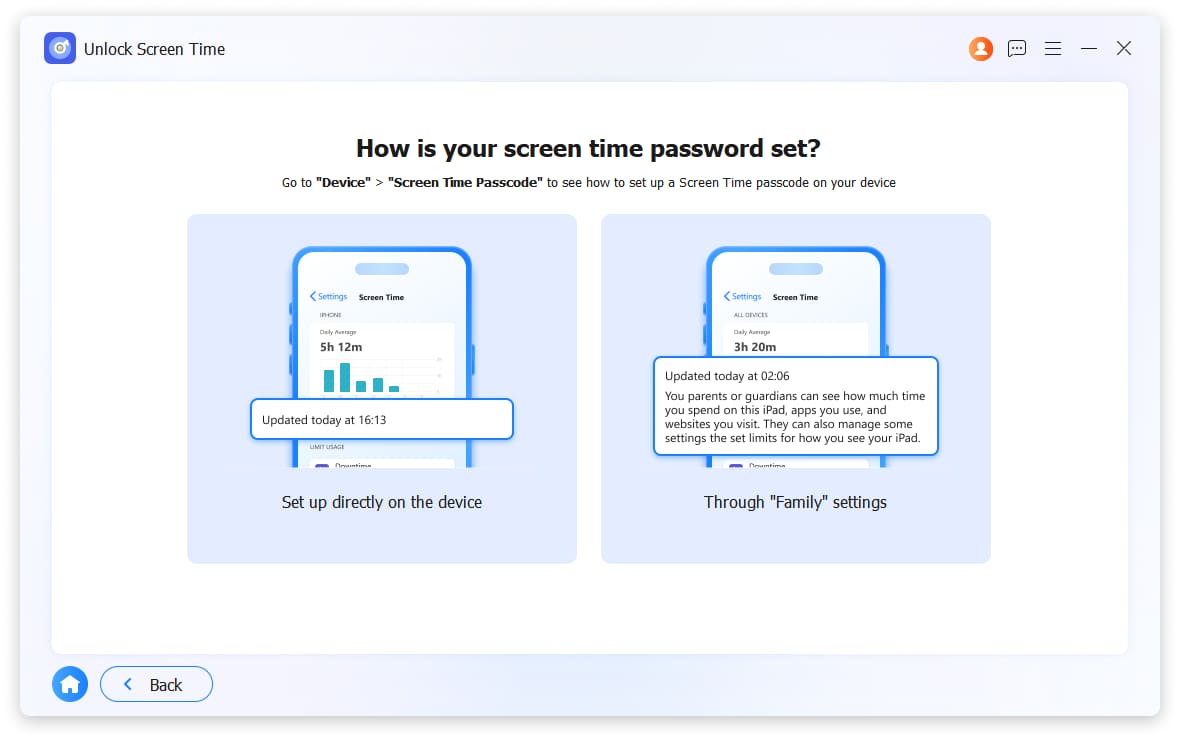
Passcode set directly on your device > No data loss.

Passcode set through Family Sharing > Data will be erased.

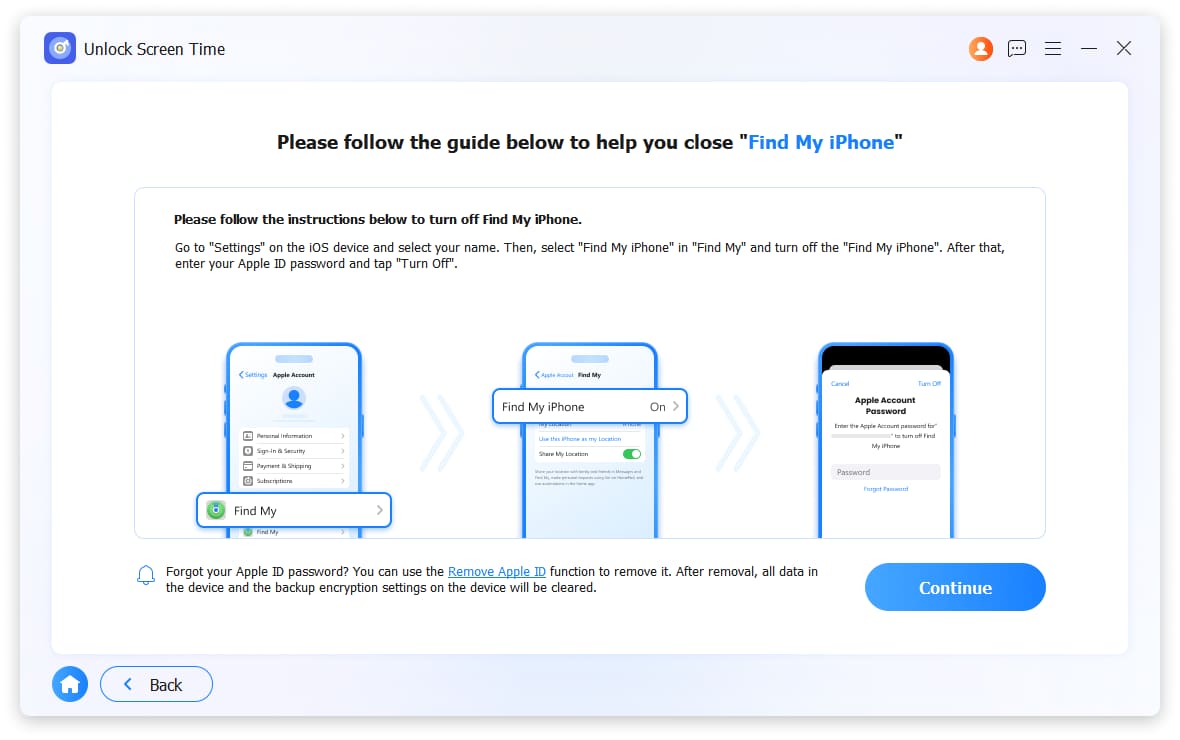
For iOS 12 and earlier: Turn off Find My iPhone before removal.

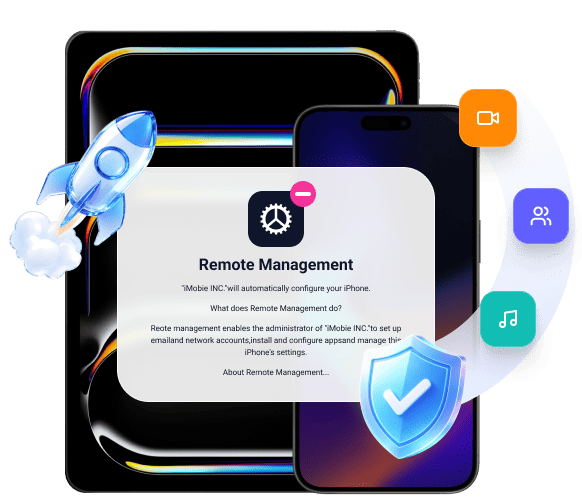
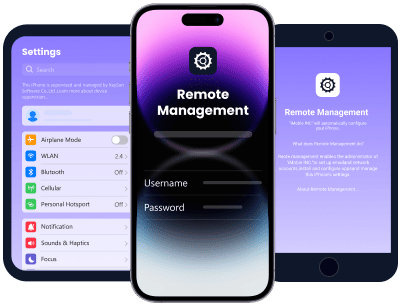
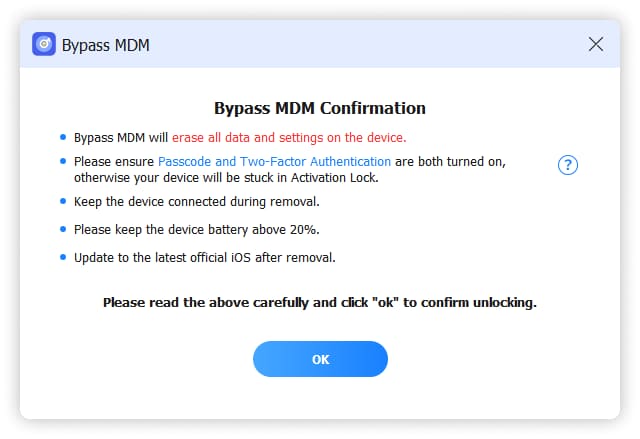
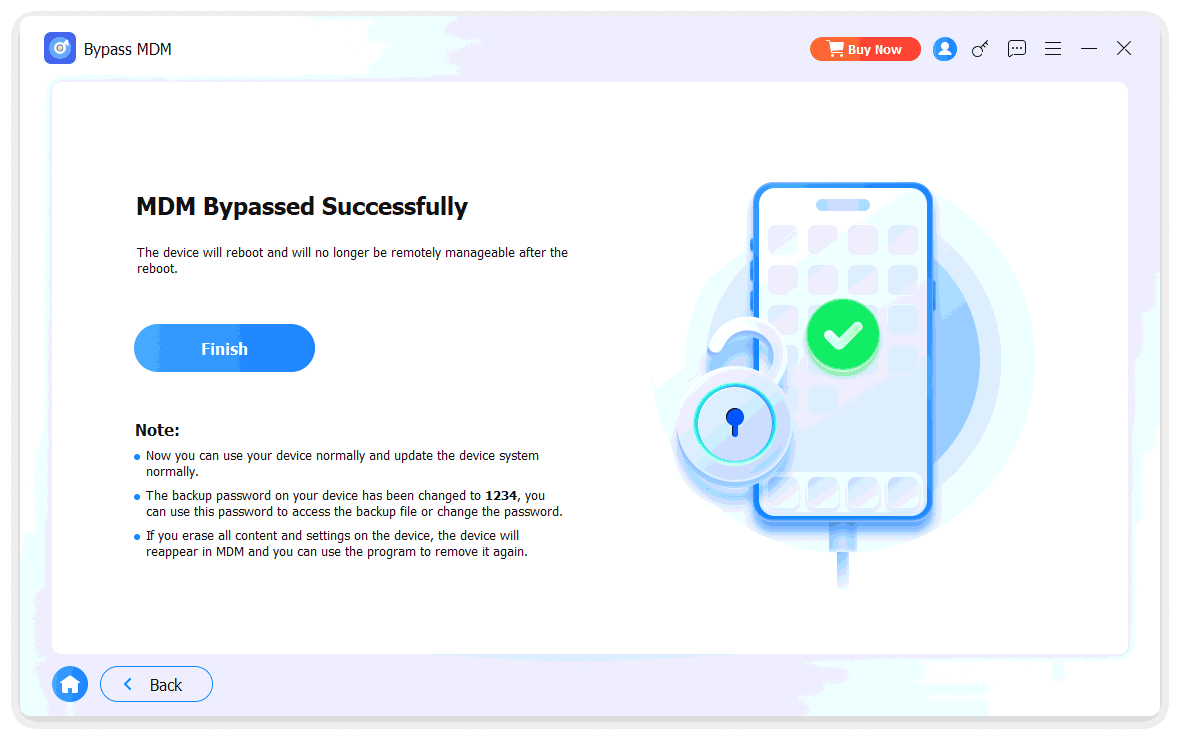
Remove MDM(Mobile Device Management)

Companies and schools use MDM to monitor and restrict devices. FoneLab iFoneWiz removes MDM profiles easily.

Attention:

iOS 17.3 and earlier > No data loss.

Unactivated devices or devices in DFU/Recovery mode > Data will be erased.

Bypass MDM Des
Remove iTunes Backup Encryption Settings Des

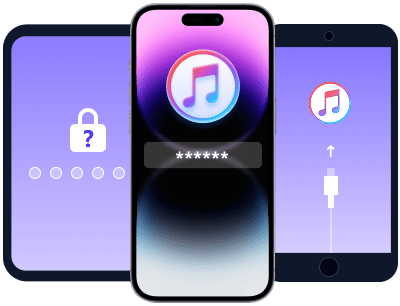
Disable iTunes Password-Protected Backup

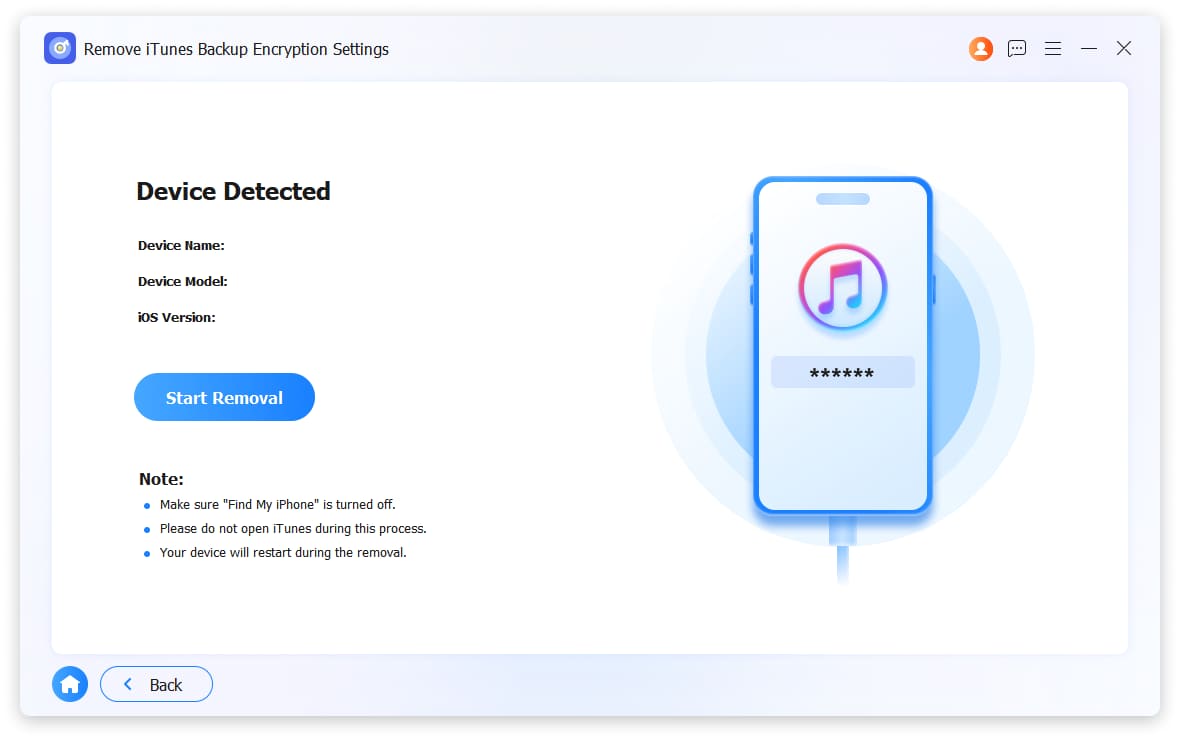
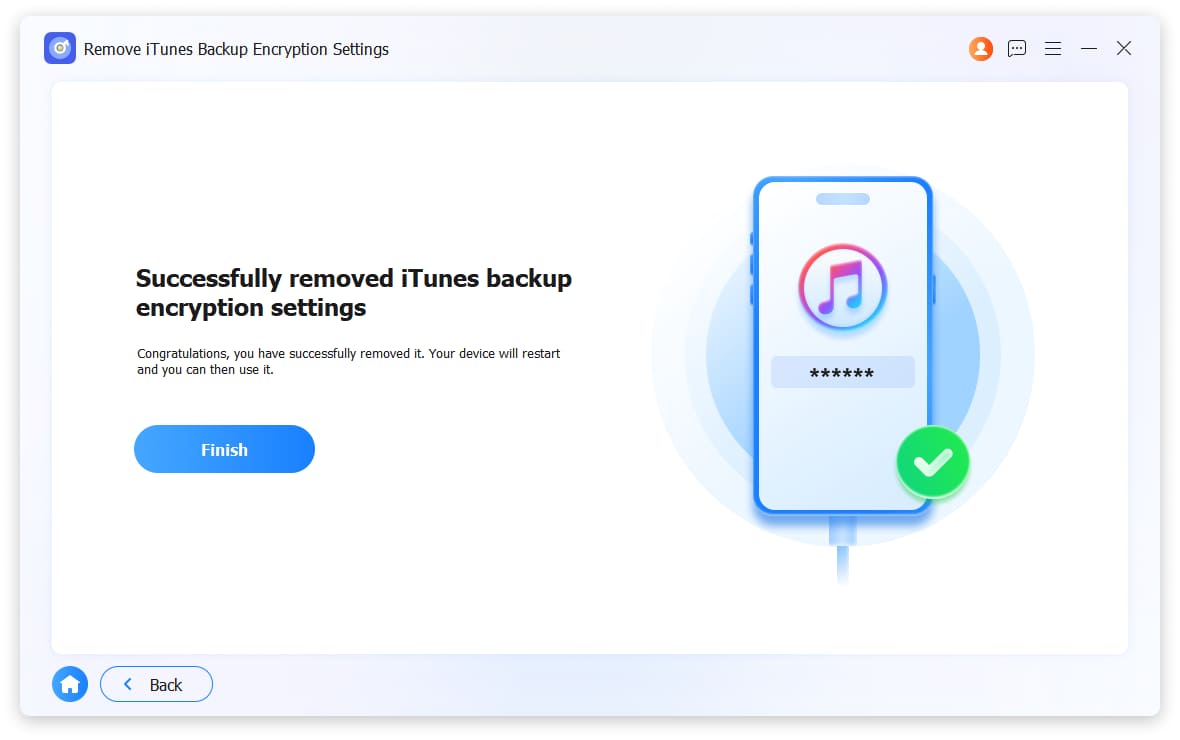
Forgot your iTunes backup password? Can't create new backups? FoneLab iFoneWiz erases the forgotten encryption password so you can make unencrypted backups or set a new password.

Attention:

Do not open or use iTunes during the process.

Keep your iOS device unlocked and connected.

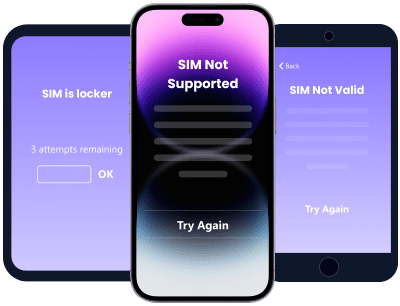
Unlock SIM Card for Any Carrier

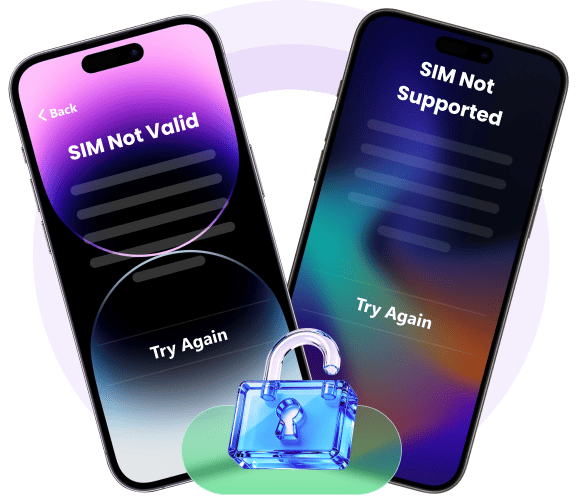
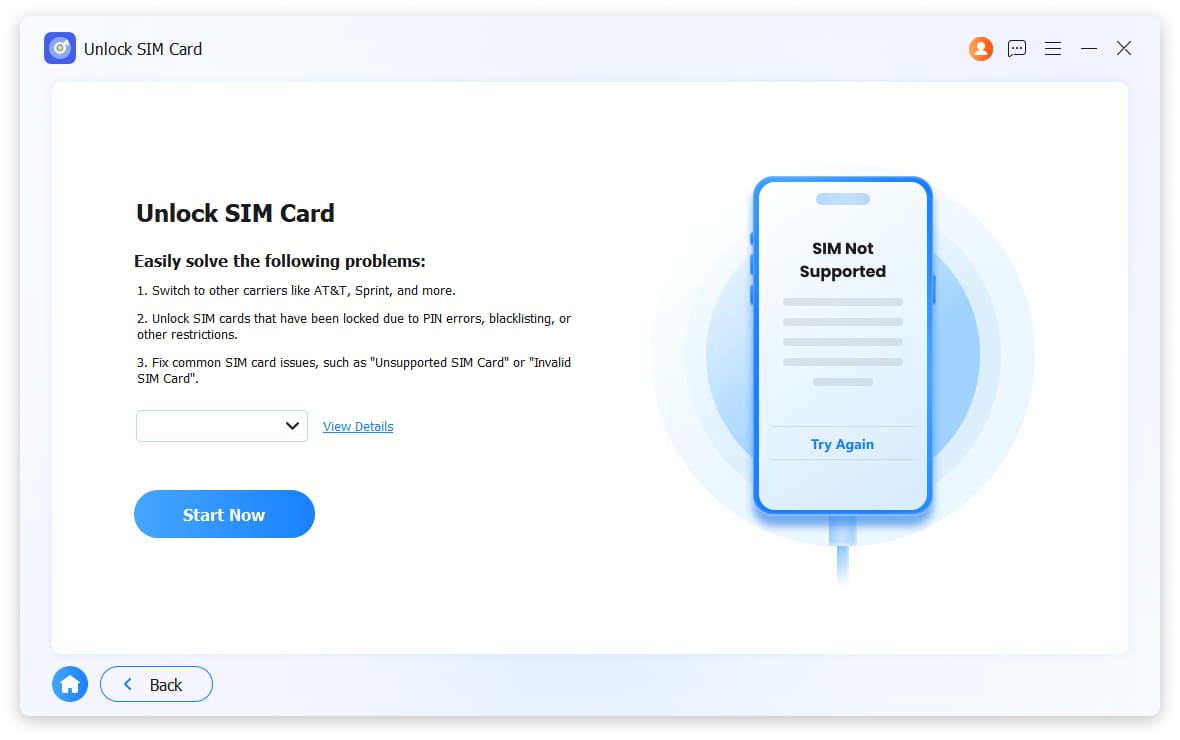
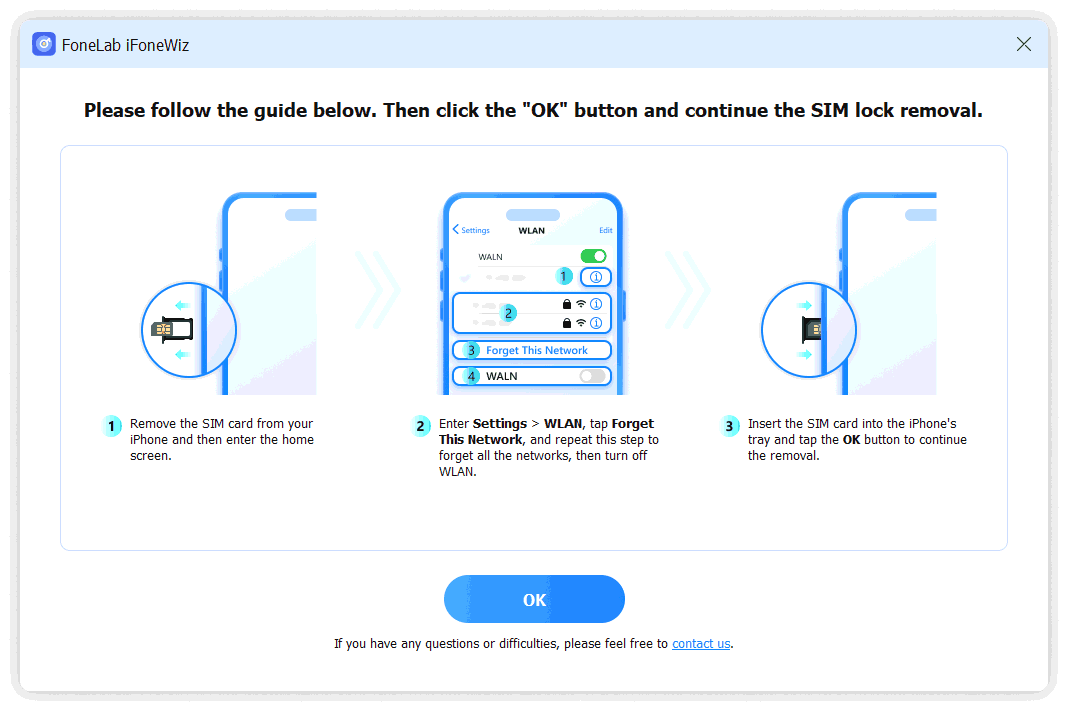
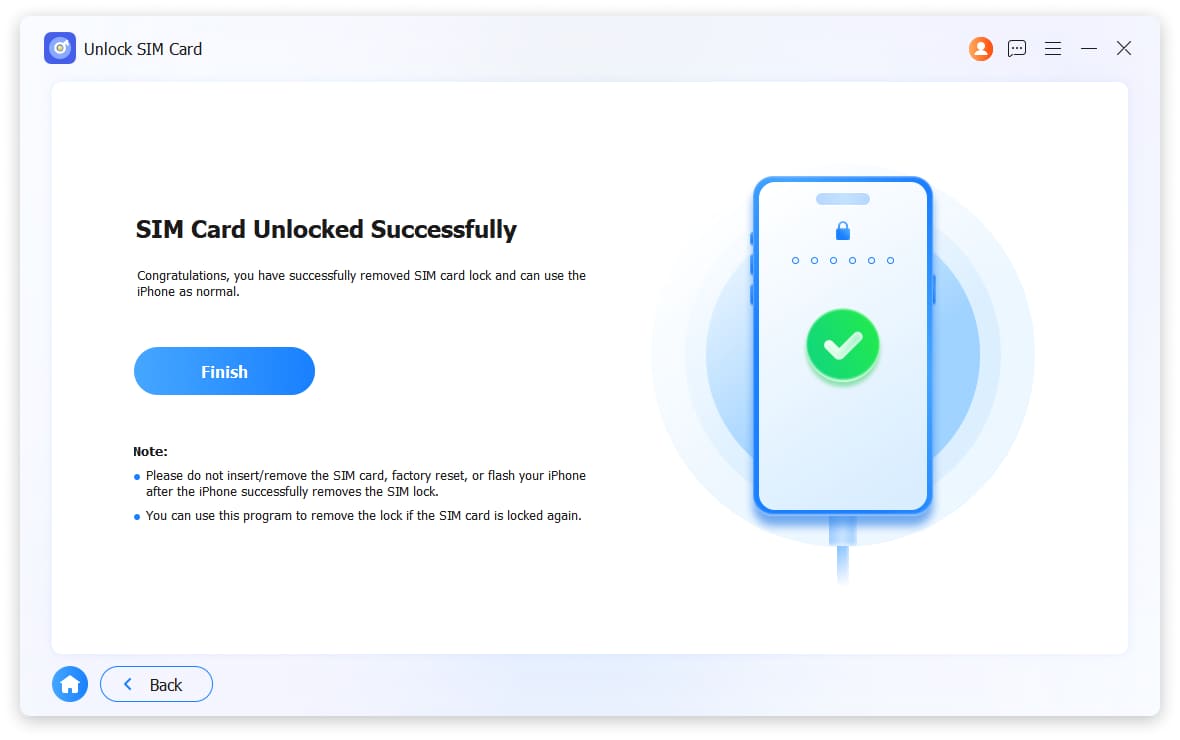
See SIM Not Supported or Invalid SIM? FoneLab iFoneWiz removes the SIM lock. Use your iPhone or iPad with AT&T, T-Mobile, Verizon, or any international carrier. No data loss.

Unlock Sim Card Des
tech specs

Tech Specs

Supported OS

95% Success Rate – We Prove It

Unlock IOS Screen Icon

Unlock iOS Screen

FoneLab iFoneWiz removes all screen locks from iPhone, iPad, and iPod Touch – including 4-digit codes, 6-digit codes, Touch ID, and Face ID.

Remove Apple ID Icon

Remove Apple ID

Delete any Apple ID from your iPhone, iPad, or iPod Touch. Works on accounts linked to Find My iPhone, iCloud activation locks, and forgotten credentials.

Bypass iCloud Activation Lock Icon

Bypass iCloud Activation Lock

Skip iCloud Activation Lock on your device after a factory reset. Clean setup and full access in minutes.

Bypass MDM Icon

Bypass MDM

Remove Mobile Device Management restrictions – activation locks, profile locks, and corporate enrollment – from any iPhone, iPad, or iPod Touch.

Unlock Screen Time Icon

Unlock Screen Time

Delete forgotten Screen Time passcode from your iPhone or iPad. Regain full control over app limits and restrictions.

Remove iTunes Backup Encryption Settings Icon

Remove iTunes Backup Encryption Settings

Clear iTunes backup encryption settings from your device. Create and access unencrypted backups freely.

Unlock SIM Card Icon

Unlock SIM Card

Unlock your iPhone or iPad SIM card. Use any supported mobile network – AT&T, T-Mobile, Verizon, or international carriers.

FAQs of FoneLab iFoneWiz

Reviews

Tutorials

Unlock iOS Screen

Remove Apple ID

Bypass iCloud Activation Lock

Bypass MDM

Unlock Screen Time

Remove iTunes Backup Password

Unlock SIM Card

Tips and Tricks

Why Choose Us

Bottom Banner

FoneLab iFoneWiz

Unlock your iPhone, iPad, or iPod Touch today.

Free Download Free Download