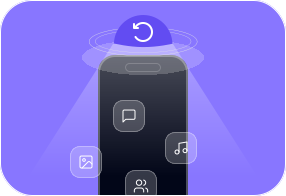
Recover from iOS Device (Direct Recovery)
When to use this mode:
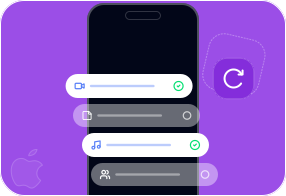
Recover from iTunes / Finder / Apple Devices Backup
When to use this mode:
Recover from iCloud Backup File
When to use this mode:
Accidental Deletion
Important data or files were accidentally lost or deleted.
Water Damage
Device was dropped into a toilet, fish tank, swimming pool, or other water source.
Busted Parts
iPhone screen is broken, shattered, chipped, busted, or cracked.
No Backup
Important data was lost without any backup available.
iPhone Lost/Stolen
The iPhone has been stolen or has gone missing for some reason.
System Problem
System crash, iOS upgrade failure, system freeze, or jailbreak failure.
Forgot Passcode
The iPhone/iPad/iPod is locked because the passcode was forgotten.
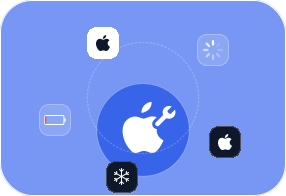
Device Stuck
Device is stuck on the Apple logo, or in recovery mode, DFU mode, or headphone mode.
Never backed up your iPhone? No worries. FoneLab iPhone Data Recovery can scan your device directly to retrieve lost photos, messages, contacts, videos, and more. Even if you've accidentally deleted important files, the software digs deep into your iPhone storage to find them. You don't need any prior backup—just connect your device, run a quick scan, and recover what you need. It's perfect for emergencies when you realize data is gone before you had a chance to back up.
Unlike standard restore methods that often wipe all your current data, this feature lets you selectively extract files from iTunes or iCloud backups. You can choose exactly which messages, contacts, photos, or documents to restore without worrying about losing anything already on your iPhone. It's an ideal solution for combining old backups with your current data. Even if your last backup was partial or outdated, you can retrieve what's important while keeping the rest intact.
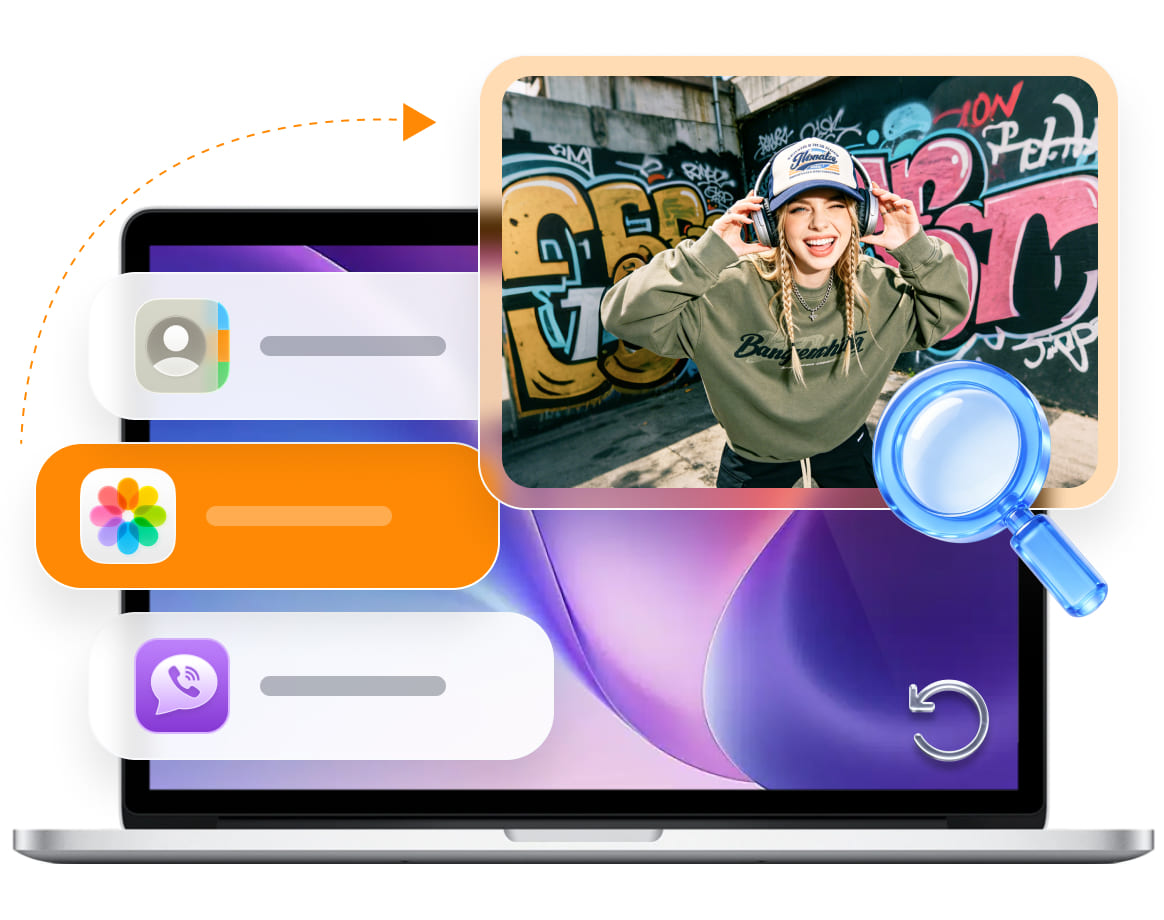
No more guessing what's hidden in your backups or device memory. FoneLab lets you preview all recoverable files—including photos, messages, videos, contacts, call history, and app data—before restoring anything. You can open files, check details, and decide exactly what to recover. This selective recovery ensures you don't accidentally overwrite current data or restore unnecessary files. It's a smart way to make sure only what you truly need is brought back, saving time and effort.
Stop wasting hours scrolling through thousands of files just to find one missing photo or message. With FoneLab's advanced filters, you can sort files by type, date, or size, search by keyword, or display only deleted items. Quickly locate the files that matter most without sifting through clutter. Whether it's an old text conversation, a work document, or a cherished video, you can pinpoint it in seconds and recover it immediately, making the process fast, organized, and stress-free.

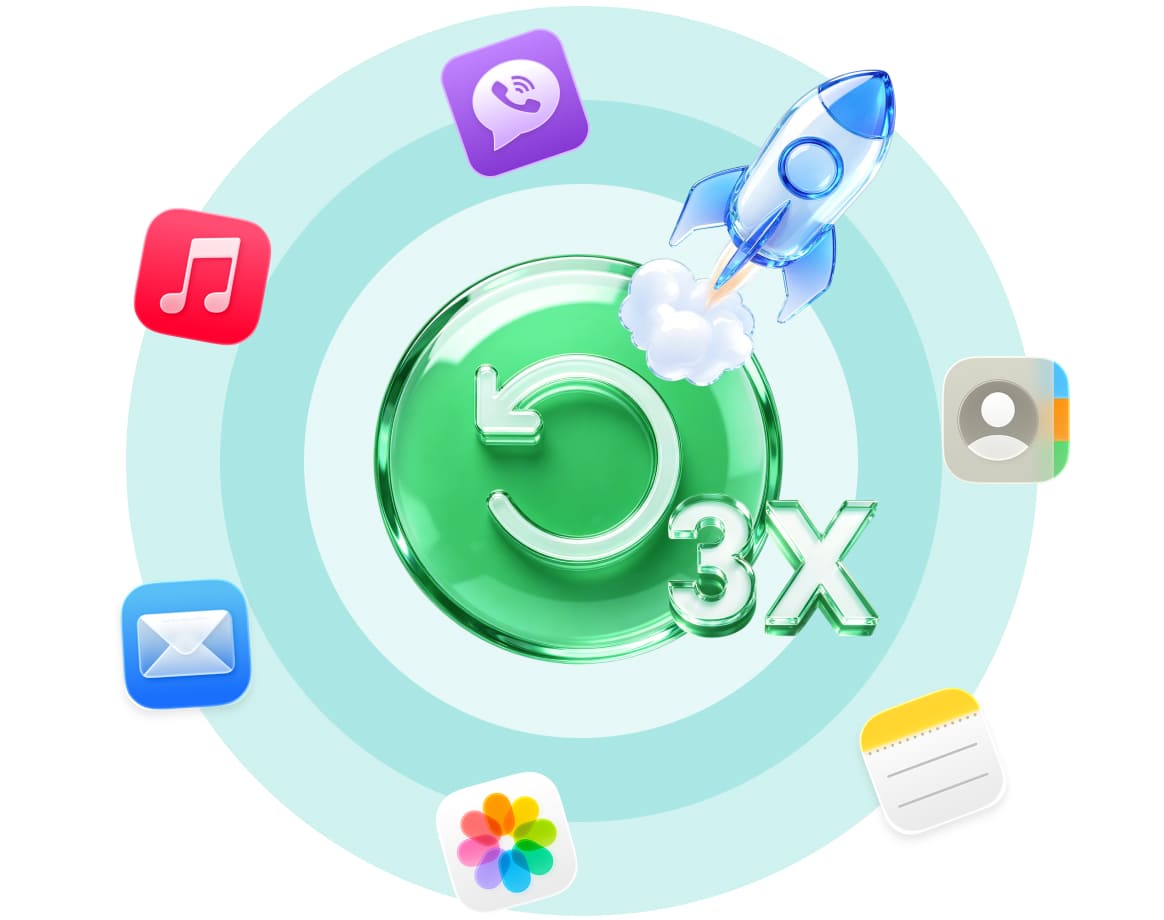
FoneLab's powerful recovery engine delivers three times faster scanning and three times higher success rates compared to traditional tools. Accidental deletions, system crashes, failed updates, or corrupted backups are no match. The software works efficiently in the background to retrieve lost data without compromising quality or safety. You get back what you need quickly, with a high level of reliability, ensuring that even large files or extensive datasets are recovered smoothly and accurately.
iPhone
iPhone 17 Pro Max/17 Pro/Air/17, iPhone 16/16 Pro/16 Pro Max, iPhone 15/15 Pro/15 Pro Max, iPhone 14/14 Pro/14 Pro Max, iPhone 13/13 mini/13 Pro/ 13 Pro Max, iPhone 12/12 mini/12 Pro/ 12 Pro Max, iPhone 11 Pro Max/11 Pro/11, iPhone XS, iPhone XS Max, iPhone XR, iPhone X, iPhone 8, iPhone 8 Plus, iPhone 7, iPhone 7 Plus, iPhone SE, iPhone 6s, iPhone 6s Plus, iPhone 6, iPhone 6 Plus, iPhone 5s, iPhone 5c, iPhone 5, iPhone 4S, iPhone 4
iPad
iPad Pro, iPad, iPad 2, iPad 3, iPad 4, iPad Air, iPad Air 2, iPad mini, iPad mini 2, iPad mini 3
iPod
iPod touch 6, iPod touch 5, iPod touch 4
FoneLab iPhone Data Recovery supports recovering a wide range of lost or deleted data from iPhone, iPad, and iPod touch. Whether you accidentally deleted important files or lost data due to system crash, water damage, or device lock, this tool helps you get them back. It recovers photos, messages, contacts, call history, notes, voice memos, Safari bookmarks, WhatsApp chats, WeChat attachments, Viber data, Line messages, Kik conversations, Messenger history, QQ data, app documents, videos, music, and more. You can preview all recoverable items before recovery and choose only what you need to restore.
Calendar
Call History
Camera Roll
Contact
Messenger
Kik
Line
Message
Audio
Note
Photo
Reminder
Safari
Viber
Video
Voicemail
Voice Memo
|
Windows Windows 10, Windows 8.1, Windows 8, Windows 7, Windows Vista, Windows XP (SP2 or later) |
Mac OS Mac OS X 10.7 or above (including macOS Tahoe, macOS 27 Golden Gate Beta) |
RAM 1024 MB or more |
CPU 1GHz Intel/AMD CPU or above |
|
iTunes Version iTunes 10.7 or above. The latest version is recommended. |
Hard Disk Space 200 MB and above free space |
iOS Version iOS 5 and above (including iOS 26, iOS 27 Beta) |
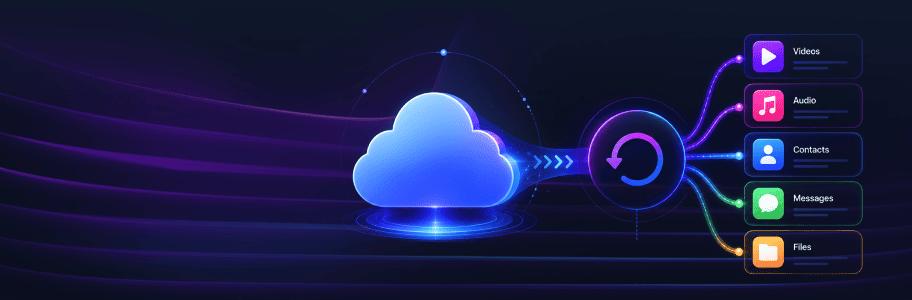
Recover them all — from your iOS device, iTunes backup, or iCloud backup. Texts, contacts, videos, music, app data, and more. If it was there, we'll find it.
Download and install.
Choose a recovery mode.
Recover lost files.
Kier Austin
Video Creator
"I accidentally deleted some work files from my iPhone and panicked. FoneLab iPhone Data Recovery saved me! The interface is clean, the scan is fast, and it’s easy to figure out what to recover. Got all my important stuff back, no issues. Definitely recommend if you need a quick recovery solution."
Ryan
IT Support Specialist
"Super happy with FoneLab! I lost a bunch of photos and notes when updating my phone, and this software found almost everything. I liked that it shows previews, so you don’t waste time recovering things you don’t need. Fast, reliable, and works exactly as advertised."
Ruairidh Logan
Marketing Specialist
"I can’t believe I actually recovered my deleted photos with FoneLab! I thought they were gone for good after accidentally deleting them. The software is super easy to use—just plug in your phone, scan, and it shows everything that can be recovered. Took me less than 10 minutes to get back the photos I really cared about. Definitely a lifesaver."
Zoha Fuller
Parent & Home User
"Lost my contacts and a few videos when my phone got messed up, and I didn’t think I could get them back. FoneLab made it super painless. It scanned my iPhone quickly and let me choose what to restore. Everything I needed came back exactly as it was. Easy to use even if you’re not techy at all."
Alex
Freelance Photographer
"Not gonna lie, I wasn’t expecting much, but FoneLab surprised me. I thought my deleted messages were gone forever, but after scanning my iPhone, it recovered everything I needed. Very straightforward, no confusing steps, and you can pick exactly what to restore. Made a stressful situation a lot easier."
Mia
College Student
"Honestly, I was skeptical at first, but FoneLab really came through. I lost some important messages after an iOS update, and this program found them all. I like that you can preview the files before restoring—no guessing, no extra clutter. Pretty simple, and it actually works, which is all I needed."
❓ Can FoneLab iPhone Data Recovery Extract iCloud Backup Data?
Yes, just run FoneLab iPhone Data Recovery on your computer and follow the steps to log into your account. You can get your data from the backup files and restore them within a few clicks.
🔒 Will FoneLab Save My Personal Data?
Absolutely not.
FoneLab does not read, save, or store any of your personal data. Your privacy is 100% protected. No data disclosure. No hidden uploads. No worries.
⏳ Can I Recover Data I Deleted a Long Time Ago?
It depends on one thing: overwriting.
✅ If you have an old iTunes or iCloud backup — you can restore it easily.
✅ If you never backed up — you can still scan your device directly.
❌ If the deleted data has been overwritten by new data — recovery may not be possible.
Tip: As long as the lost files are still physically on your device (not replaced), FoneLab can find and recover them — even if they were deleted months ago.
⚖️ FoneLab vs. iTunes vs. iCloud — What's the Difference?
| Feature | FoneLab iPhone Data Recovery | iTunes / iCloud Restore |
| Preview data before recovery | ||
| Select which files to recover | restores everything | |
| Keep existing data on device | no data loss | wipes current data first |
| Recover from device without backup | ||
| Recover from iTunes backup | ||
| Recover from iCloud backup |
What Our Users Are Reading Right Now
Recover lost iOS photos, messages & more
Restore deleted Android contacts & files
Fix various iOS system issues safely
FoneLab iOS Data Backup & Restore
Backup and selectively restore iOS data
FoneLab Android Data Backup & Restore
Backup and restore Android data easily
Permanently erase iPhone data and privacy
FoneLab Broken Android Data Extraction
Extract data from broken Android phones
FoneLab WhatsApp Transfer for iOS
Transfer and backup WhatsApp between devices
Transfer files and manage device data
Record screens on computers and mobiles
FoneLab Video Converter Ultimate
Convert, enhance and edit video files
Clean junk and optimize Mac performance
Unlock iPhone screen and remove Apple ID
Recover lost data from PC and drives
Recover lost data from Mac and drives
FoneLab iPhone Password Manager
View, manage and export saved passwords
Change virtual GPS location on iPhone
Remove screen locks and bypass FRP
Transfer and manage iOS music, photos
Clean junk and free up iPhone space
Convert HEIC images to JPG/PNG
Mirror phone screen to computer display