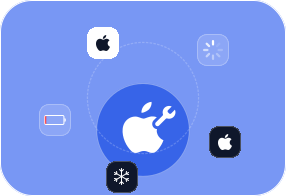
Is your iPhone disabled after a failed system update or water damage? Is it stuck on the white Apple logo or a blue screen? Does it keep restarting over and over again? Whatever issue your iPhone is facing, FoneLab iOS System Recovery enables you to restore the iOS system on your iPhone, iPad, or iPod conveniently and quickly.
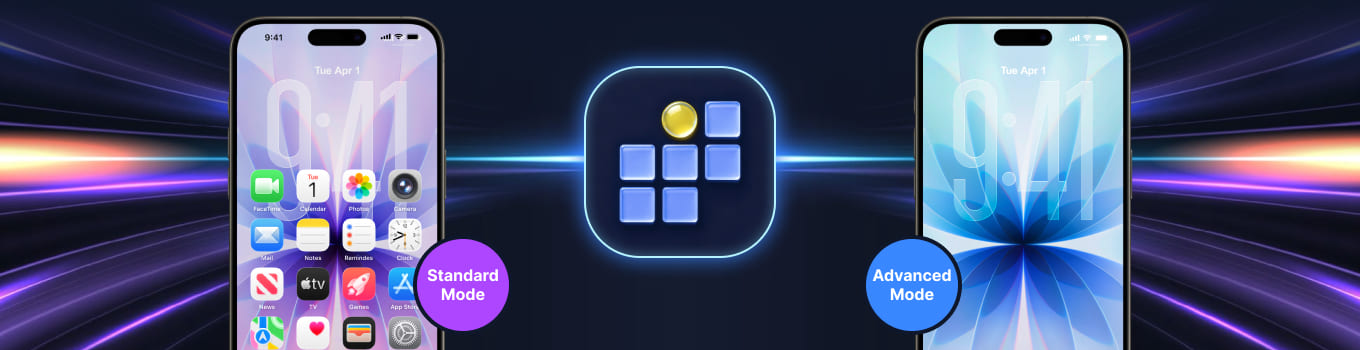
Two repair modes are available to fix your broken iPhone, iPad, or iPod touch. Standard Mode fixes iOS system issues without losing any data. Advanced Mode also resolves problems, but it permanently erases all data.
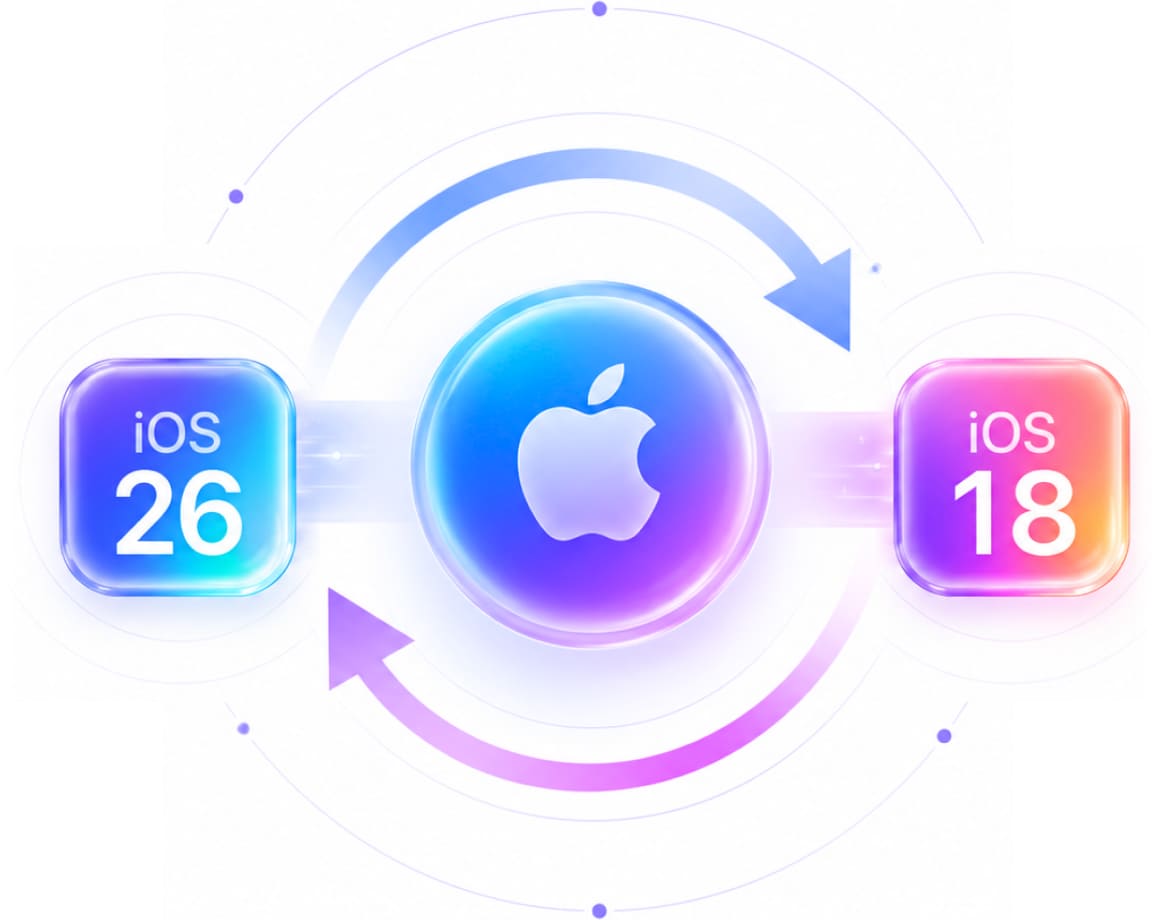
With just one click, downgrade or update iOS or iPadOS without losing any data. Standard Mode lets you safely upgrade or downgrade your iOS version while repairing your device. Advanced Mode offers the same option when you need a complete factory reset of your iPhone.
When you use Advanced Mode to fix iOS system errors on your iPhone, iPad, or iPod, you can also factory reset your device without a password. This feature deeply repairs all system failures while refreshing your device with a clean factory reset.
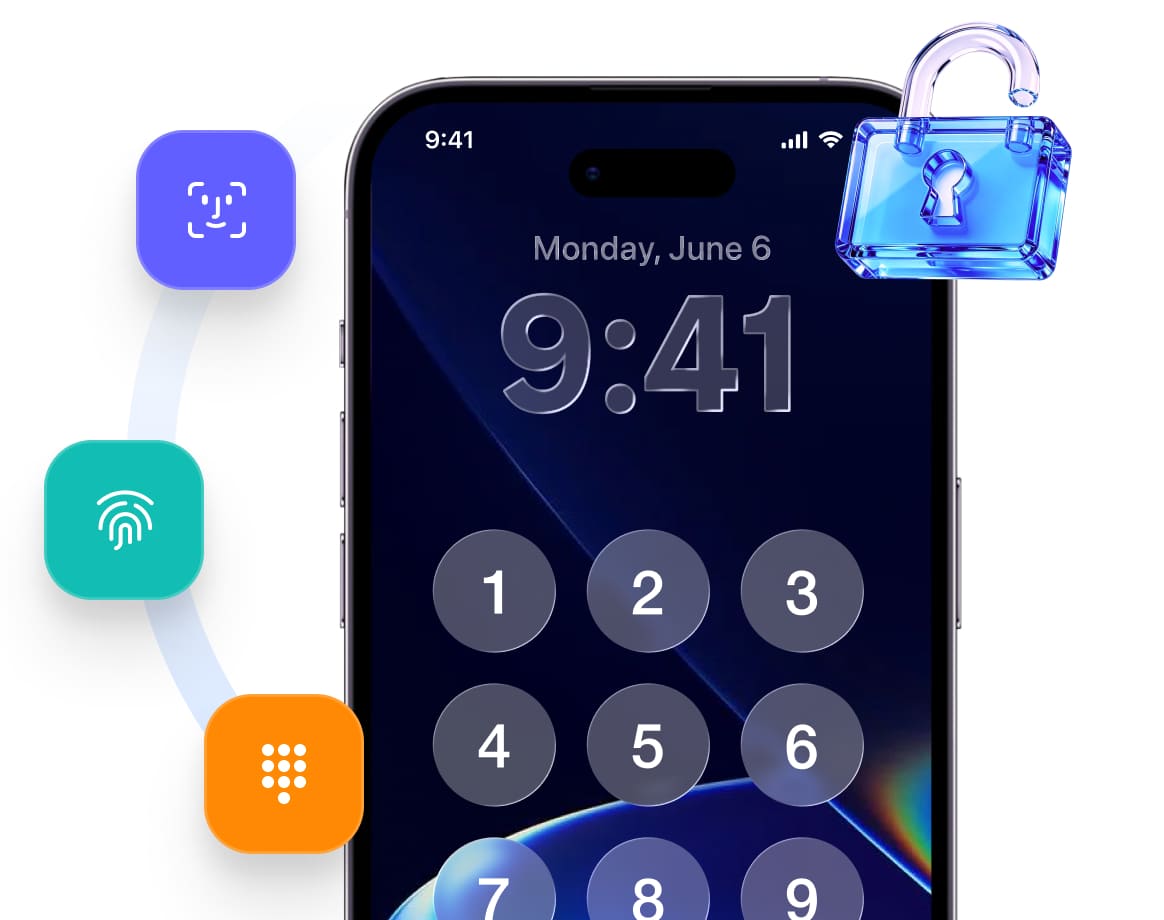
FoneLab iOS System Recovery's Standard Mode not only fixes system errors but also removes screen passcode, Touch ID, and Face ID quickly and easily. Your photos, videos, contacts, passwords, and other data stay completely safe throughout the entire process.
iPhone
iPhone 17 Pro Max/17 Pro/Air/17, iPhone 16/16 Pro/16 Pro Max, iPhone 15/15 Pro/15 Pro Max, iPhone 14/14 Pro/14 Pro Max, iPhone 13/13 mini/13 Pro/ 13 Pro Max, iPhone 12/12 mini/12 Pro/ 12 Pro Max, iPhone 11 Pro Max/11 Pro/11, iPhone XS, iPhone XS Max, iPhone XR, iPhone X, iPhone 8, iPhone 8 Plus, iPhone 7, iPhone 7 Plus, iPhone SE, iPhone 6s, iPhone 6s Plus, iPhone 6, iPhone 6 Plus, iPhone 5s, iPhone 5c, iPhone 5, iPhone 4S, iPhone 4
iPad
iPad Pro, iPad, iPad 2, iPad 3, iPad 4, iPad Air, iPad Air 2, iPad mini, iPad mini 2, iPad mini 3
iPod
iPod touch 6, iPod touch 5, iPod touch 4
Repair your frozen iPhone. Keep all your data safe. It's that simple.
Download and install the program.
Choose a repair mode.
Get your device repaired!
|
Windows Windows 10, Windows 8.1, Windows 8, Windows 7, Windows Vista, Windows XP (SP2 or later) |
Mac OS Mac OS X 10.7 or above (including macOS Tahoe, macOS 27 Golden Gate Beta) |
RAM 1024 MB or more |
CPU 1GHz Intel/AMD CPU or above |
|
iTunes Version iTunes 10.7 or above. The latest version is recommended. |
Hard Disk Space 200 MB and above free space |
iOS Version iOS 5 and above |
Emma Johnson
Marketing Specialist
"I was dealing with a black screen issue on my iPhone and thought I might need to replace the device. FoneLab iOS System Recovery fixed the problem without requiring a trip to the repair shop. The software guided me through every step, and everything worked smoothly. My phone started up normally afterward, and all my files were still there."
Ethan Miller
Parent & Home User
"My iPhone got stuck on the Apple logo after an update, and I had no idea what to do. I found FoneLab iOS System Recovery and decided to give it a try. The process was much easier than I expected. After following the instructions, my phone was back to normal in about 20 minutes. Best of all, I didn’t lose any of my data. Really happy with the result."
Liam Carter
Video Creator
"I accidentally caused my iPhone to enter a boot loop while testing a beta update. FoneLab iOS System Recovery was recommended by a friend, and I'm glad I tried it. The software detected the issue right away and repaired the system quickly. Everything was back to normal afterward, and I didn't have to reset my phone."
Noah Wilson
IT Support Specialist
"After my iPhone got stuck in recovery mode, I tried several free solutions online but nothing worked. FoneLab iOS System Recovery solved it in one attempt. The instructions were clear, and I didn't need any technical knowledge to use it. It saved me a lot of time and frustration. Definitely worth having when unexpected iOS issues happen."
Olivia Davis
Freelance Photographer
"My iPhone froze on the startup screen and wouldn't respond no matter what I tried. I downloaded FoneLab iOS System Recovery as a last resort before contacting Apple support. To my surprise, it fixed the issue without any complications. The whole process was straightforward, and my phone has been working perfectly since then."
Sophia Brown
College Student
"I had a pretty stressful experience when my iPhone suddenly got stuck on a black screen. FoneLab iOS System Recovery made the repair process simple and fast. The interface is clean, the instructions are easy to follow, and the software repaired the system successfully. It saved me from spending money on a repair service and got my phone working again quickly."
Is iOS System Recovery Safe?
iOS System Recovery helps you fix abnormal issues on your iPhone, iPad, or iPod touch and restore your device to normal, safe working condition without data loss. Plus, it never saves your personal data.
Does FoneLab iOS System Recovery save my personal data?
No. iOS System Recovery does not read or save your data at any point.
How long does it take to fix an iPhone?
It depends on your device's condition, the download size of the firmware, and the complexity of the issues. Typically, both the download and repair process take a short amount of time to complete.
What is the best iOS System Recovery?
There are many system recovery tools on the market, each with its own features. However, FoneLab iOS System Recovery specializes in fixing errors on iPhone, iPad, and iPod touch. It is definitely one of the best options you can try right now.
What Our Users Are Reading Right Now
Fix iPhone Keeps Restarting Itself in 7 Trusted Practices
Read nowFix iPhone Screen Black in 8 Proven and Tested Techniques
Read nowHow iPhone Force Restart Works Conveniently to Fix Issues
Read nowHow to Soft Reset iPhone [3 Proven Methods]
Read nowHow to Factory Reset iPhone Properly with 7 Best Options
Read nowHow to Fix iPhone Cellular Data Not Working in Proven Ways
Read nowEfficient Guide on How to Reset iPhone When Screen is Frozen
Read nowHow to Fix iPhone Does Not Ring in 4 Effective Approaches
Read nowRecover lost iOS photos, messages & more
Restore deleted Android contacts & files
Fix various iOS system issues safely
FoneLab iOS Data Backup & Restore
Backup and selectively restore iOS data
FoneLab Android Data Backup & Restore
Backup and restore Android data easily
Permanently erase iPhone data and privacy
FoneLab Broken Android Data Extraction
Extract data from broken Android phones
FoneLab WhatsApp Transfer for iOS
Transfer and backup WhatsApp between devices
Transfer files and manage device data
Record screens on computers and mobiles
FoneLab Video Converter Ultimate
Convert, enhance and edit video files
Clean junk and optimize Mac performance
Unlock iPhone screen and remove Apple ID
Recover lost data from PC and drives
Recover lost data from Mac and drives
FoneLab iPhone Password Manager
View, manage and export saved passwords
Change virtual GPS location on iPhone
Remove screen locks and bypass FRP
Transfer and manage iOS music, photos
Clean junk and free up iPhone space
Convert HEIC images to JPG/PNG
Mirror phone screen to computer display