Step-by-Step Guide
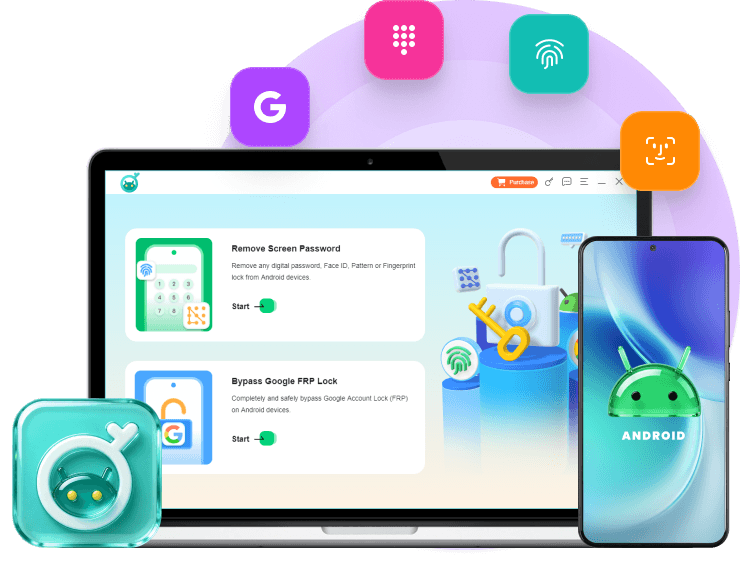
First of all, you should run FoneLab uDroidWiz on computer.
-
-
Step 1
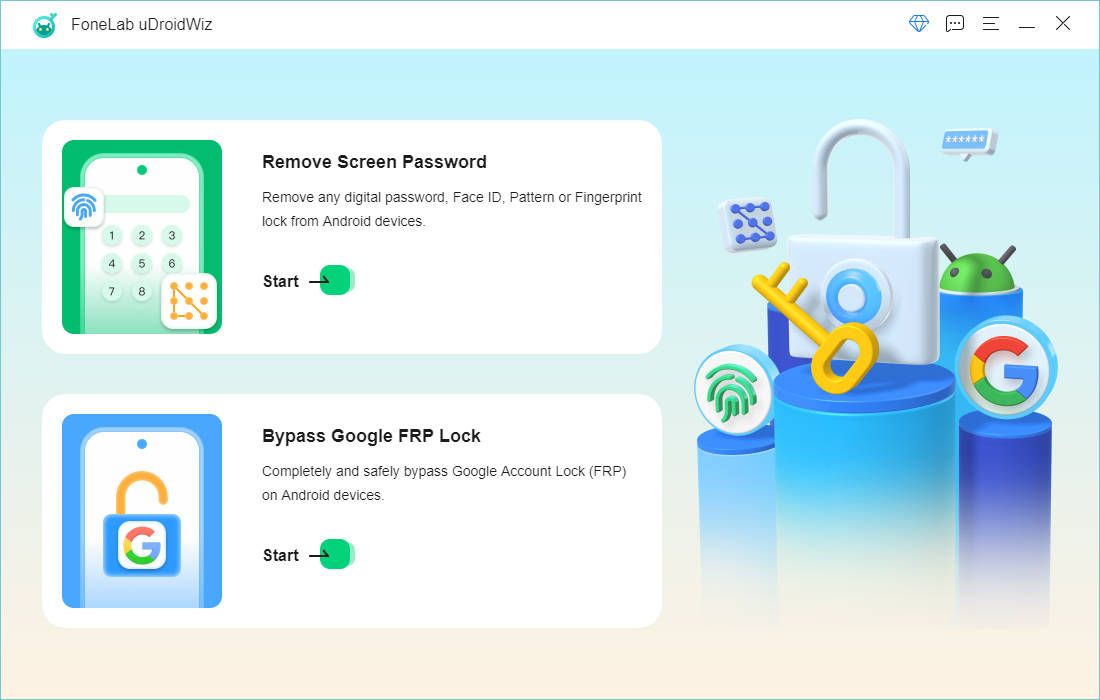
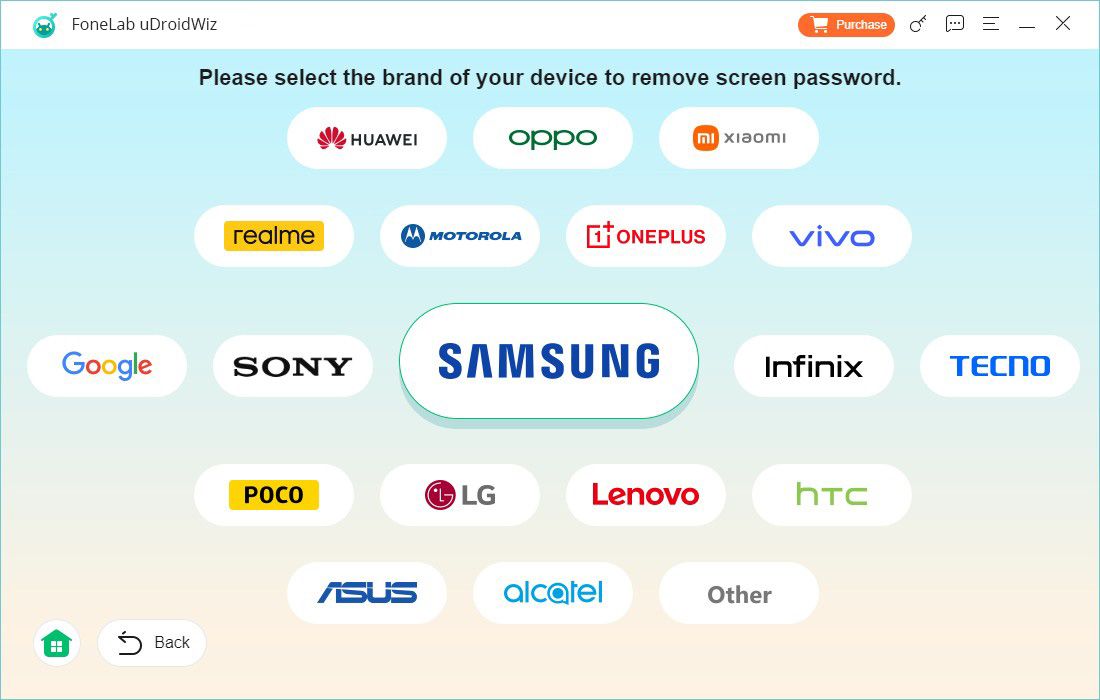
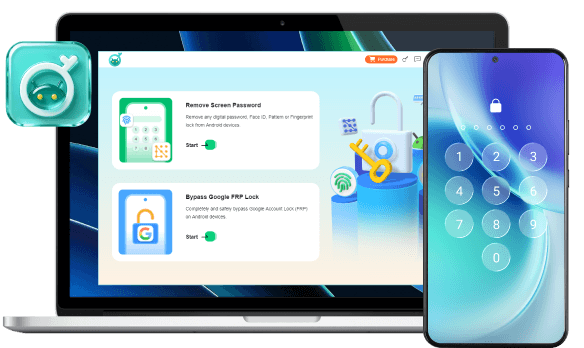
Launch FoneLab uDroidWiz and select Remove Screen Password.
-
Step 2
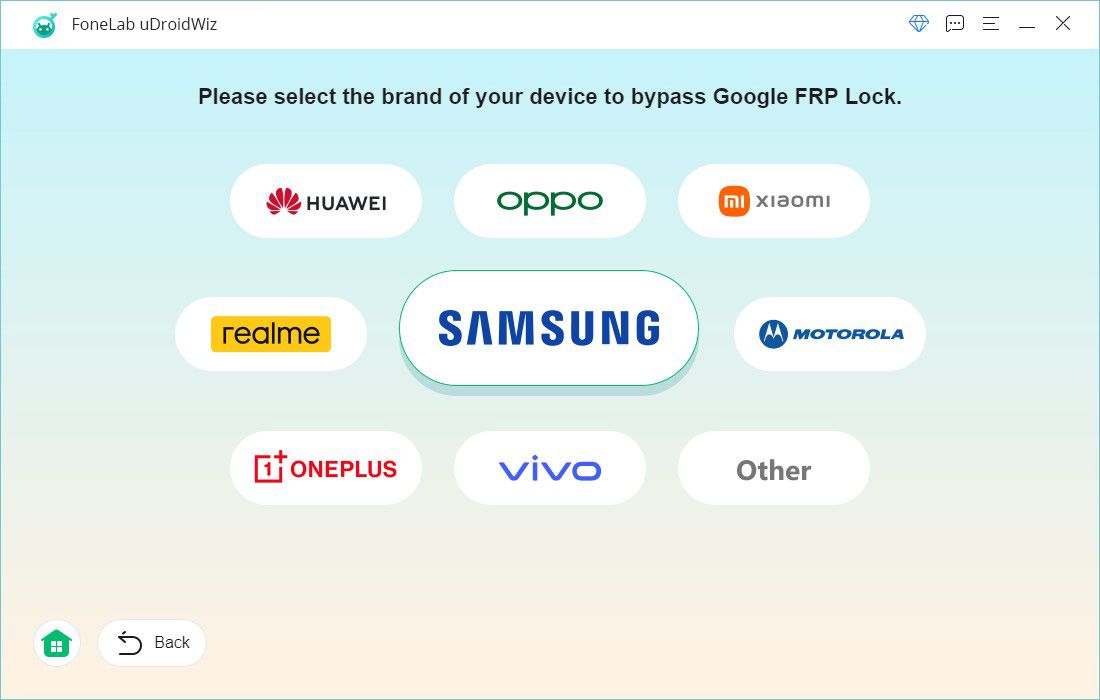
Pick your phone's brand from the list.
-
Step 3
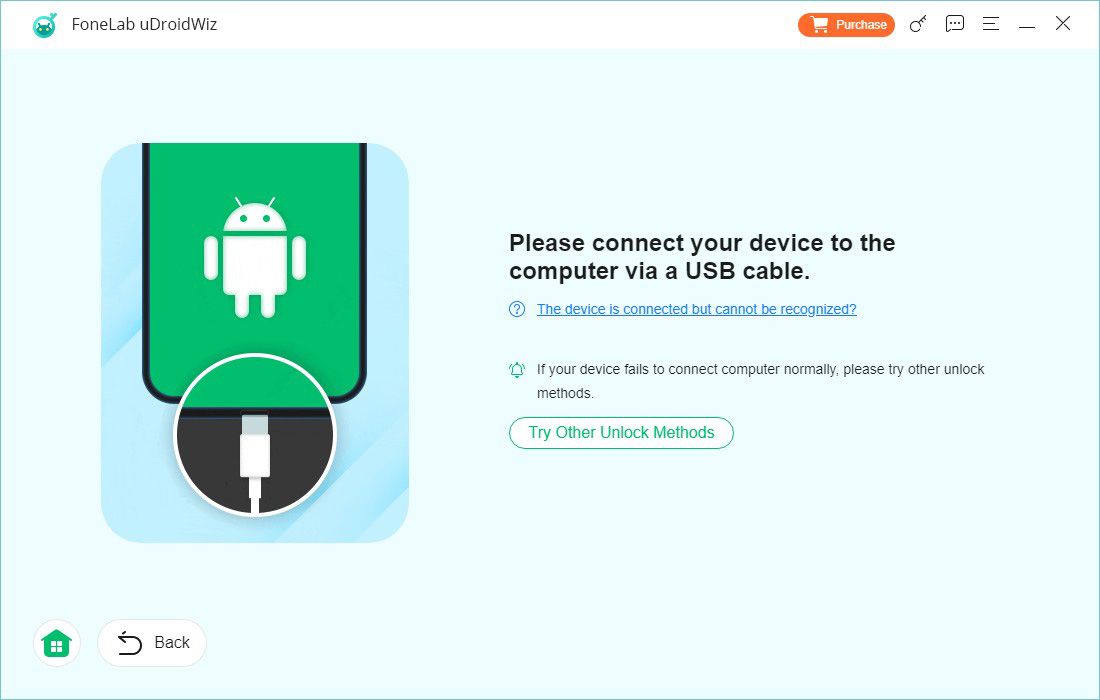
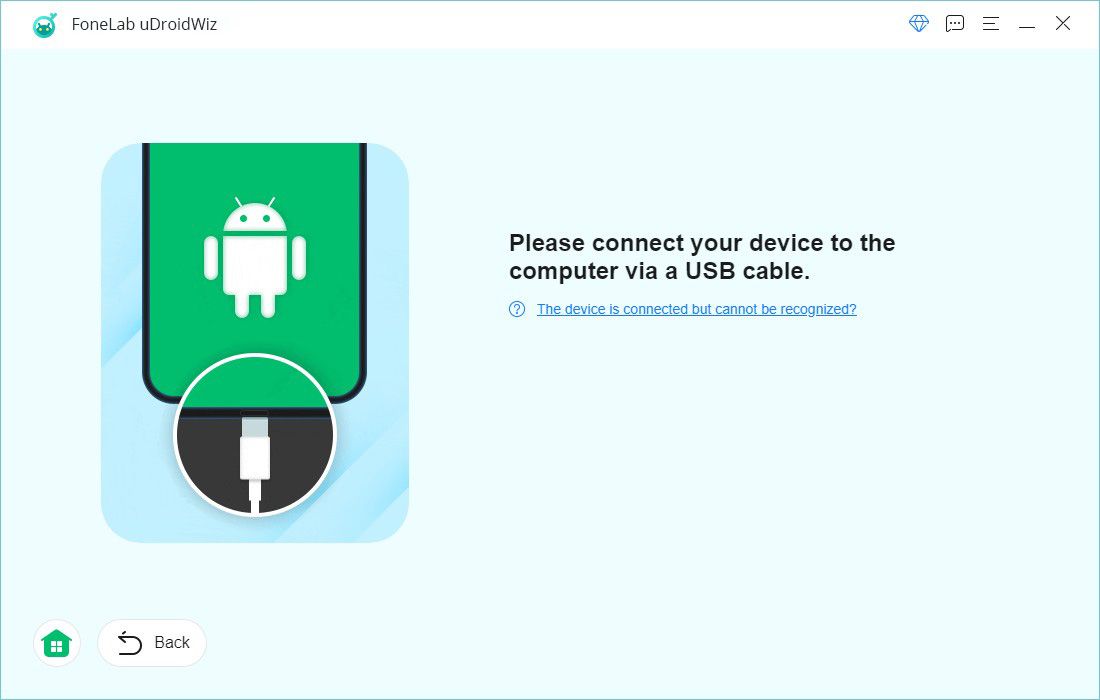
Connect your device using a USB cable.
-
Step 4
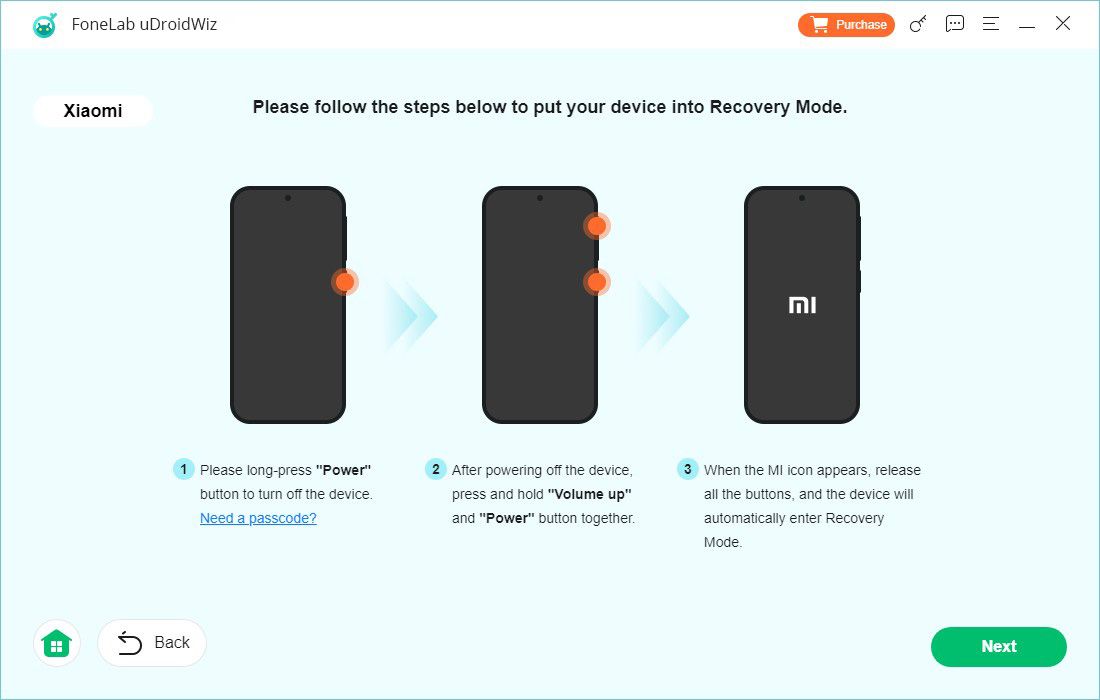
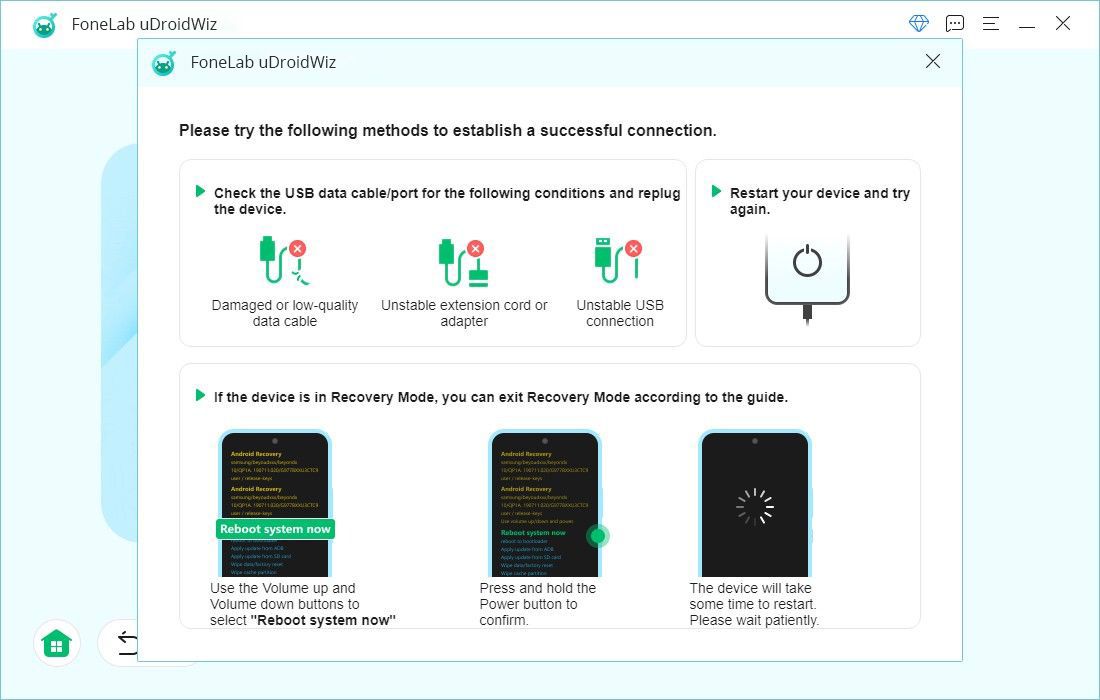
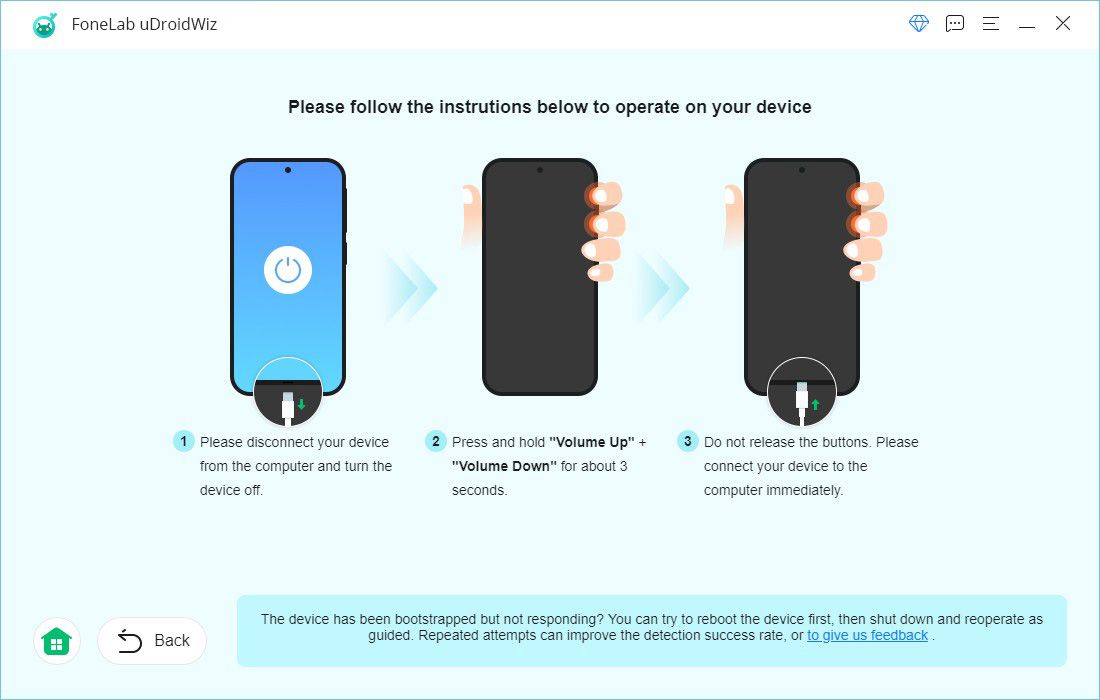
Follow on-screen instructions to enter recovery mode.
-
Step 5
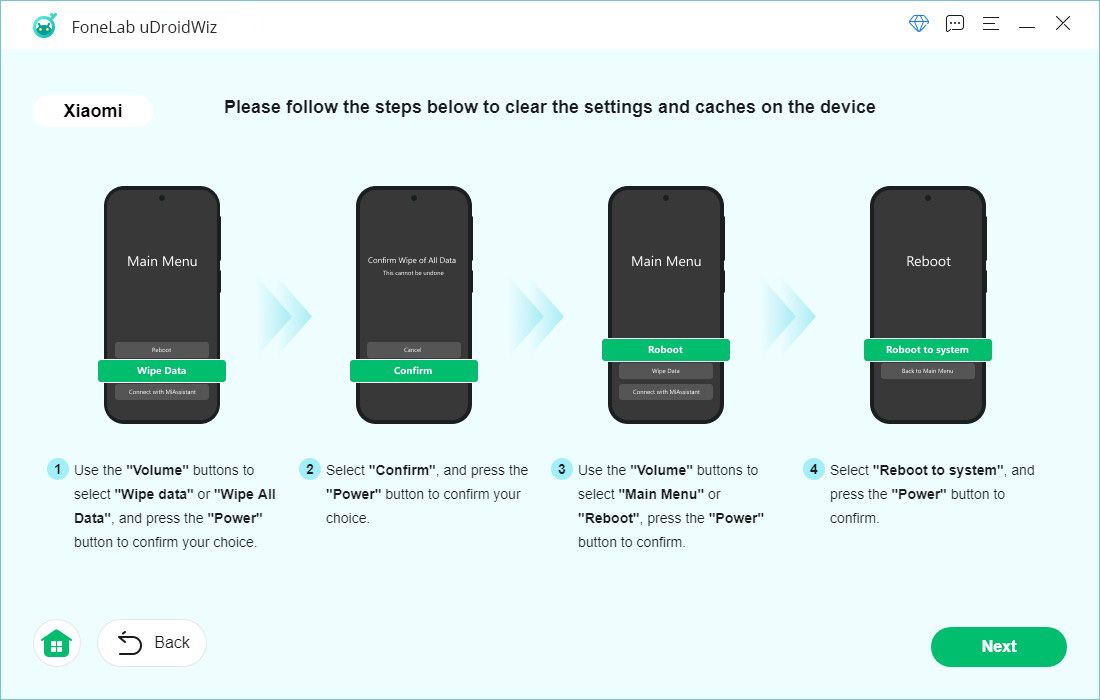
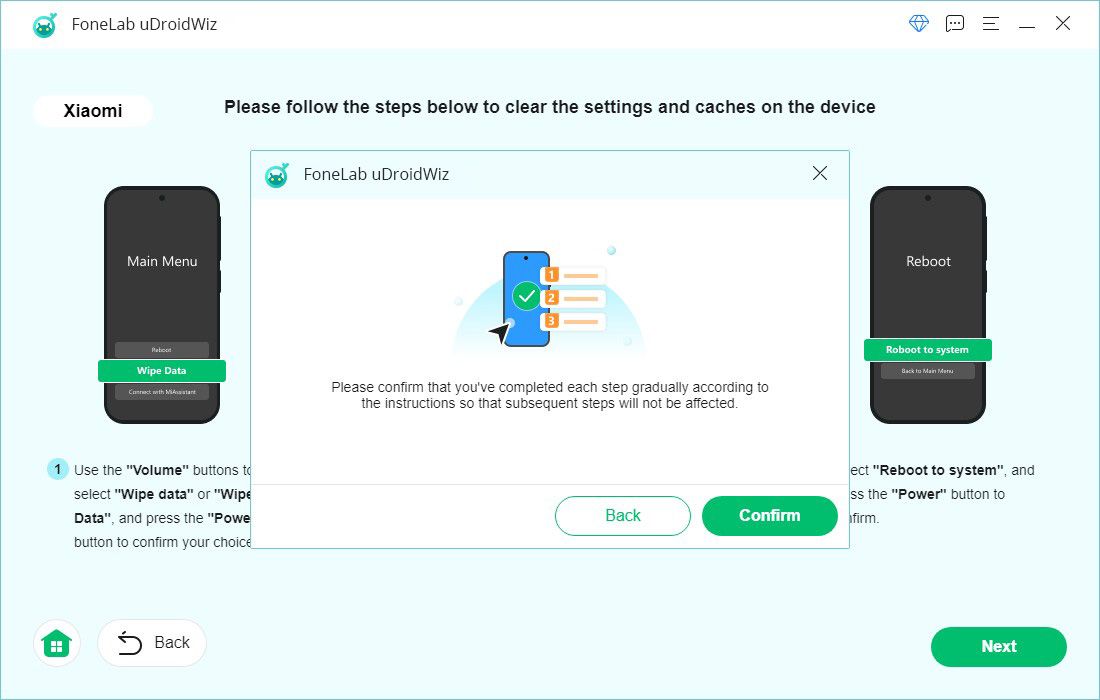
Complete the steps to clear settings and cache.
-
Step 6
Confirm when done. The tool will remove the screen lock.
-
-
Step 1
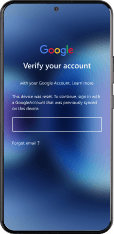
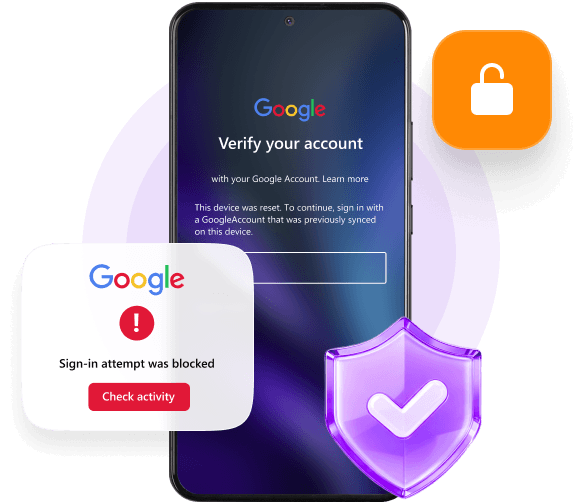
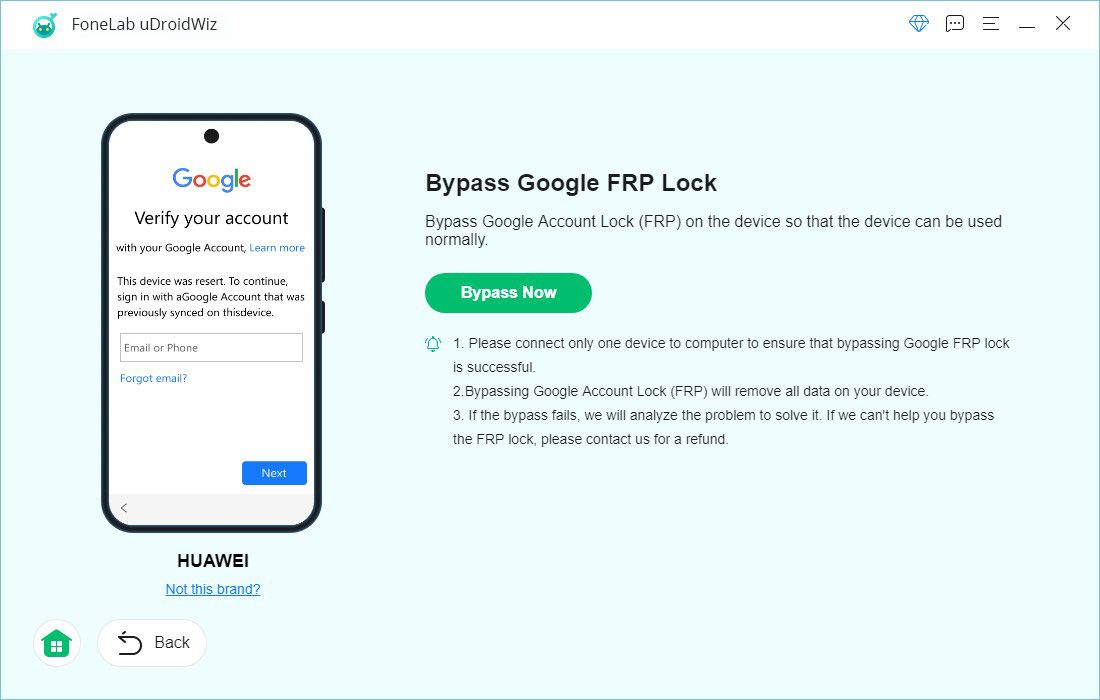
Open FoneLab uDroidWiz and choose Bypass Google FRP Lock.
-
Step 2
Select your device brand.
-
Step 3
Connect your phone via USB.
-
Step 4
Follow the prompts to establish a connection.
-
Step 5
Click Bypass Now. The process starts automatically.
-
Step 6
Complete any remaining steps on your device.

 iPhone Data Recovery
 iOS System Recovery
 iOS Data Backup & Restore
 iOS Unlocker
 iPhone Password Manager
 Location Changer
 Android Data Recovery
 Broken Android Data Extraction
 Android Data Backup & Restore
 Android Unlocker
 FoneTrans for iOS
 iPhone Data Eraser
 iPhone Cleaner
 HEIC Converter
 HyperTrans
 WhatsApp Transfer for iOS
 Mac Sweep
 Data Retriever
 Mac Data Retriever
 Video Converter Ultimate
 Screen Recorder