Register
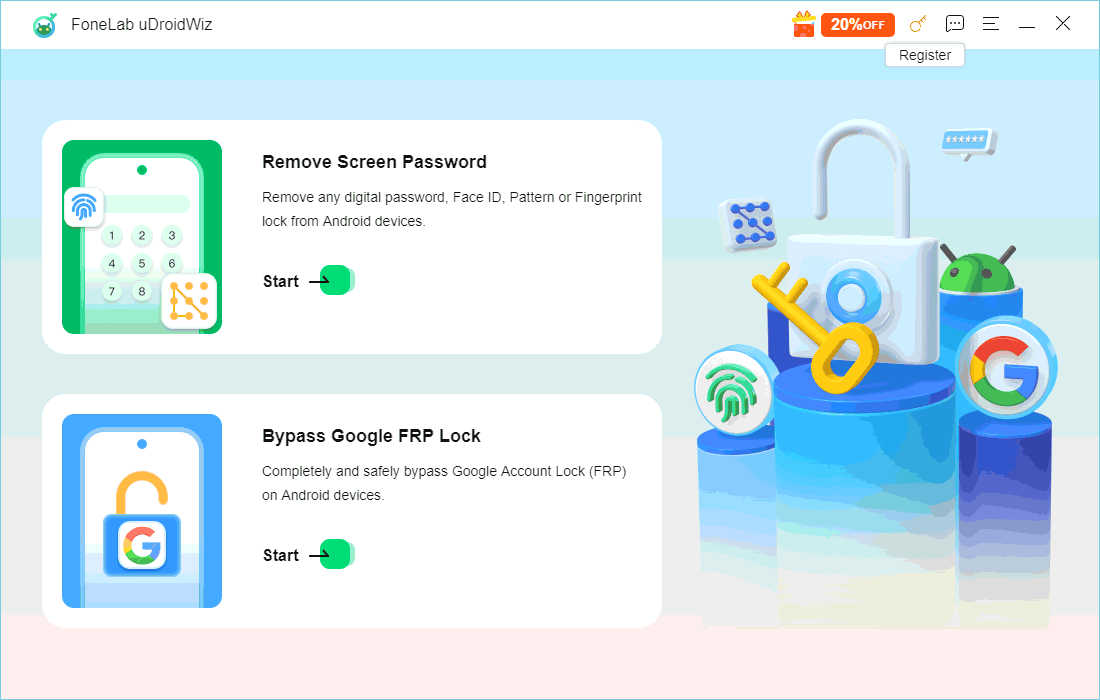
1 Launch FoneLab uDroidWiz on your computer. On the main interface, locate and click the Key icon (usually at the top or corner of the window).
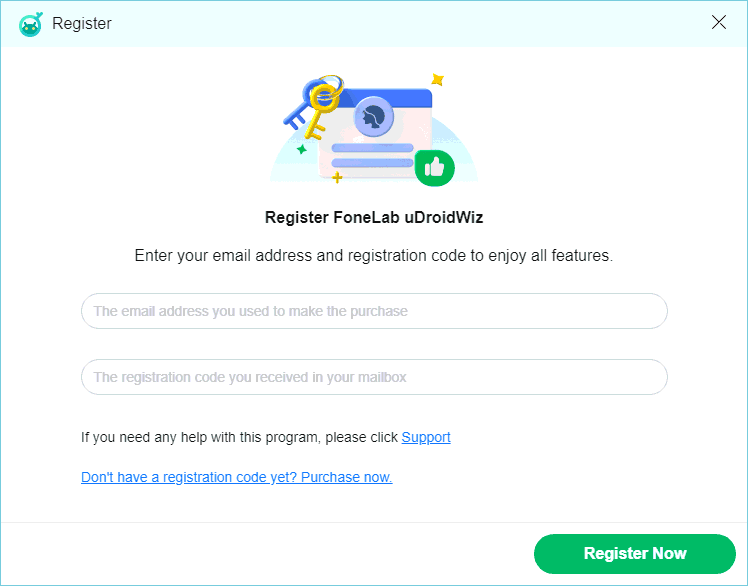
2 In the activation window that appears, enter the email address associated with your purchase.
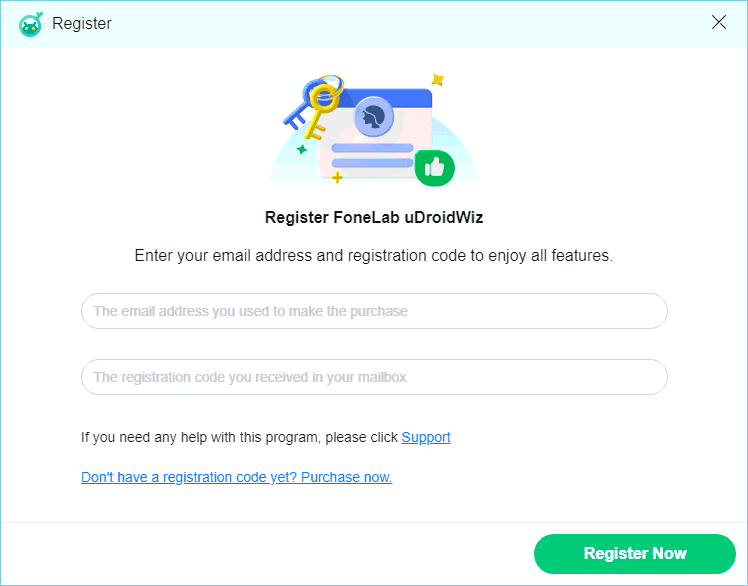
3 Enter your registration code (received via email after purchase).
Feature 1 – Remove Screen Password
What you need to know before starting:
- 1. This feature removes the screen lock password from your Android device.
- 2. The process will clear settings and caches on your device.
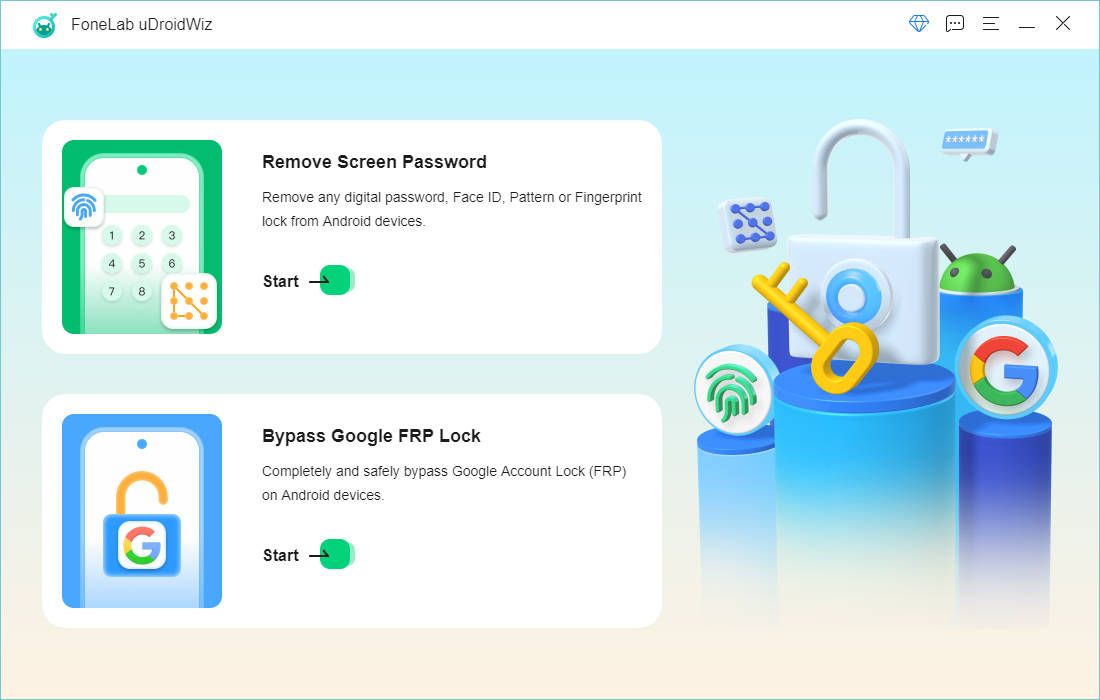
1 Launch FoneLab uDroidWiz and select Remove Screen Password from the main interface.
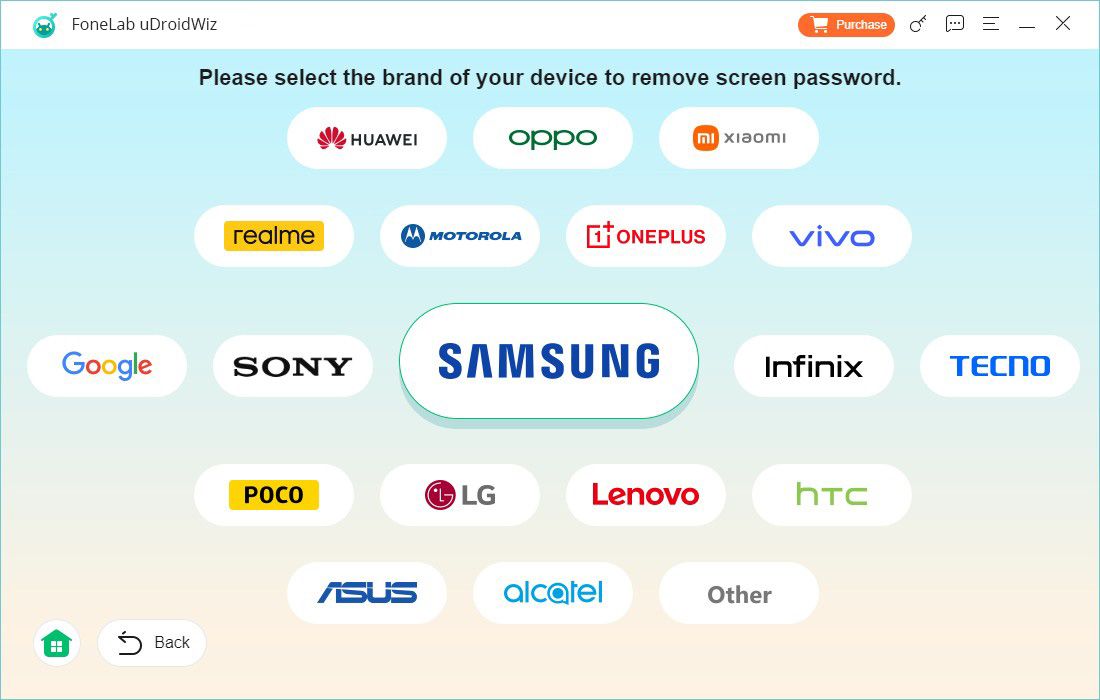
2 Choose your device brand from the list provided.
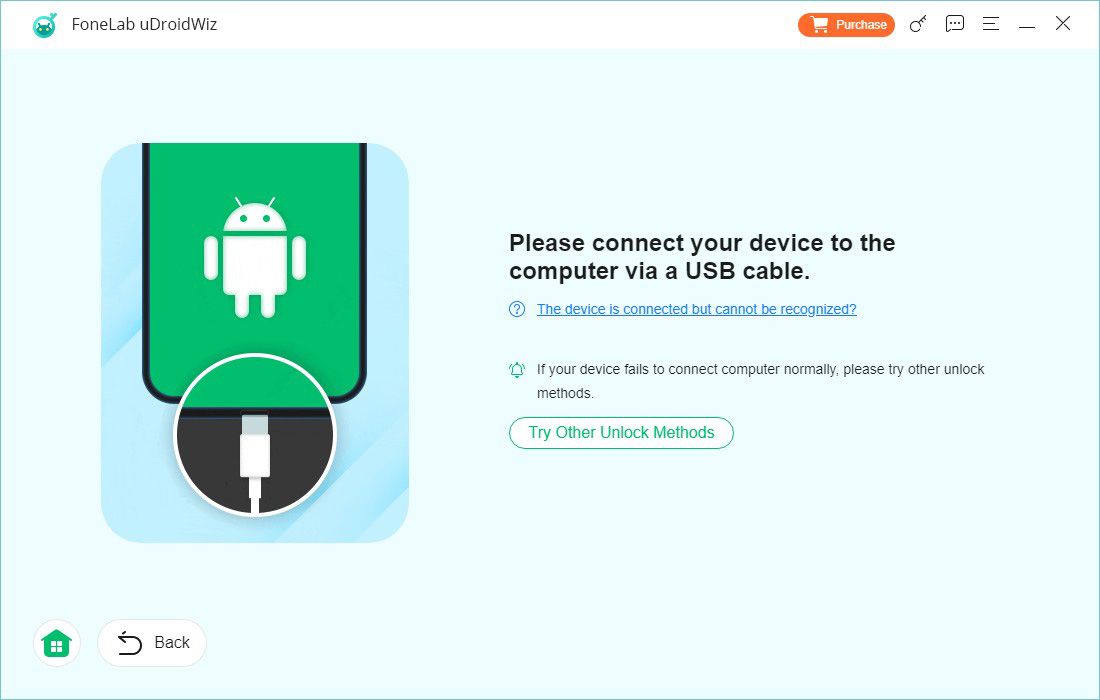
3 Connect your Android device to the computer using a USB cable.
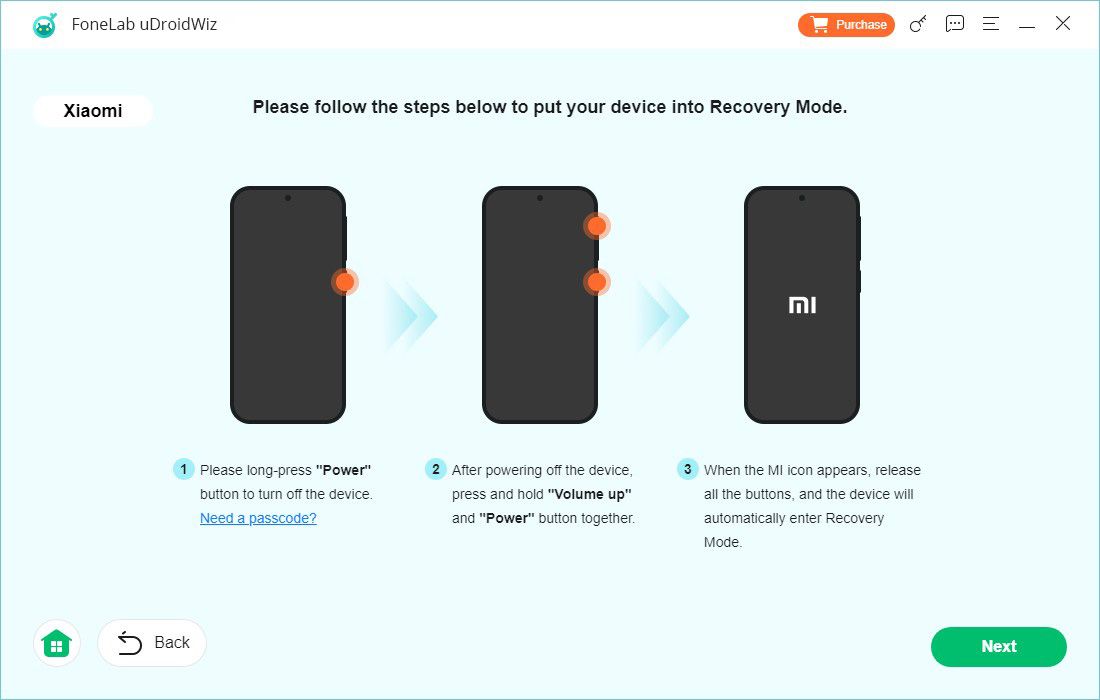
4 Follow the on‑screen instructions to put your device into recovery mode.
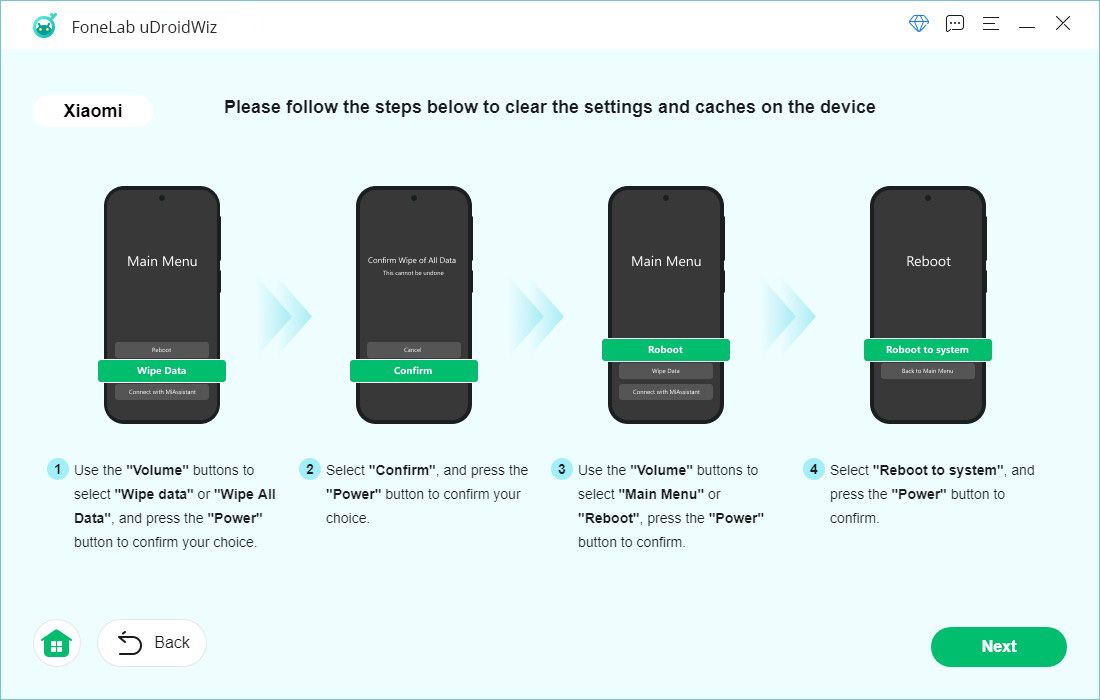
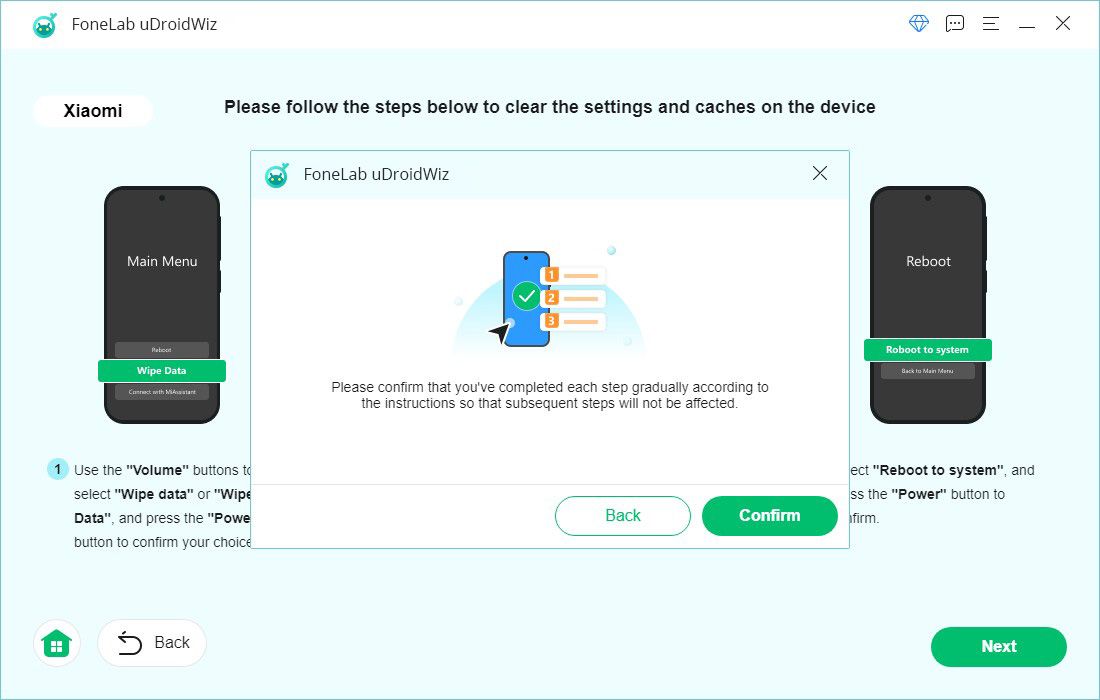
5 Complete the additional on‑screen steps to clear settings and caches from your device as prompted.
6 Confirm that you have performed all required steps. The program will then begin removing the screen password from your device.
Feature 2 – Bypass Google FRP Lock
What you need to know before starting:
- 1. This feature bypasses the Google Factory Reset Protection (FRP) lock on your Android device.
- 2. You will need to perform some actions on your device during the process.
1 From the main interface, select Bypass Google FRP Lock.
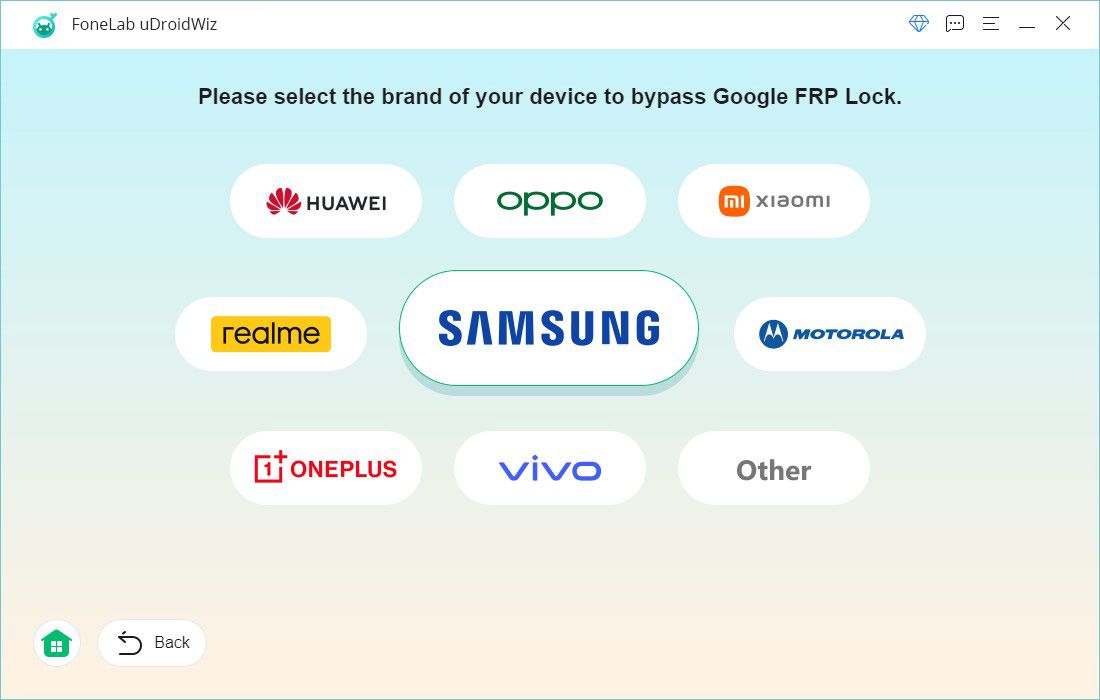
2 Select your device brand from the list provided.
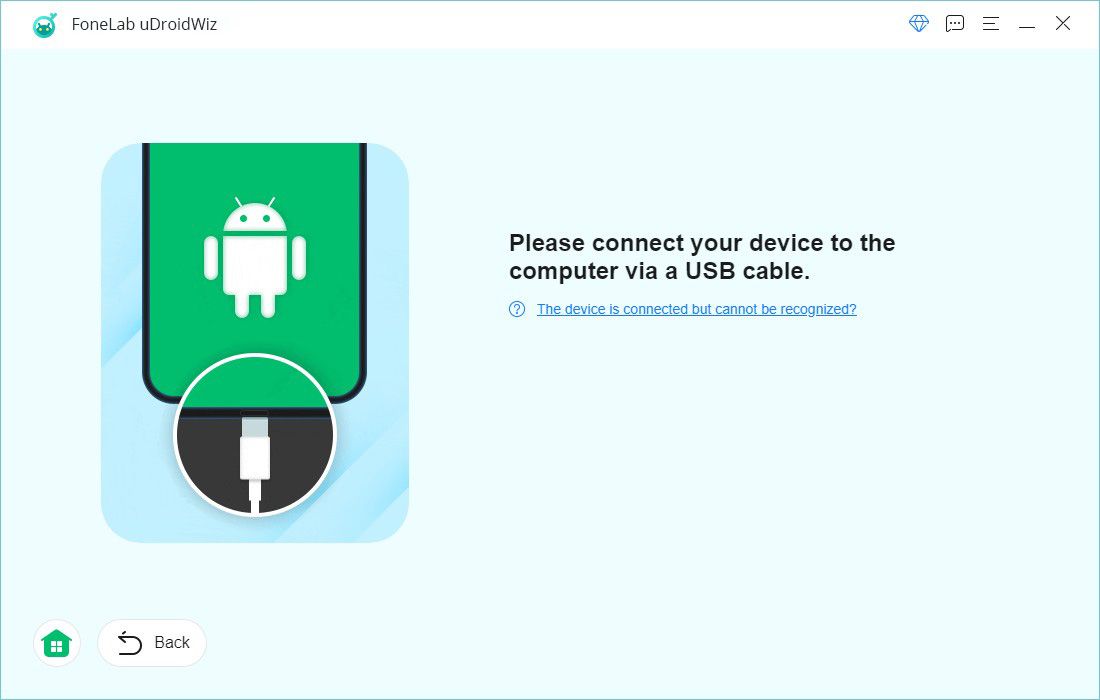
3 Connect your device to the computer using a USB cable.
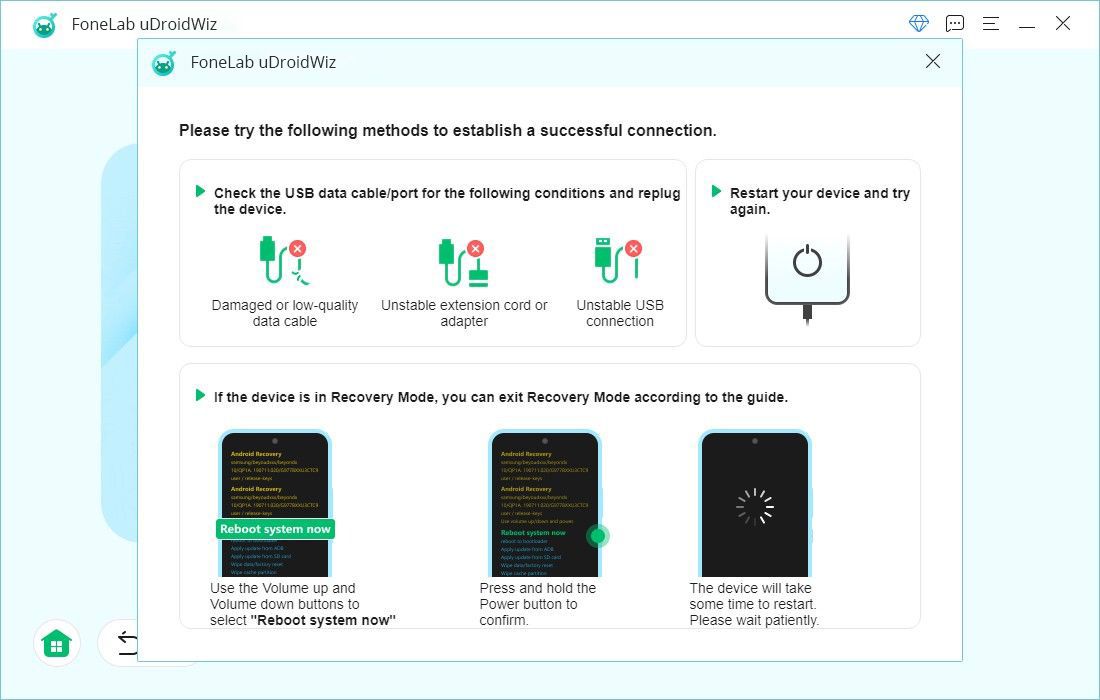
4 Follow the instructions on screen to establish a successful connection between the program and your device.
5 Click the Bypass Now button. The program will begin bypassing the Google FRP lock.
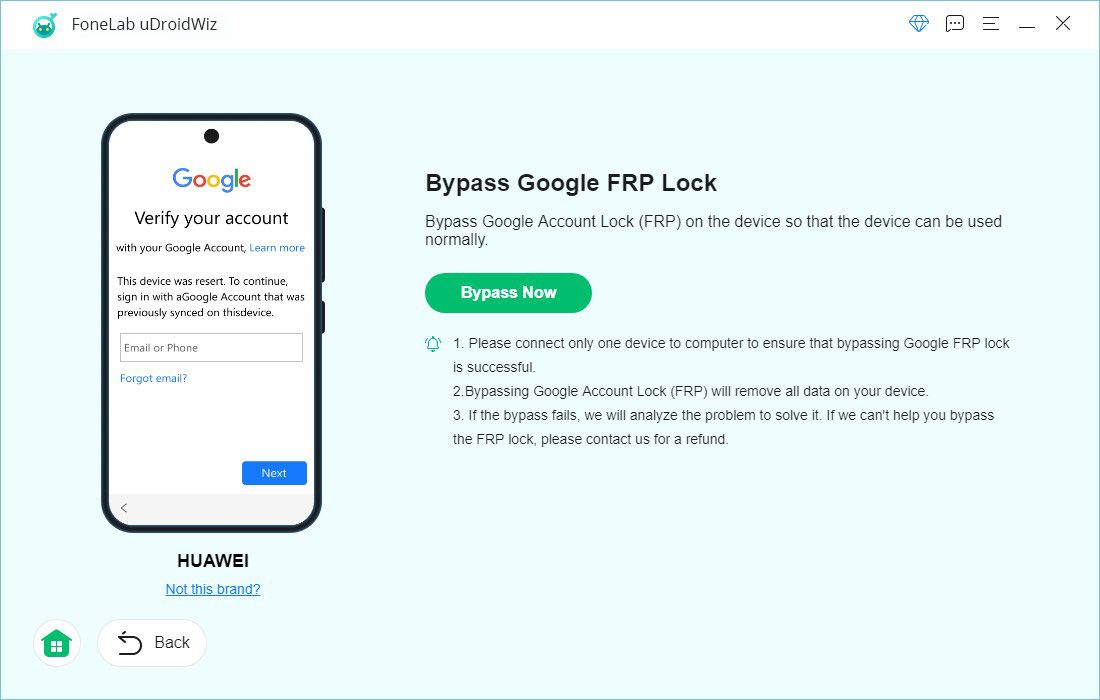
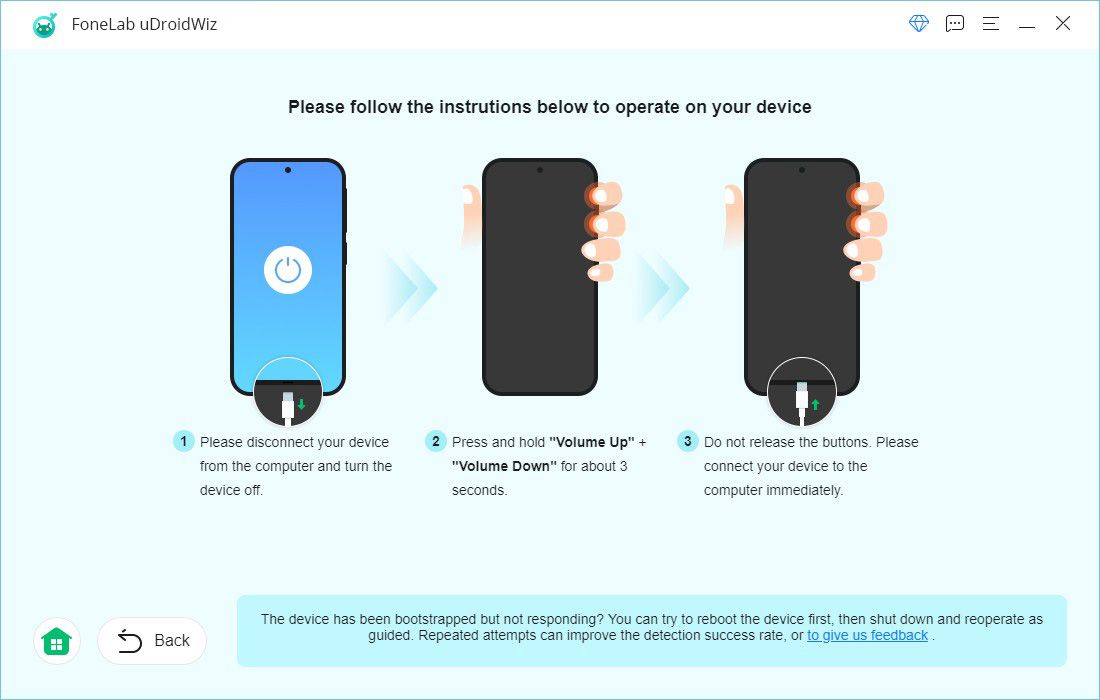
6 Continue following the on‑screen steps and perform the required operations on your device as instructed.

 iPhone Data Recovery
 iOS System Recovery
 iOS Data Backup & Restore
 iOS Unlocker
 iPhone Password Manager
 Location Changer
 Android Data Recovery
 Broken Android Data Extraction
 Android Data Backup & Restore
 Android Unlocker
 FoneTrans for iOS
 iPhone Data Eraser
 iPhone Cleaner
 HEIC Converter
 HyperTrans
 WhatsApp Transfer for iOS
 Mac Sweep
 Data Retriever
 Mac Data Retriever
 Video Converter Ultimate
 Screen Recorder
 Phone Mirror