Register
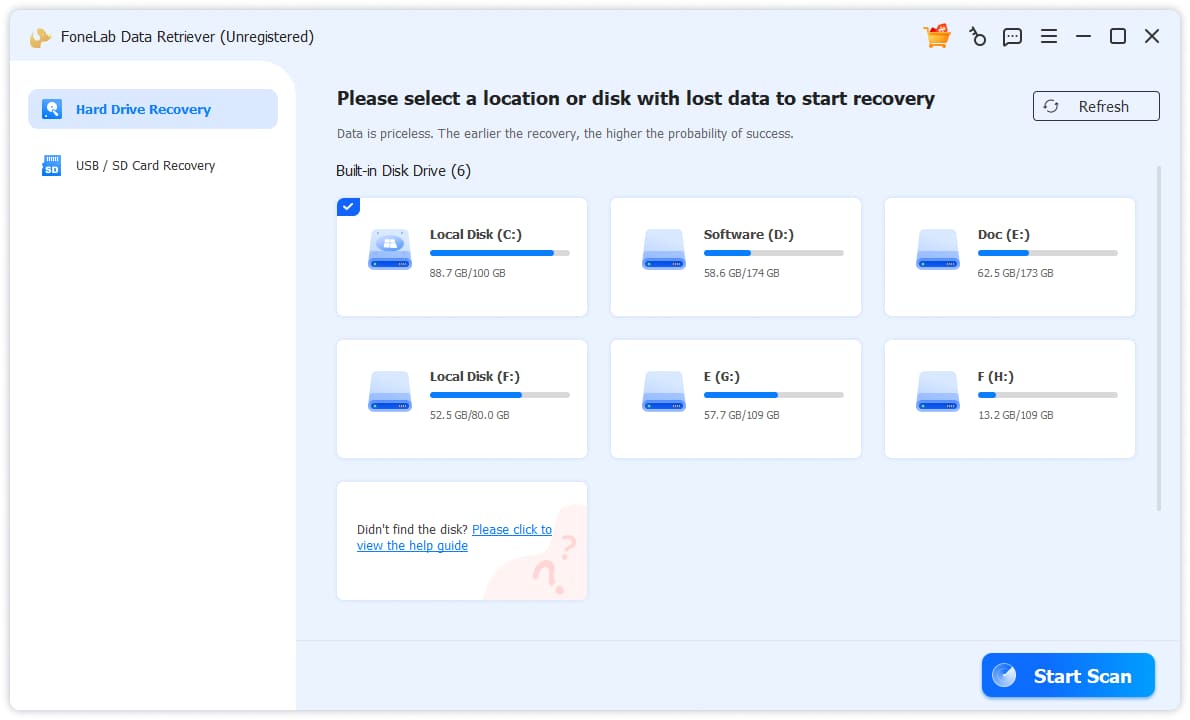
1Click the Key icon on the top-right corner.
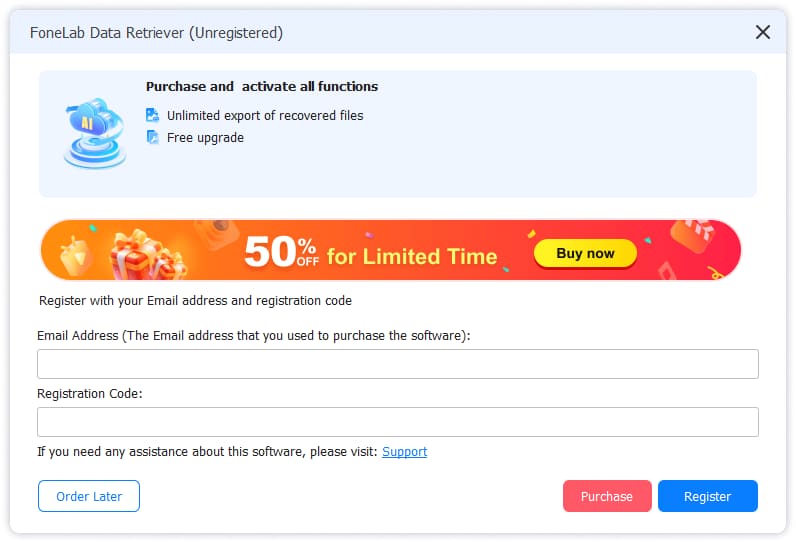
2Enter the email and register code in the box.
Hard Drive Data Recovery
1Launch Program
First of all, you should download and install Data Retriever on your computer. And then Launch it. If you want to recover lost data from external hard drive, please connect them to this computer.
2Scan Device
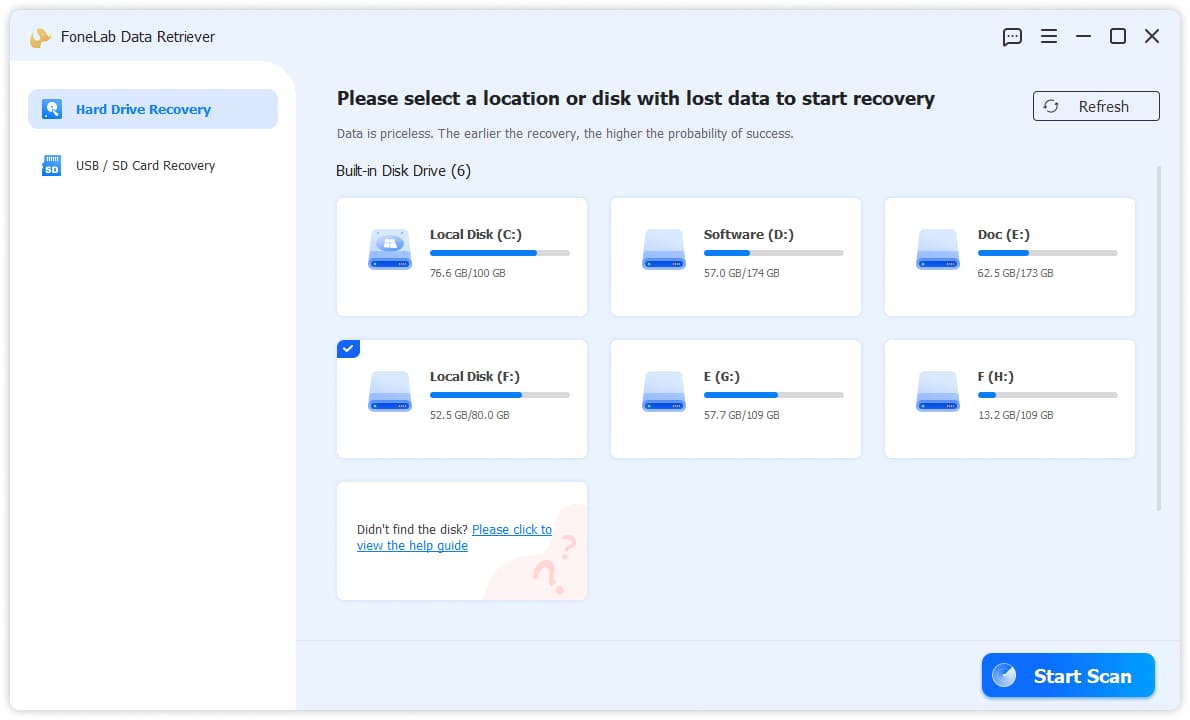
Choose Hard Drive Data Recovery from the left side, then click the Start Scan button. Then it will scan your device.
3Select Data
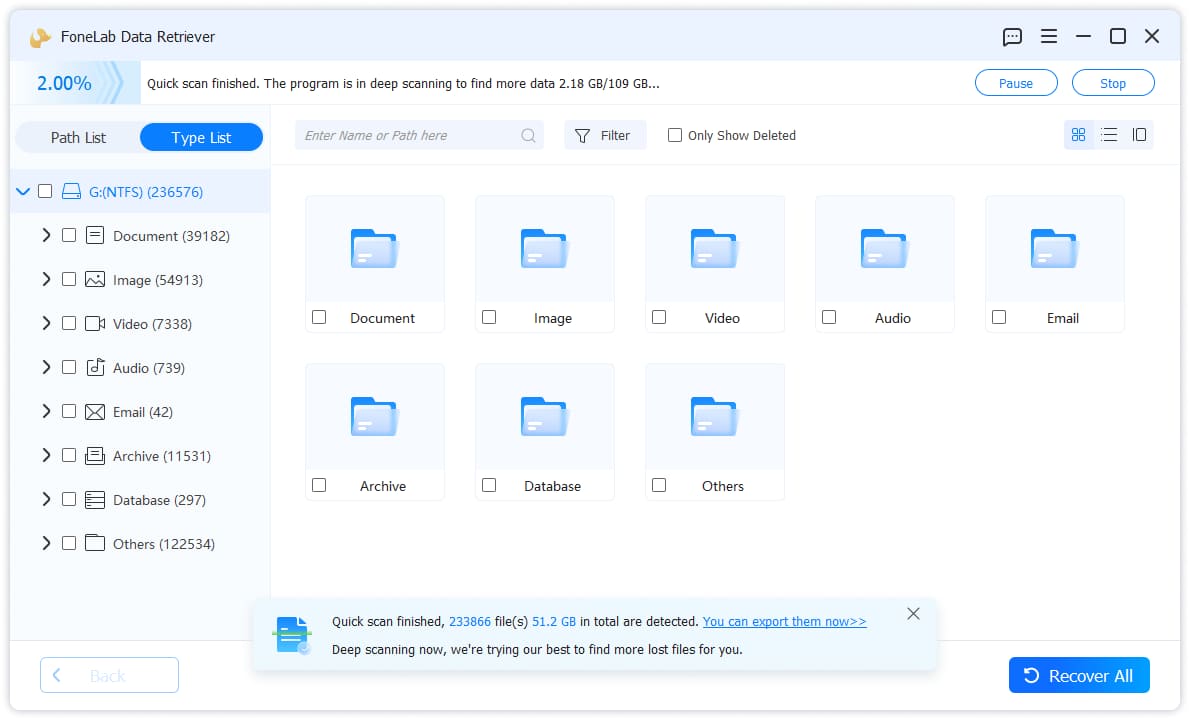
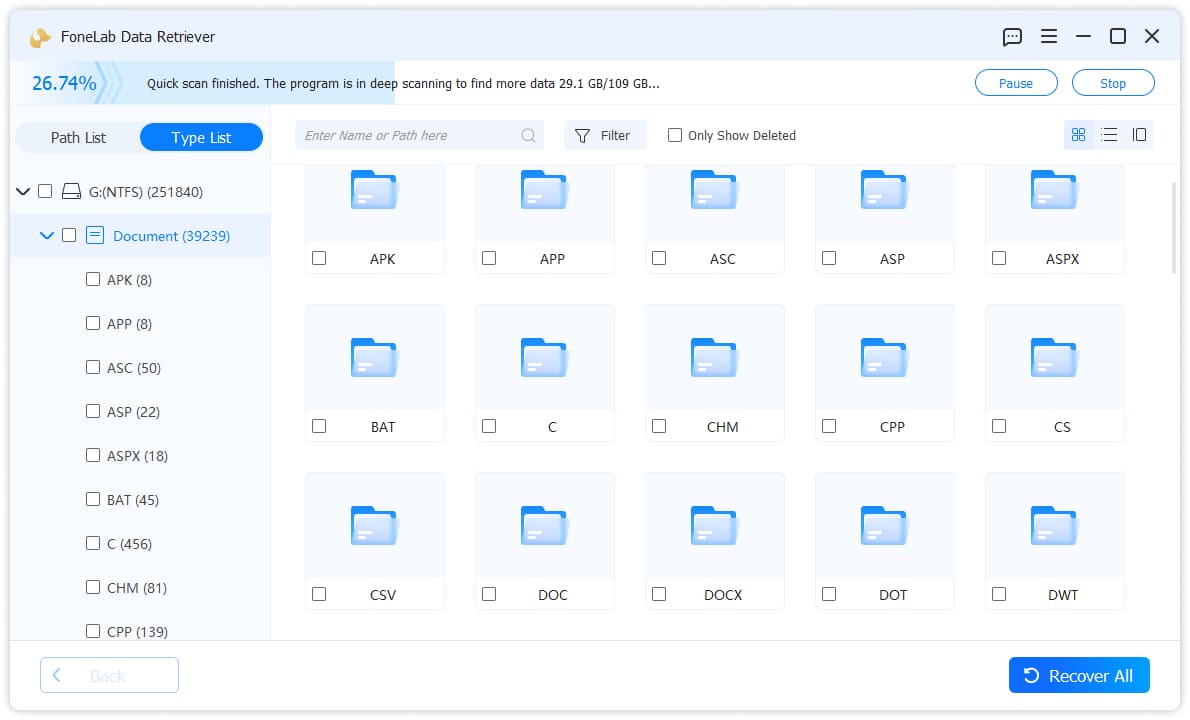
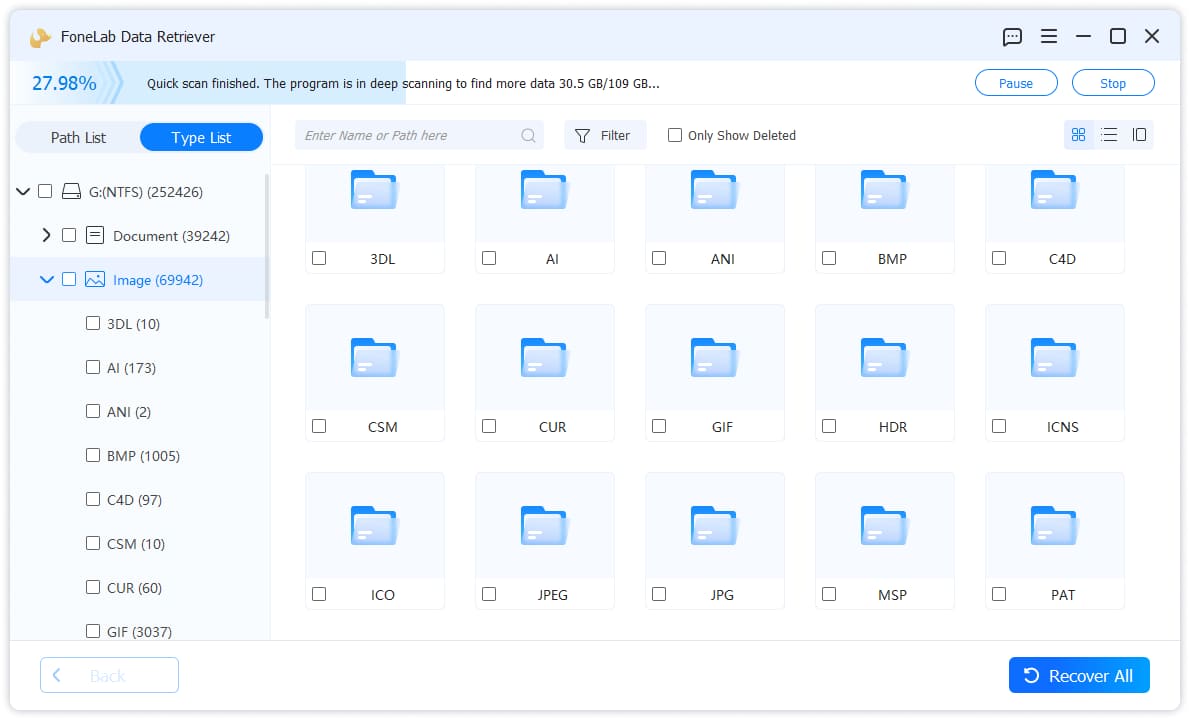
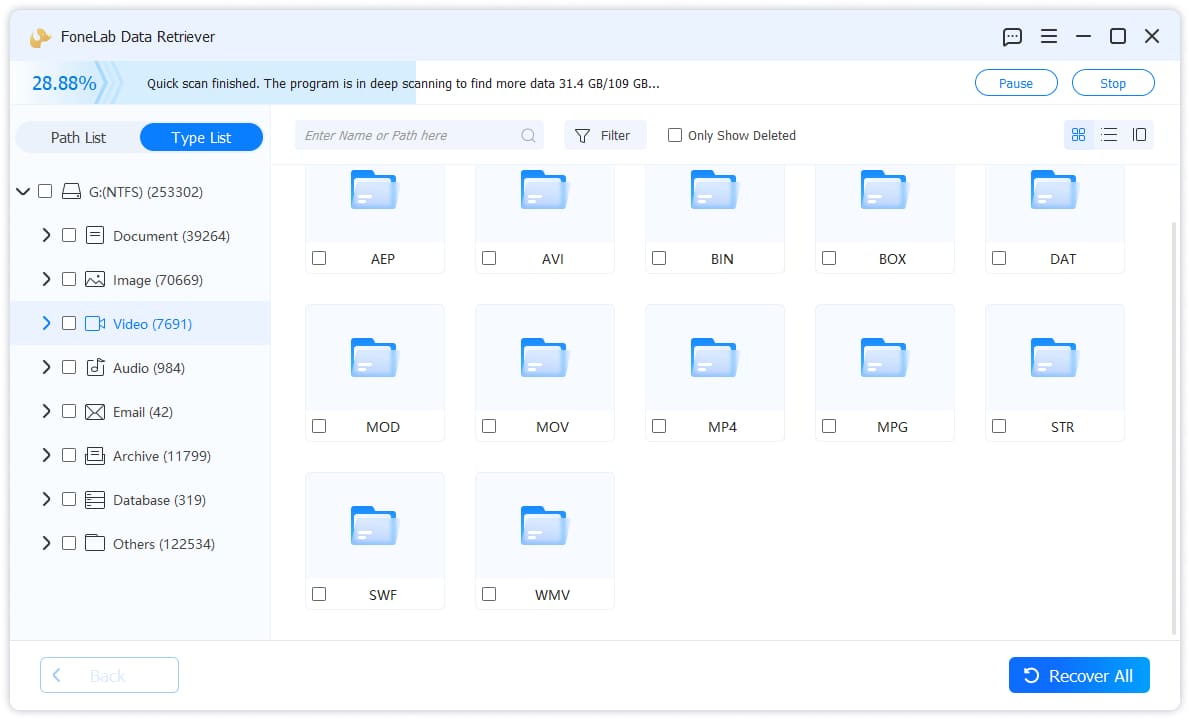
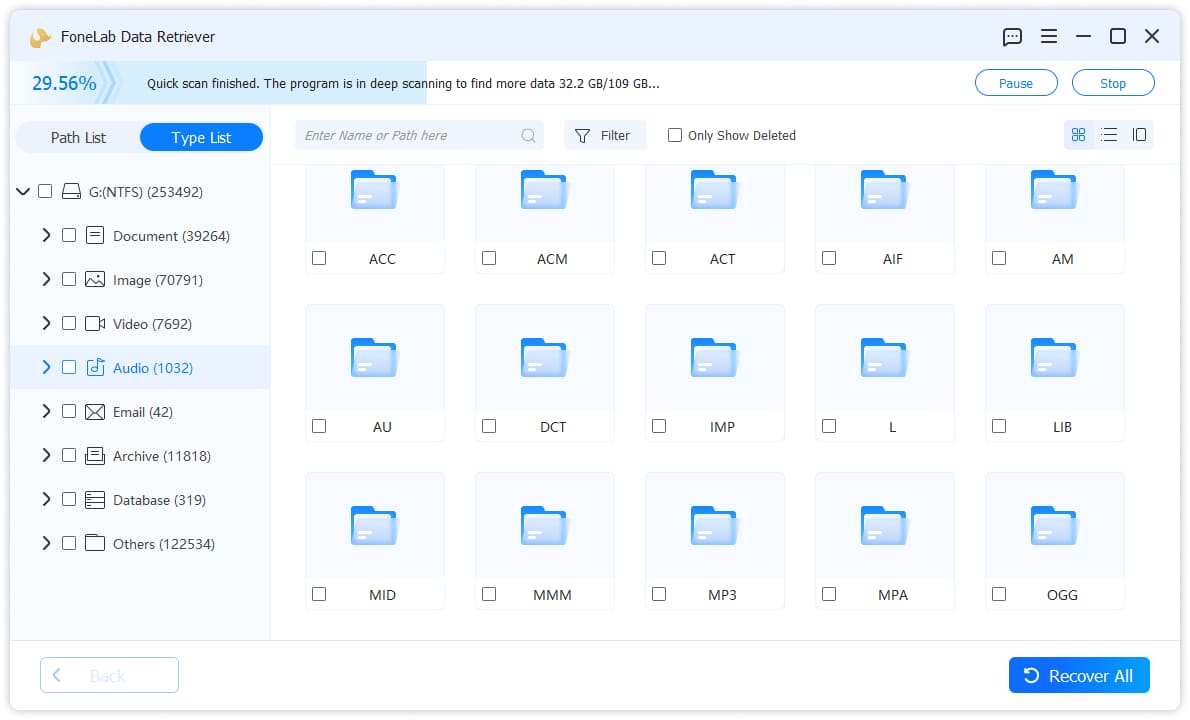
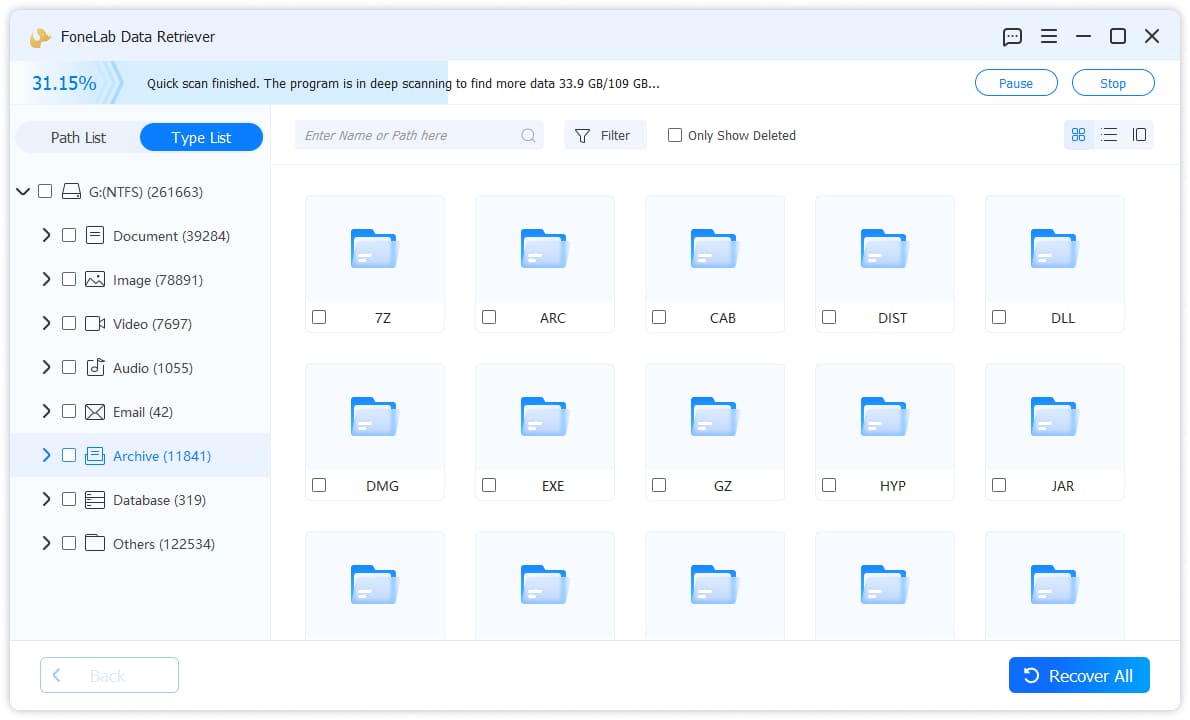
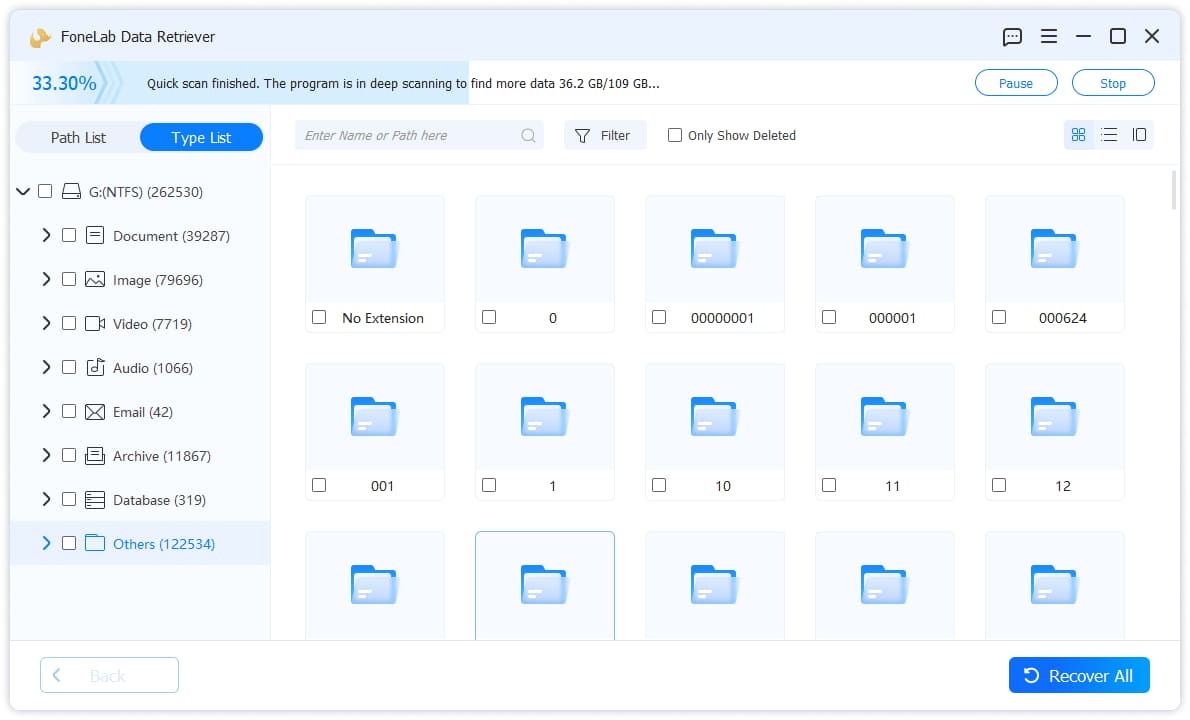
Click the file type and then check the boxes of the data which you want to recover in the window. You can use filter or only show deleted feature to locate what you want quickly.
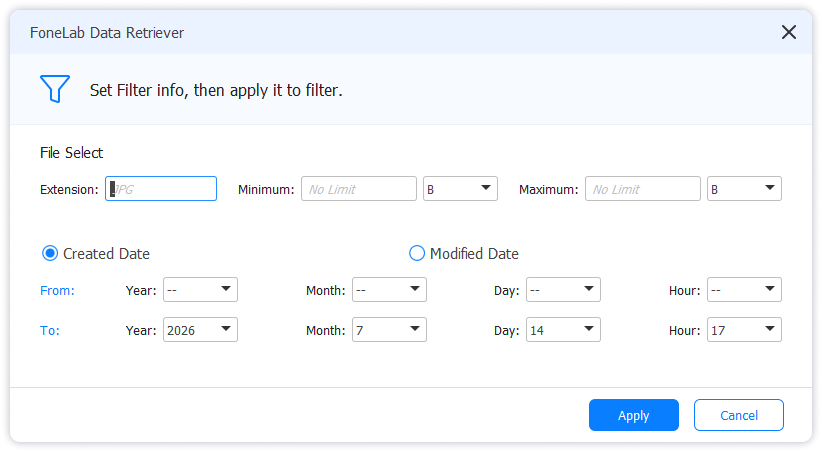
4Recover Data
Click the blue Recover button in the bottom right corner. It can recover the selected data in a few minutes according to how much data you have chosen.
USB / SD Card Recovery
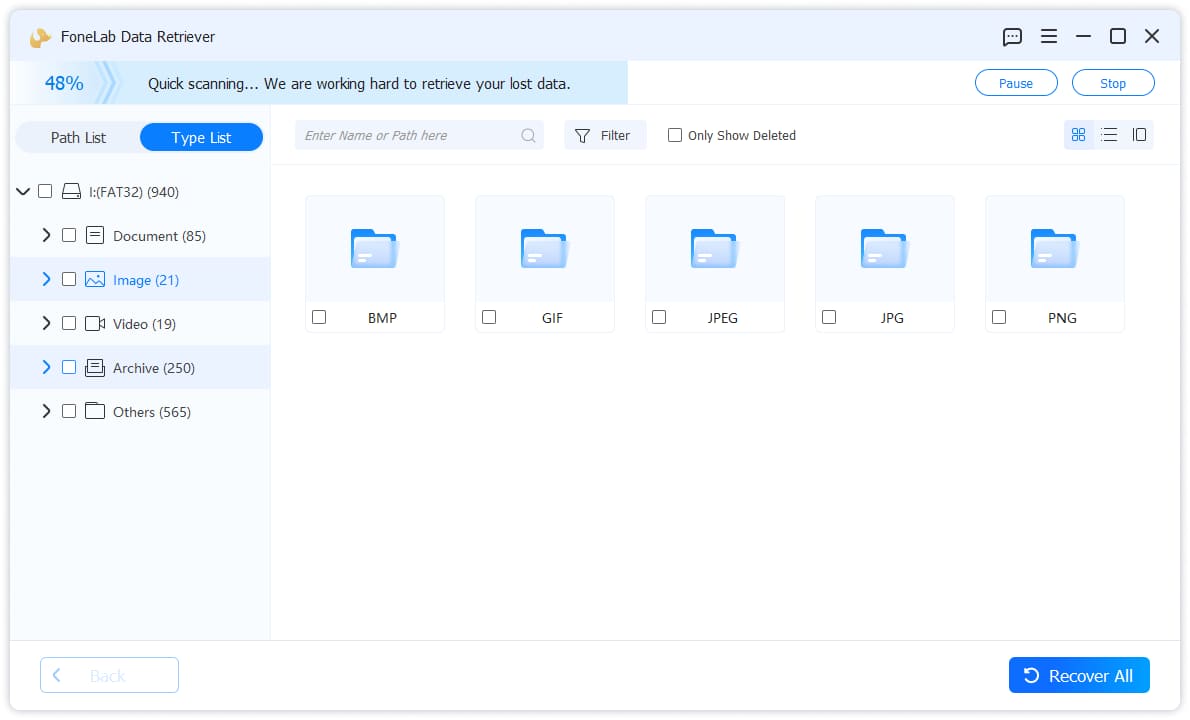
1Scan Device
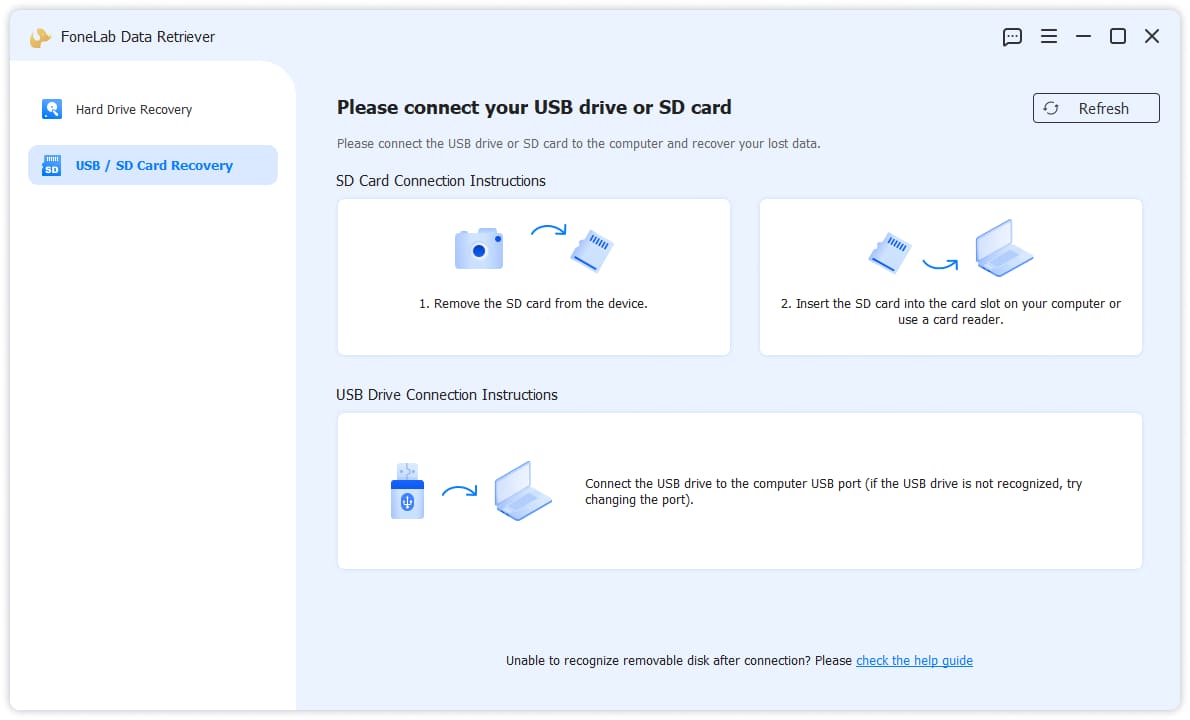
Choose USB / SD Card Recovery from the left side, connect your USB, SD card or others. Then click the Scan Disk button.
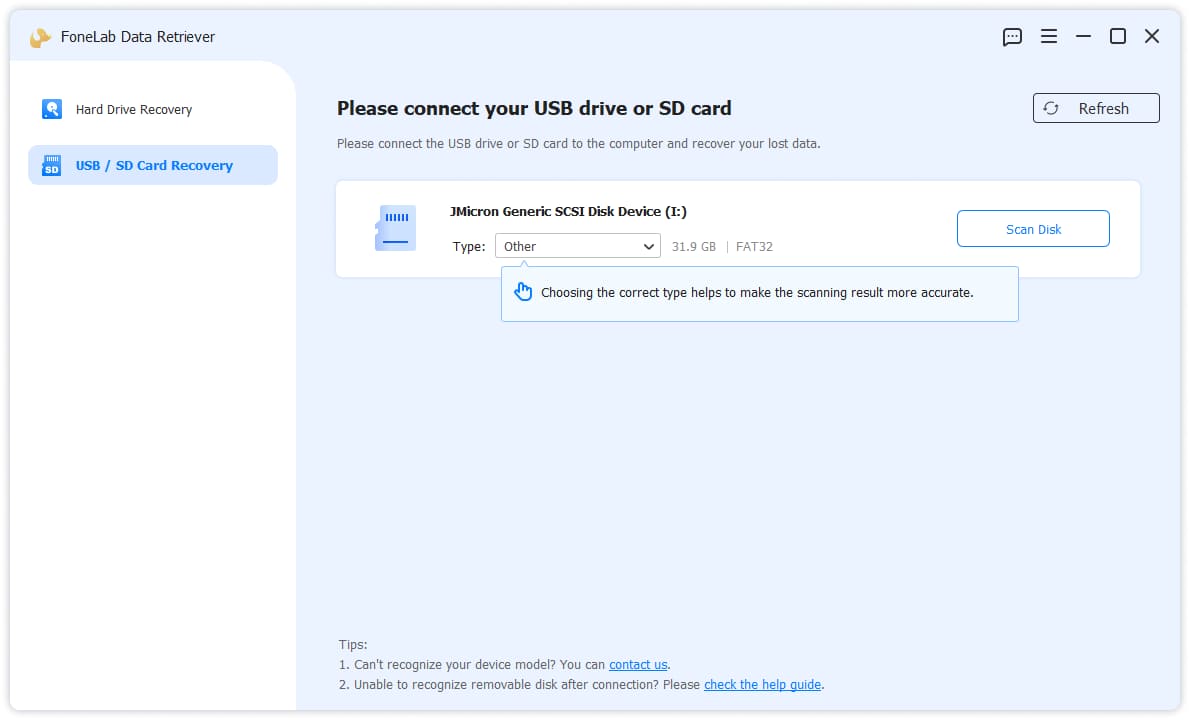
Click and choose type from the drop-down list to make the scanning result more accurate.
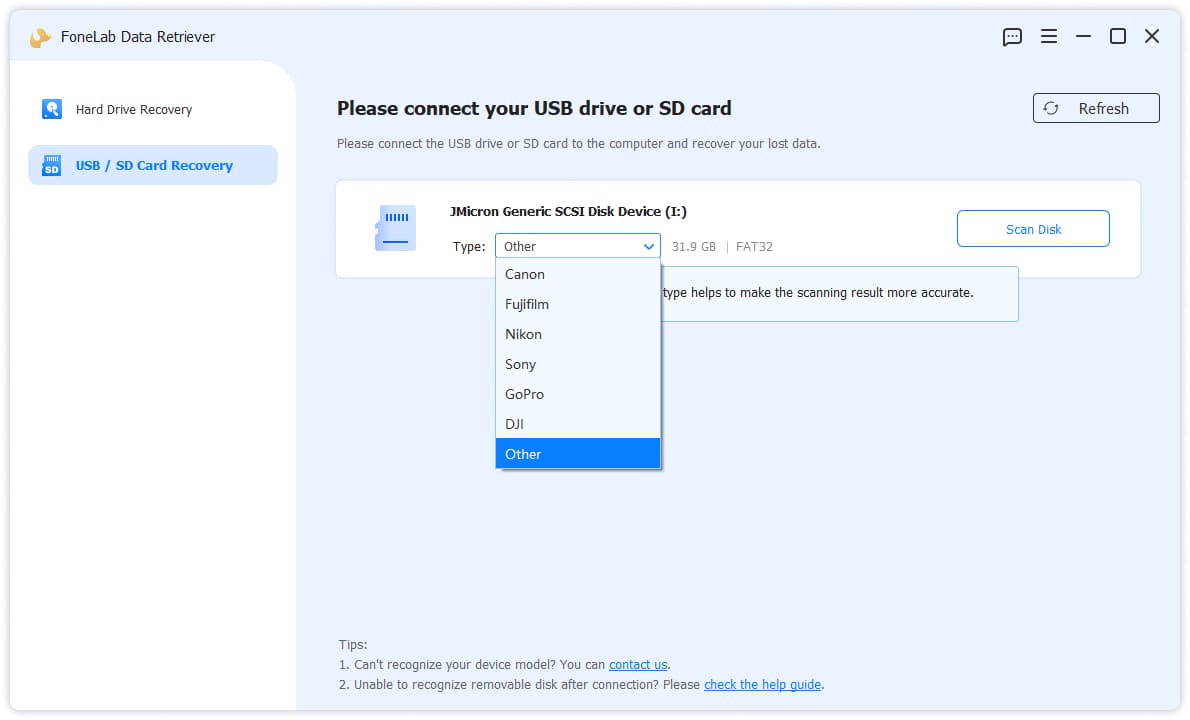
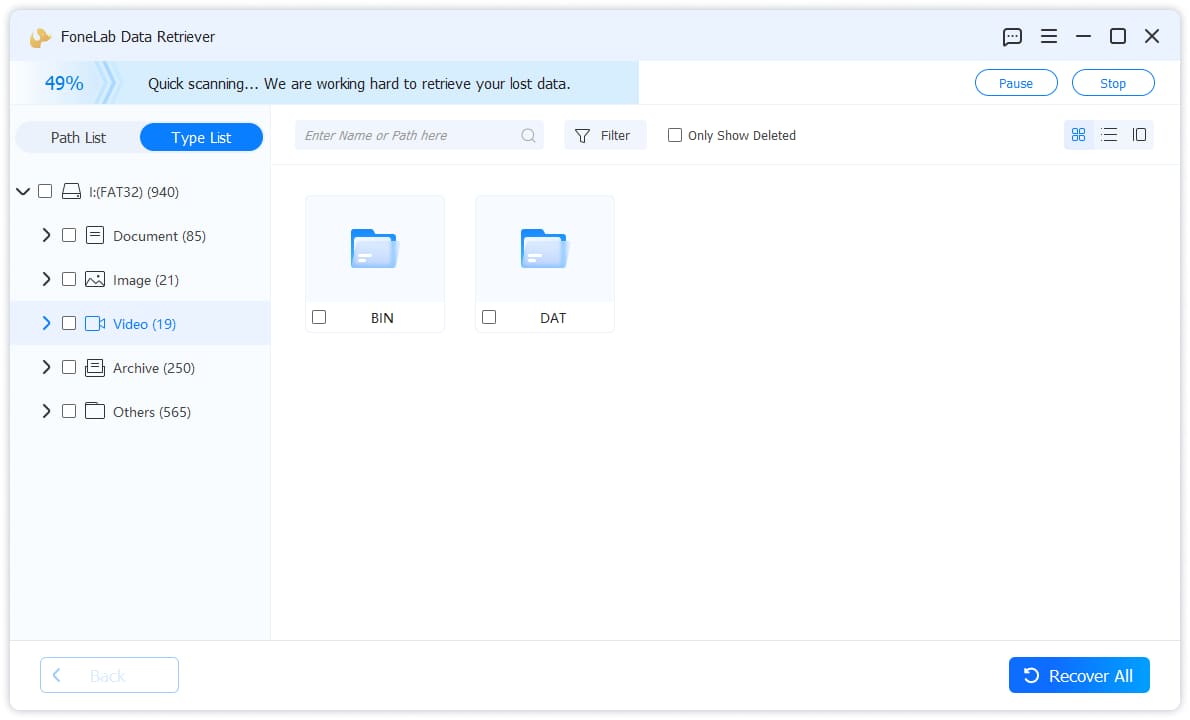
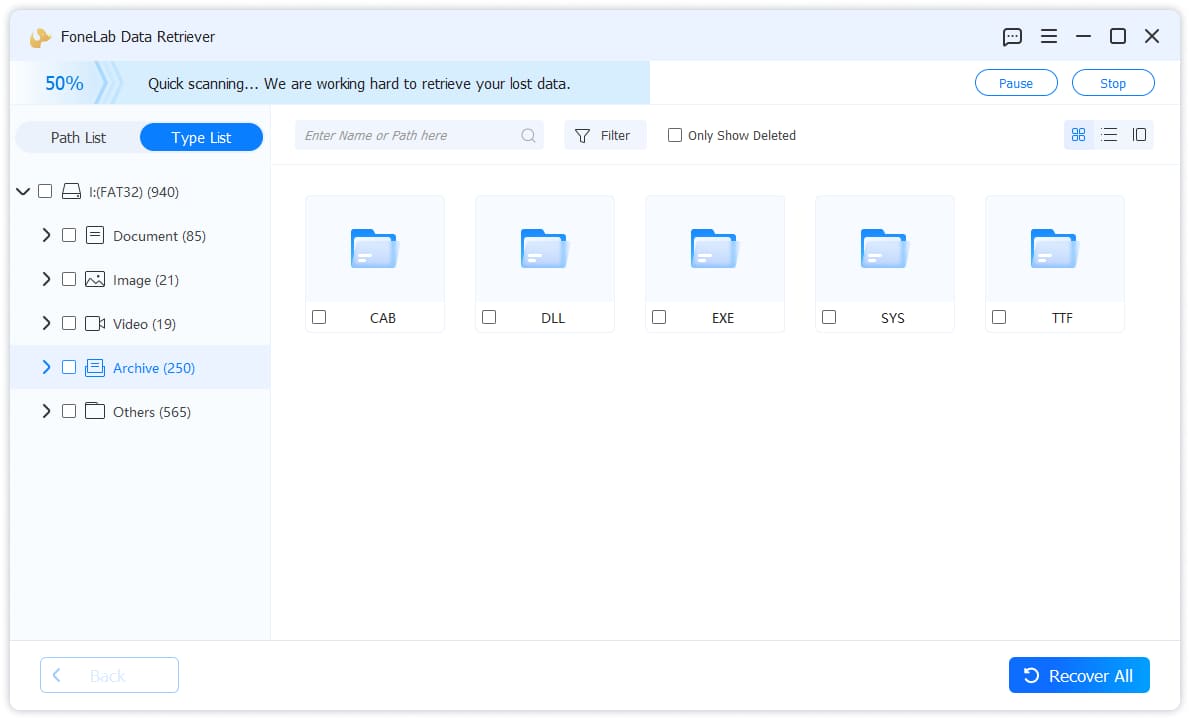
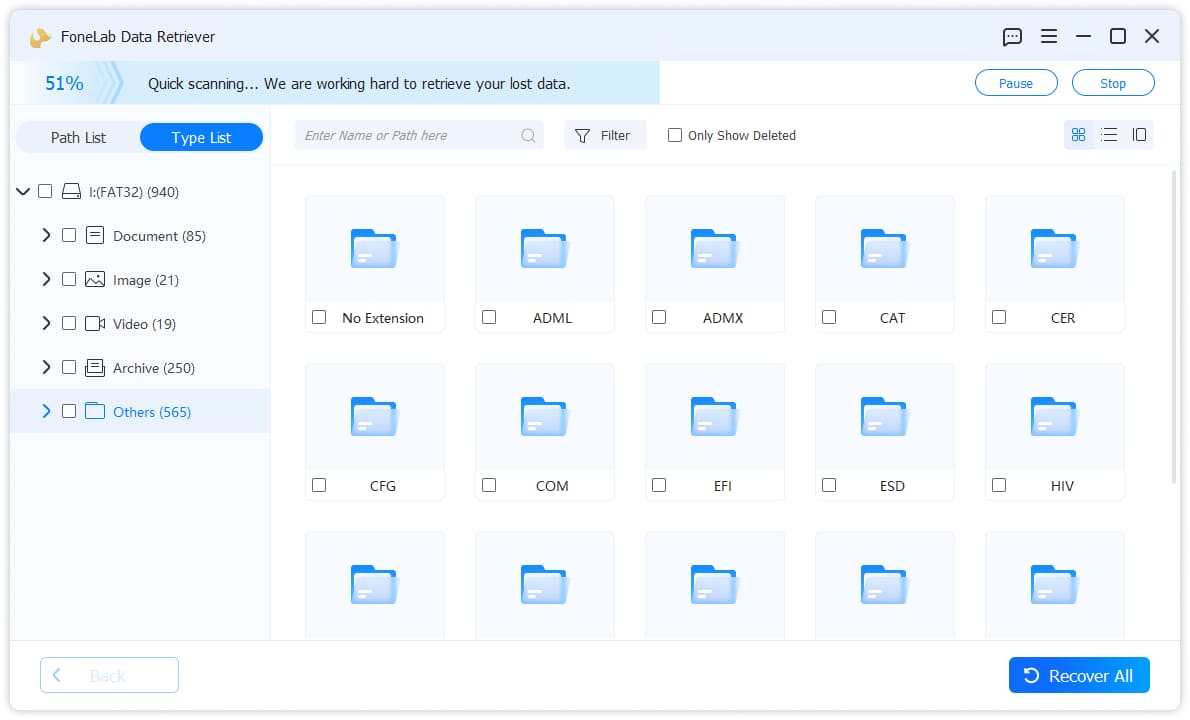
2Select Data
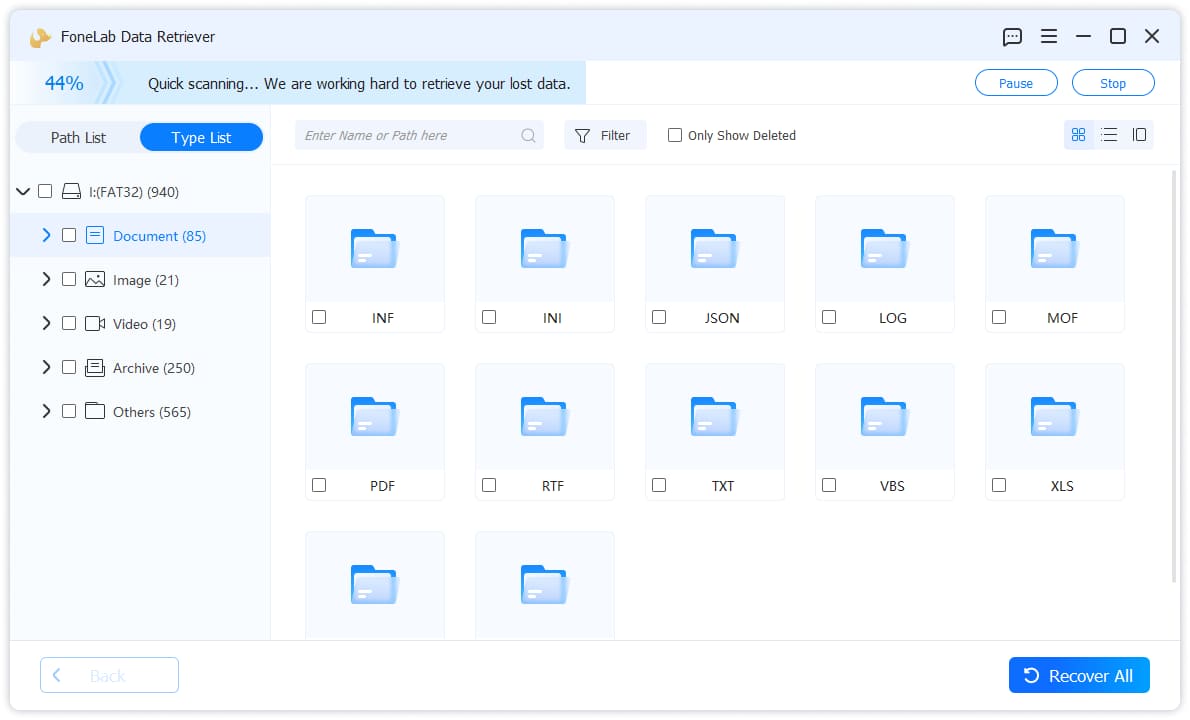
Click the file type and then check the boxes of the data which you want to recover in the window. You can use filter or only show deleted feature to locate what you want quickly.
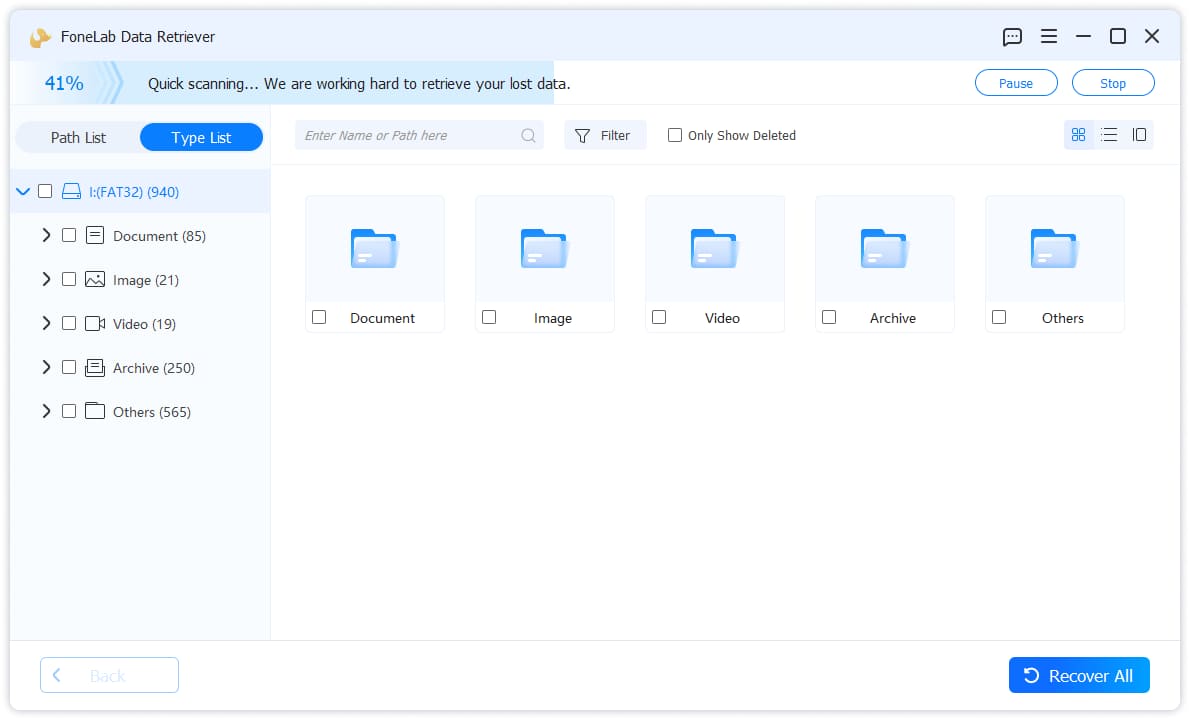
3Recover Data
Click the blue Recover button in the bottom right corner. It can recover the selected data in a few minutes.
Recycle Bin Recovery
1Scan Device
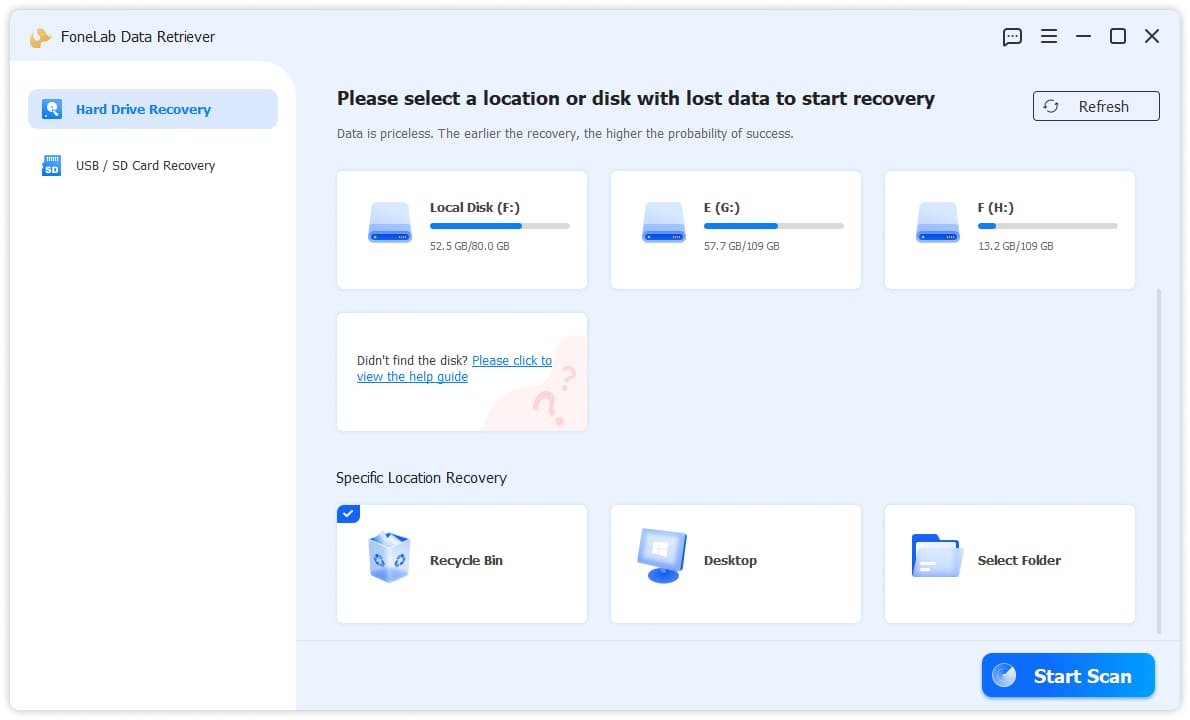
Choose Hard Drive Recovery from the left side then scroll down and choose Recycle Bin. Click the Srart Scan button.
2Choose and Recover Data
Choose your desired data from the scanning results and click Recover button.
Desktop Recovery
1Scan Device
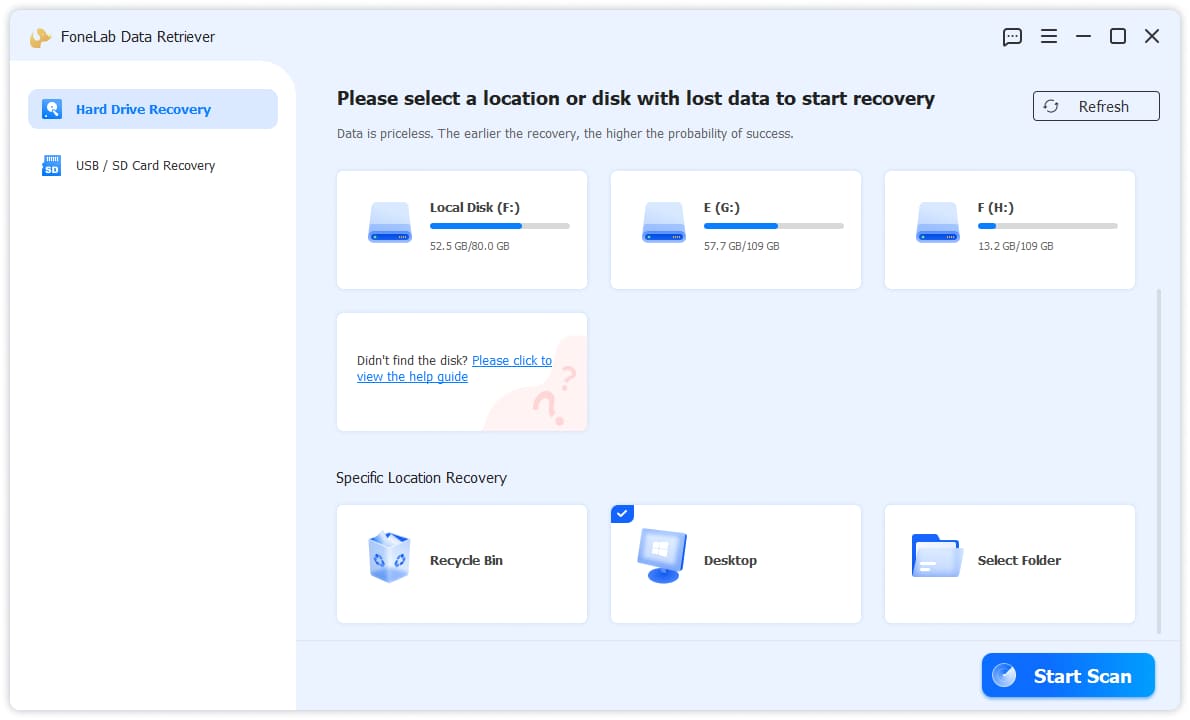
Choose Hard Drive Recovery from the left side then scroll down and choose Desktop. Click the Srart Scan button.
2Choose and Recover Data
Choose your desired data from the scanning results and click Recover button.
Folder Recovery
1Scan Device
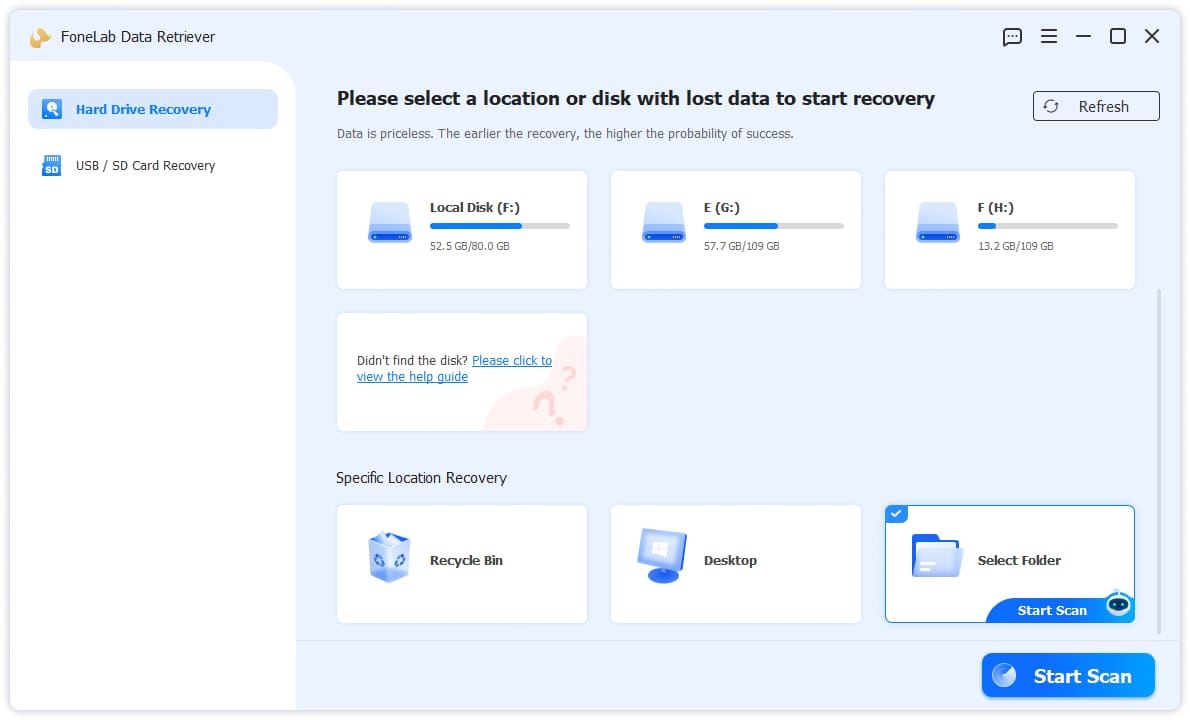
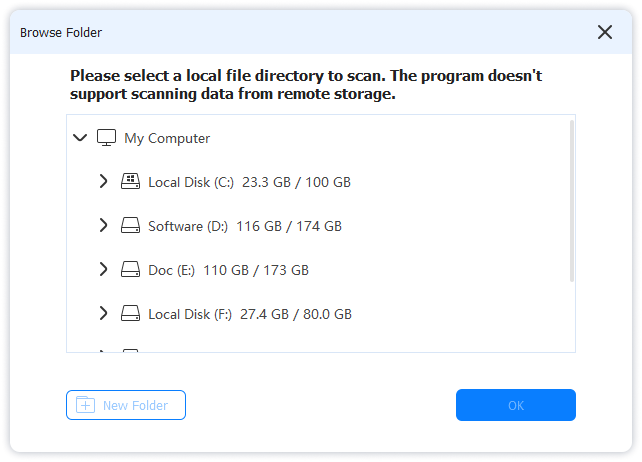
Choose Hard Drive Recovery from the left side then scroll down and choose Folder. Click the Srart Scan button. From the pop-up window, choose the folder where your lost data was saved and click OK button.
2Choose and Recover Data
Choose your desired data from the scanning results and click Recover button.

 iPhone Data Recovery
 iOS System Recovery
 iOS Data Backup & Restore
 iOS Unlocker
 iPhone Password Manager
 Location Changer
 Android Data Recovery
 Broken Android Data Extraction
 Android Data Backup & Restore
 Android Unlocker
 FoneTrans for iOS
 iPhone Data Eraser
 iPhone Cleaner
 HEIC Converter
 HyperTrans
 WhatsApp Transfer for iOS
 Mac Sweep
 Data Retriever
 Mac Data Retriever
 Video Converter Ultimate
 Screen Recorder
 Phone Mirror