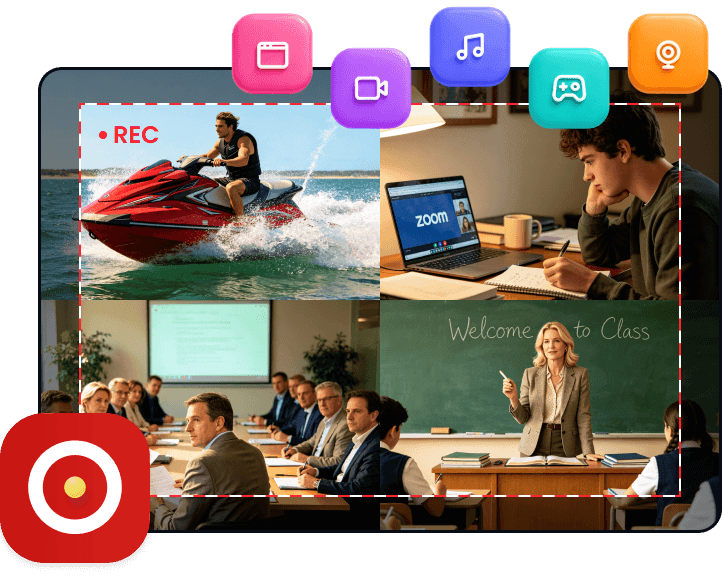
For Content Creating
Record high-quality screen and audio. Use built-in editing tools to polish clips, then easily share your videos with audiences.

 FoneLab Screen Recorder
FoneLab Screen Recorder boosts your productivity—so easy! One Click to record your screen and clear audio, make great tutorials, webinars, and business demos. Believe me, it's simple—anyone can do it.
100% Secure
100% Secure
HD Recording for All Scenarios
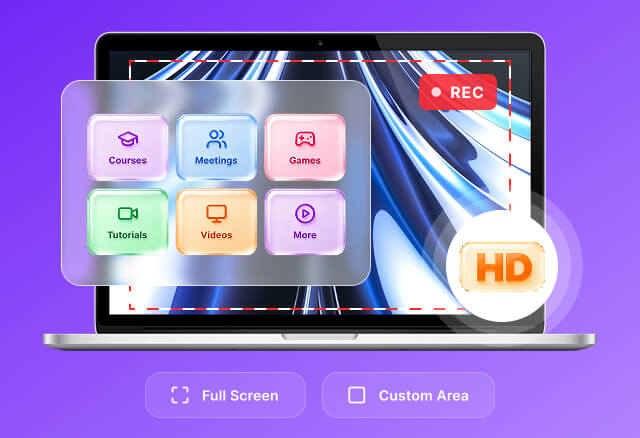
Easily record online courses, meetings, games, tutorials and videos. You can choose to record the full screen or any custom area as needed, with simple operation and no complicated settings.
Record Screen activities with Webcam
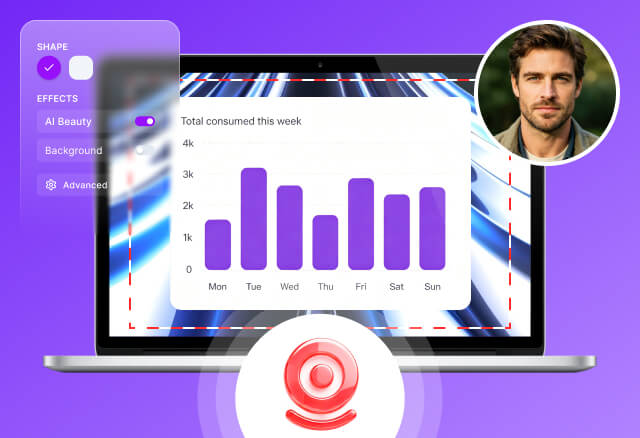
Record screen with Webcam for a personal touch. Overlay your webcam on screen recordings or capture facecam alone, supporting both built-in and external webcams. Freely adjust webcam resolution, shape and position, and enhance recordings with borders, background effects and AI beauty for a professional look.
This all-in-one tool captures screen activities seamlessly in every scenario.
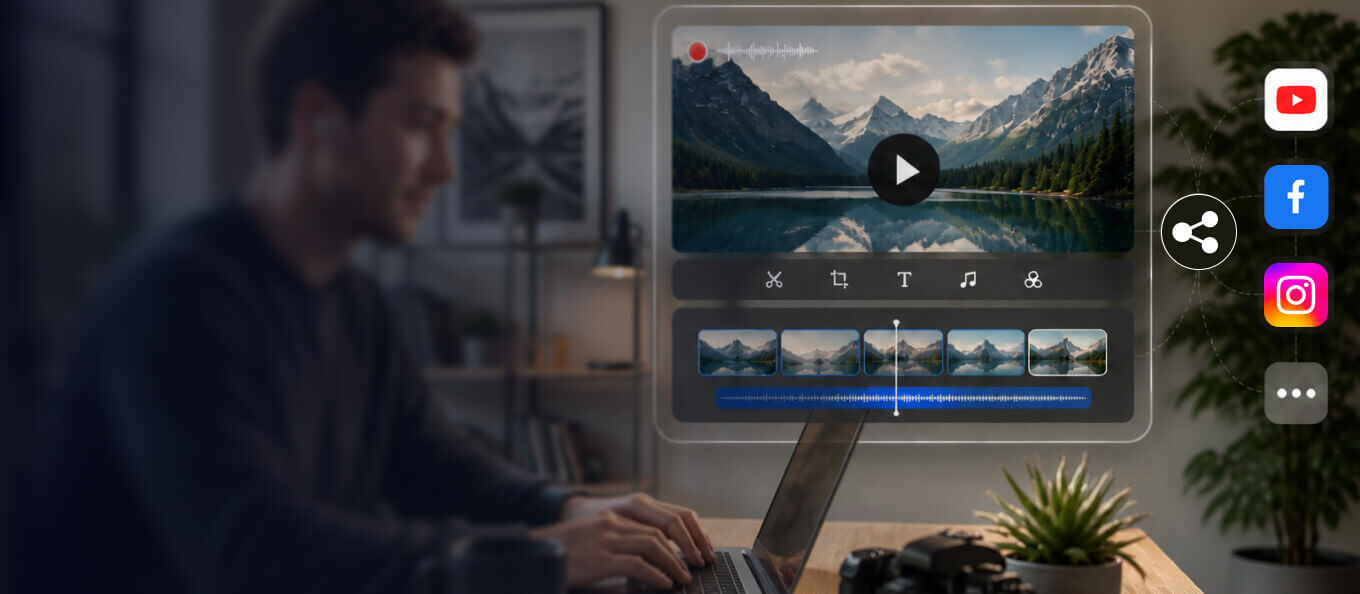
For Content Creating
Record high-quality screen and audio. Use built-in editing tools to polish clips, then easily share your videos with audiences.
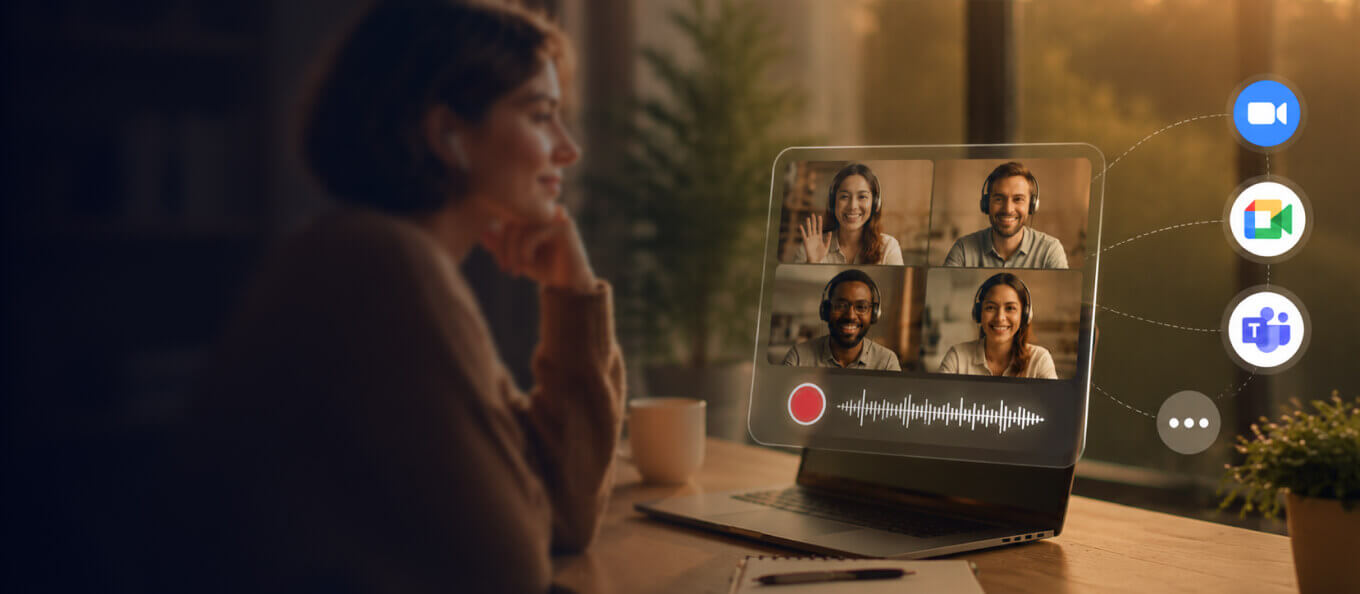
For Meeting Recording
Easily record Zoom, Google Meet, Microsoft Teams and more. It acts as your ideal helper for remote work.
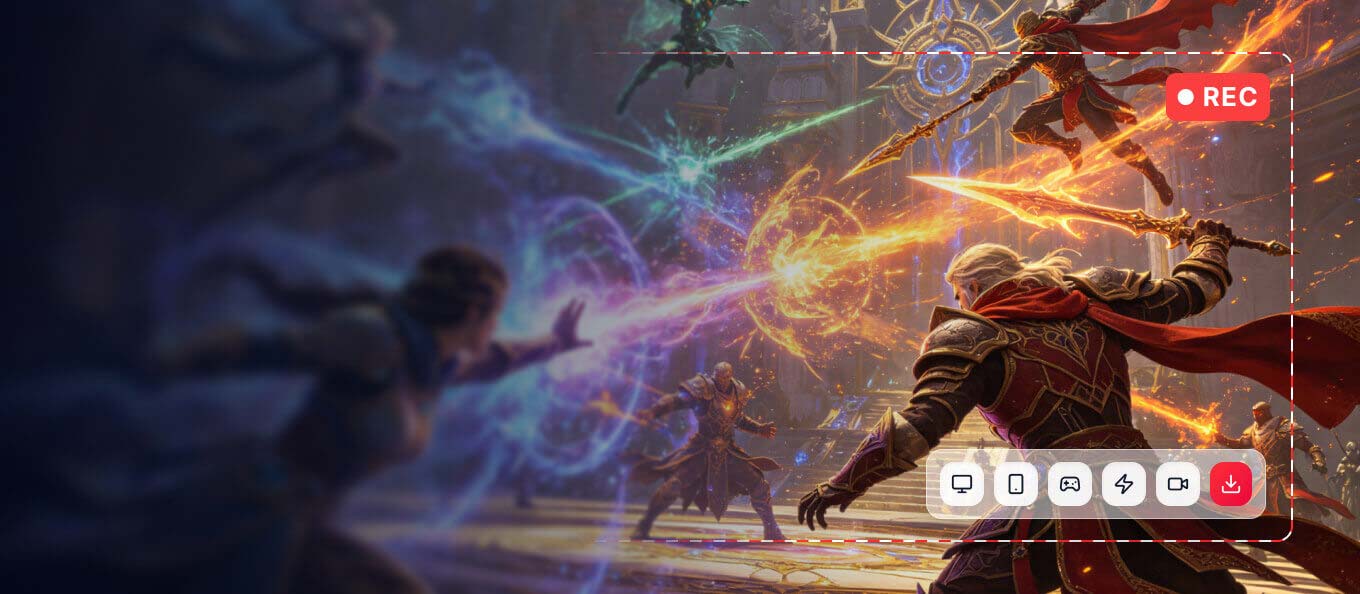
For Gameplay Recording
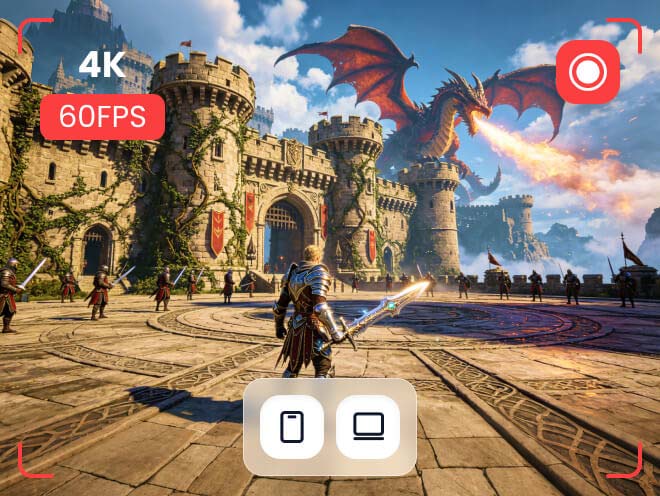
Capture all PC and mobile gameplay in high quality with no lag. Save your game clips easily for sharing highlights or creating gaming video materials.
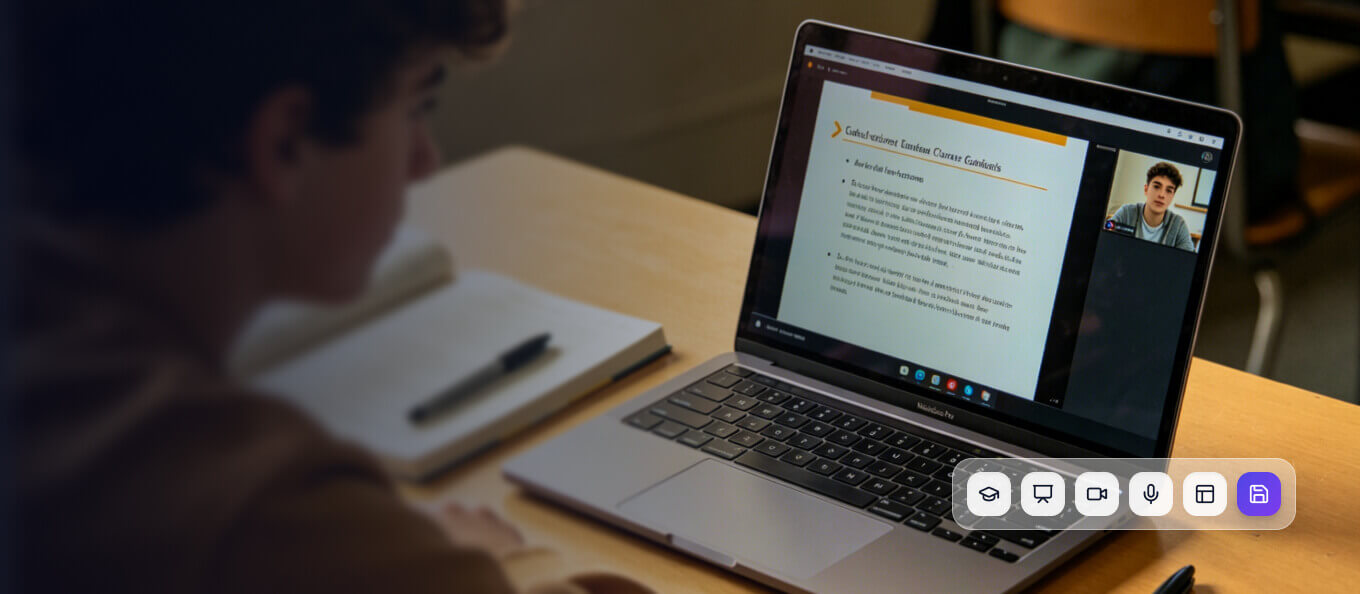
For Learning
Perfectly capture online classes including course slides, webcam footage and your voice. Record lessons effortlessly for easy review anytime.
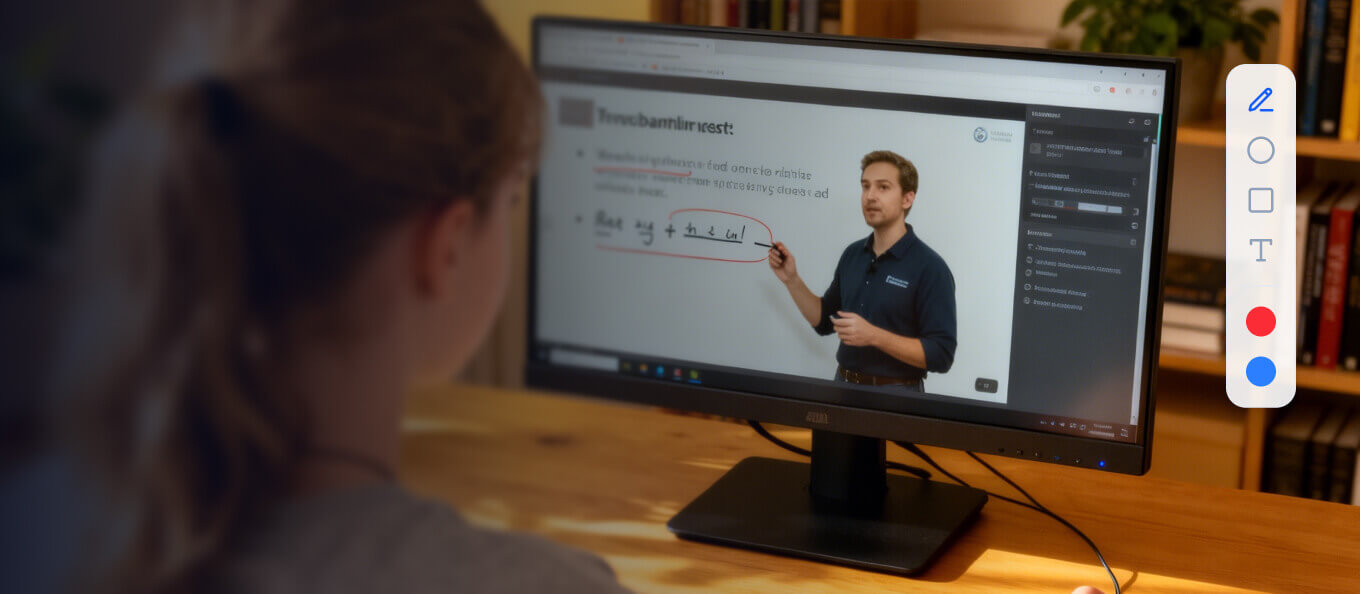
For Educating
Highlight desktop activities with mouse effects and real-time annotations. Making tutorial videos couldn’t be easier.
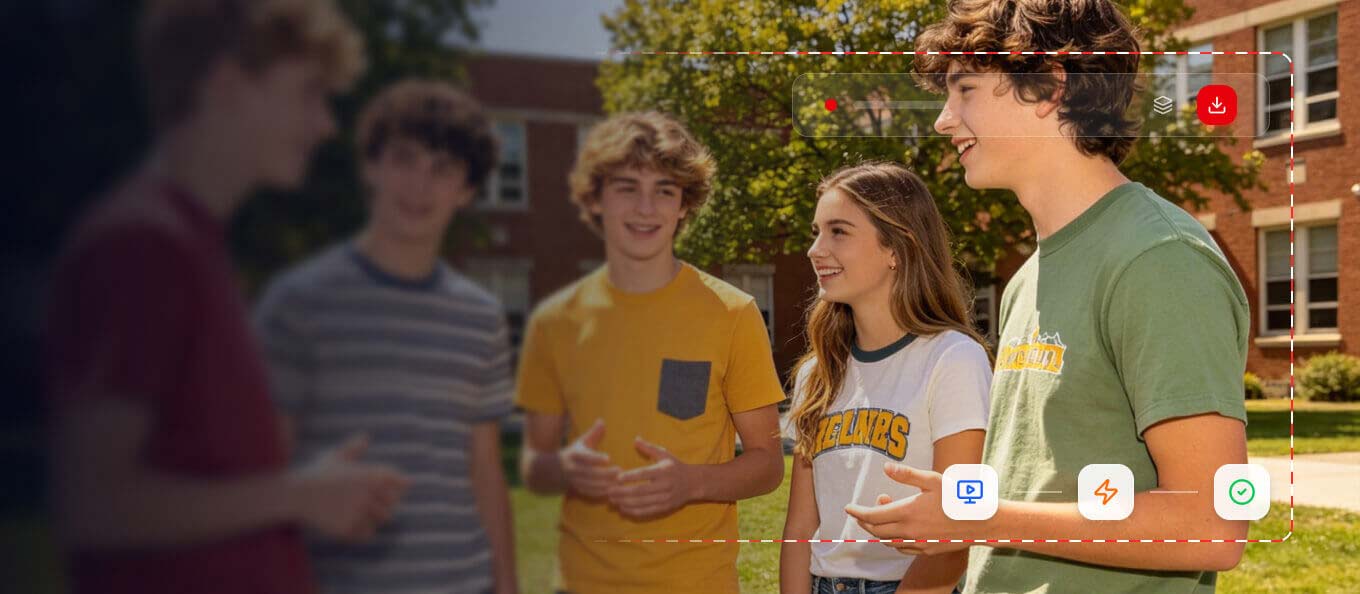
For Video Recording
Grab videos from any streaming platforms in just 3 simple steps. Record HD footage and save it directly to your device locally.
100% Secure
100% Secure
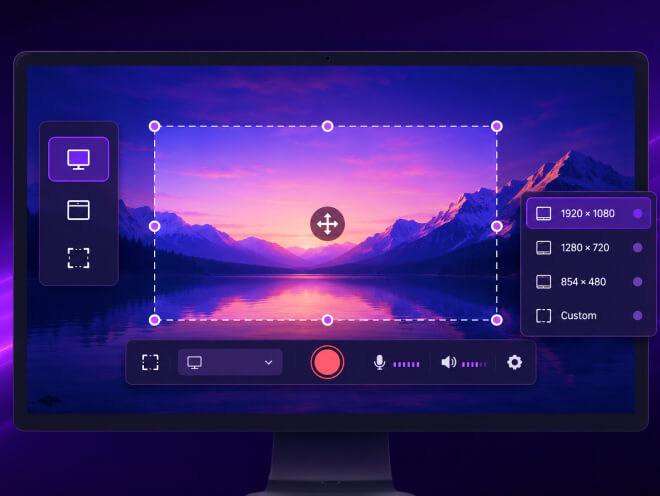
Easy Selection of Recording Area
Choose what to record with ease—full screen, a specific window, or a custom area. Our screen recorder also provides preset recording resolutions, adapting to your needs to ensure your capture is precisely tailored to what you want.
Smooth & HD Video Recording
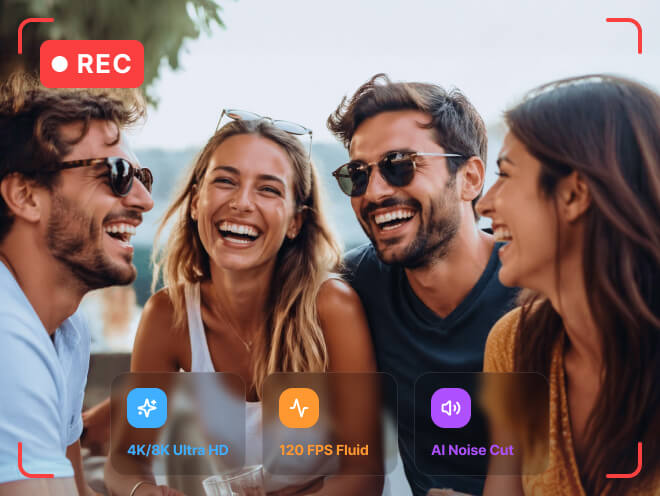
Capture every moment in stunning 4K/8K visual and audio clarity. Enjoy ultra-smooth screen recording at up to 120 FPS for sharp, fluid footage. Powered by AI voice cleaning technology, it automatically filters out background noise and optimizes your voice for crisp, professional audio quality.
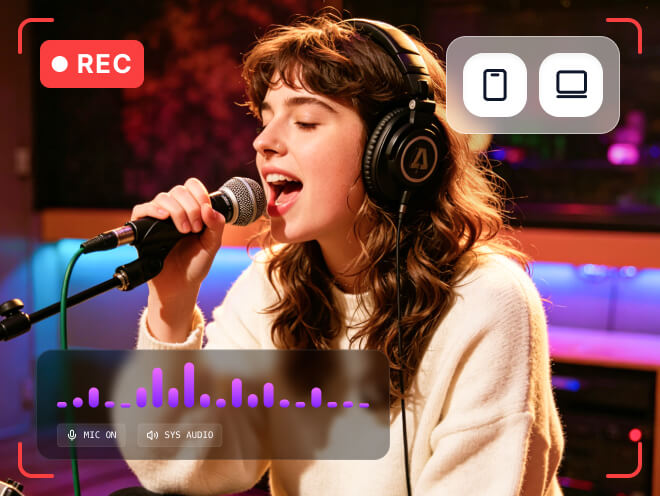
Record Screen with Sound
Record your screen effortlessly on both computer and mobile with crystal-clear audio. It seamlessly captures system sound and microphone voice simultaneously to perfect your recordings. The built-in AI Teleprompter also helps you deliver content more smoothly.
Capture Gameplay on PC & Mobile
Want to record gameplay without distractions? This recorder can detect and lock your game window for both computer and mobile games, capturing only gameplay content while ignoring other screen activities. It lets you record gameplay in up to 1080p at 60 fps, delivering smooth, lag-free video quality every time.
Mirror Phone Screen and Record
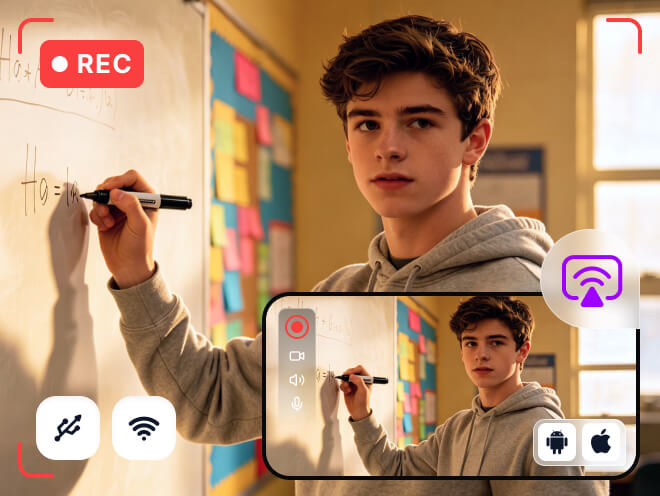
Looking to mirror your phone screen to a larger display and record its activities? Our Phone Recorder makes it simple. Wirelessly or via USB, you can cast iOS and Android screens to your computer, while recording the phone display, system audio, and microphone sound all at once.
100% Secure
100% Secure
System Requirements
Windows 11/10/8.1/8/7/Vista/XP (32 bit or 64 bit)
Mac OS X 10.12 or higher (Big Sur and Monterey also supported)